New Update - Haptique RS90
Release 2.9
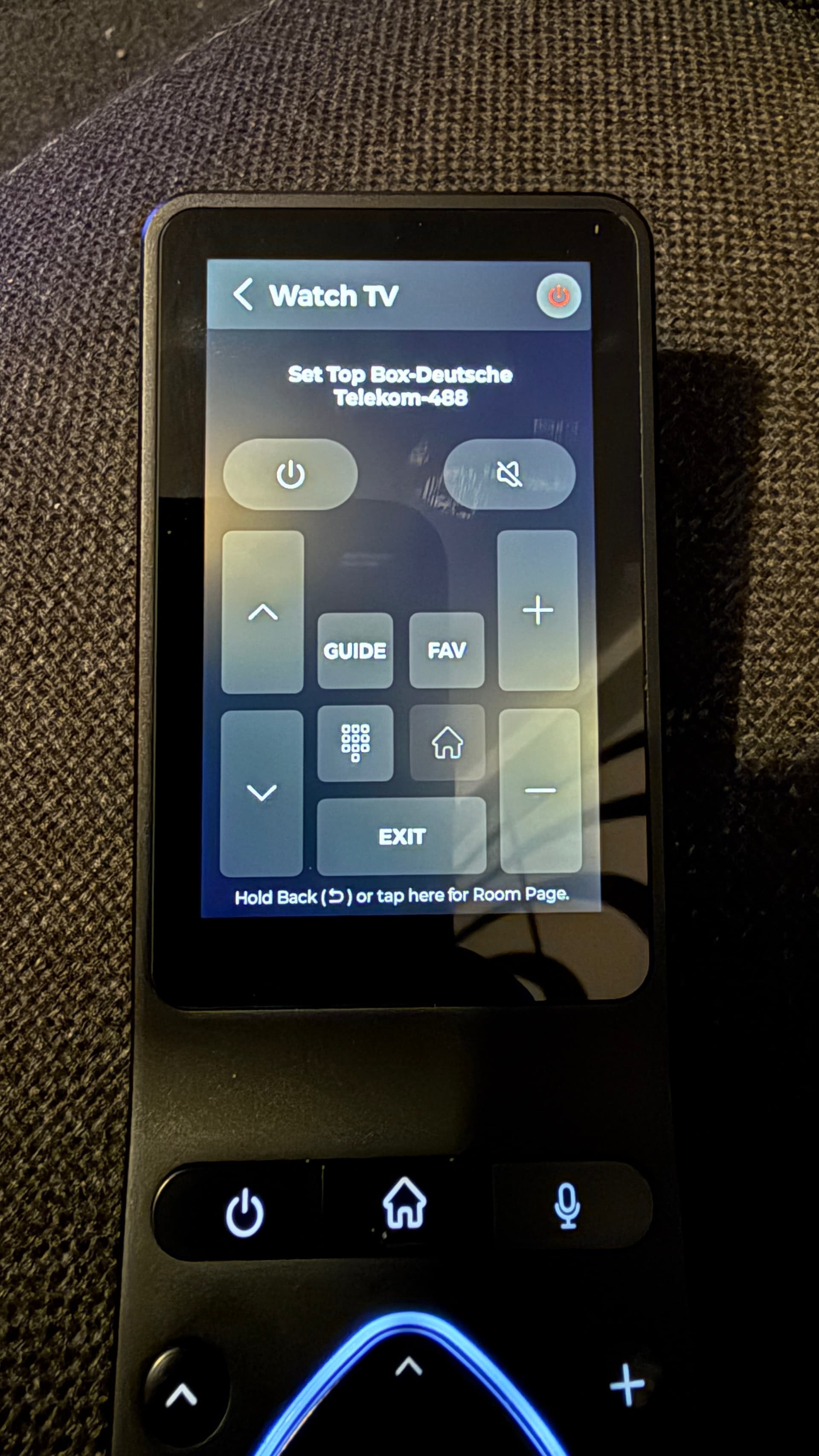
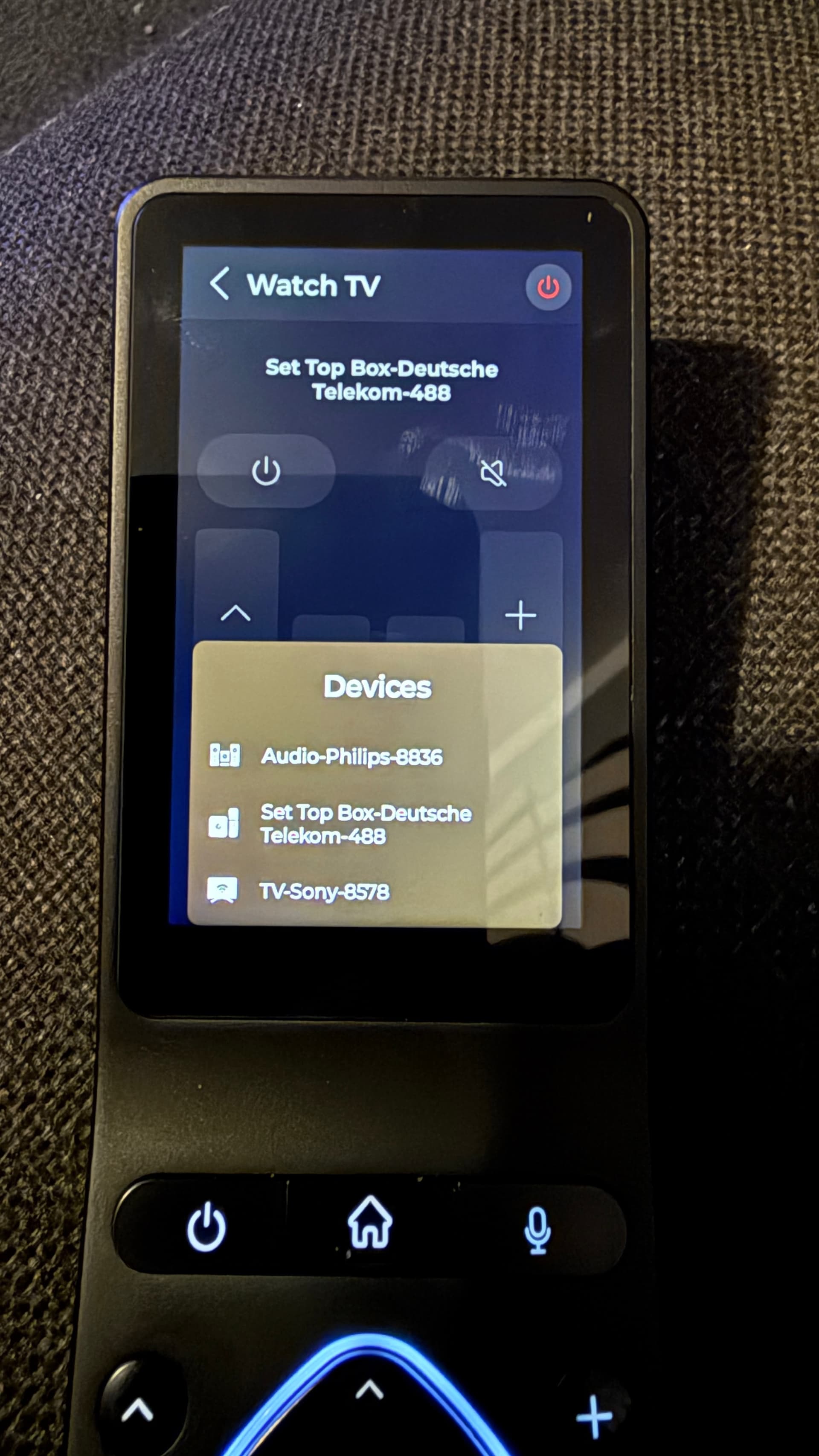
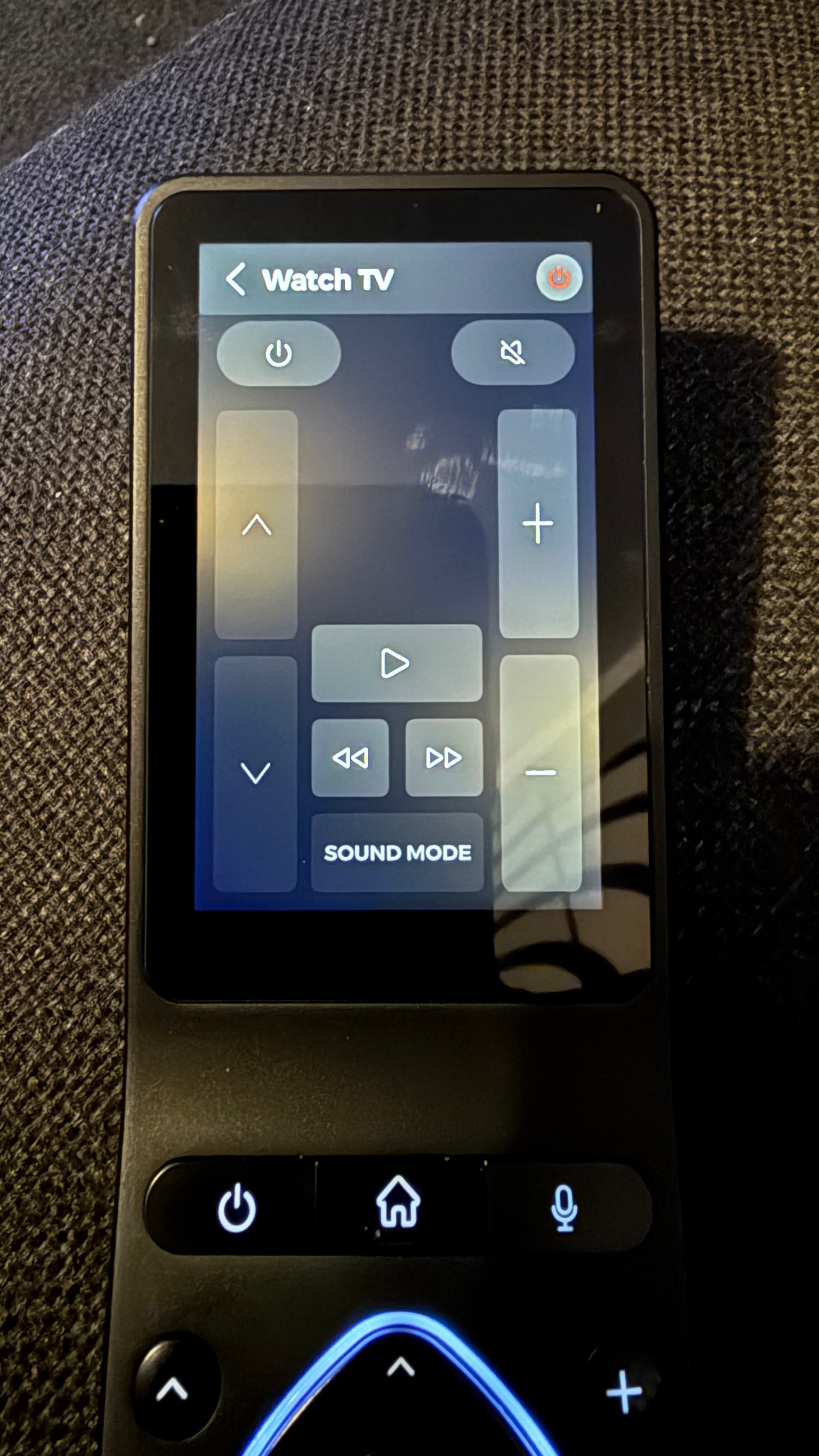
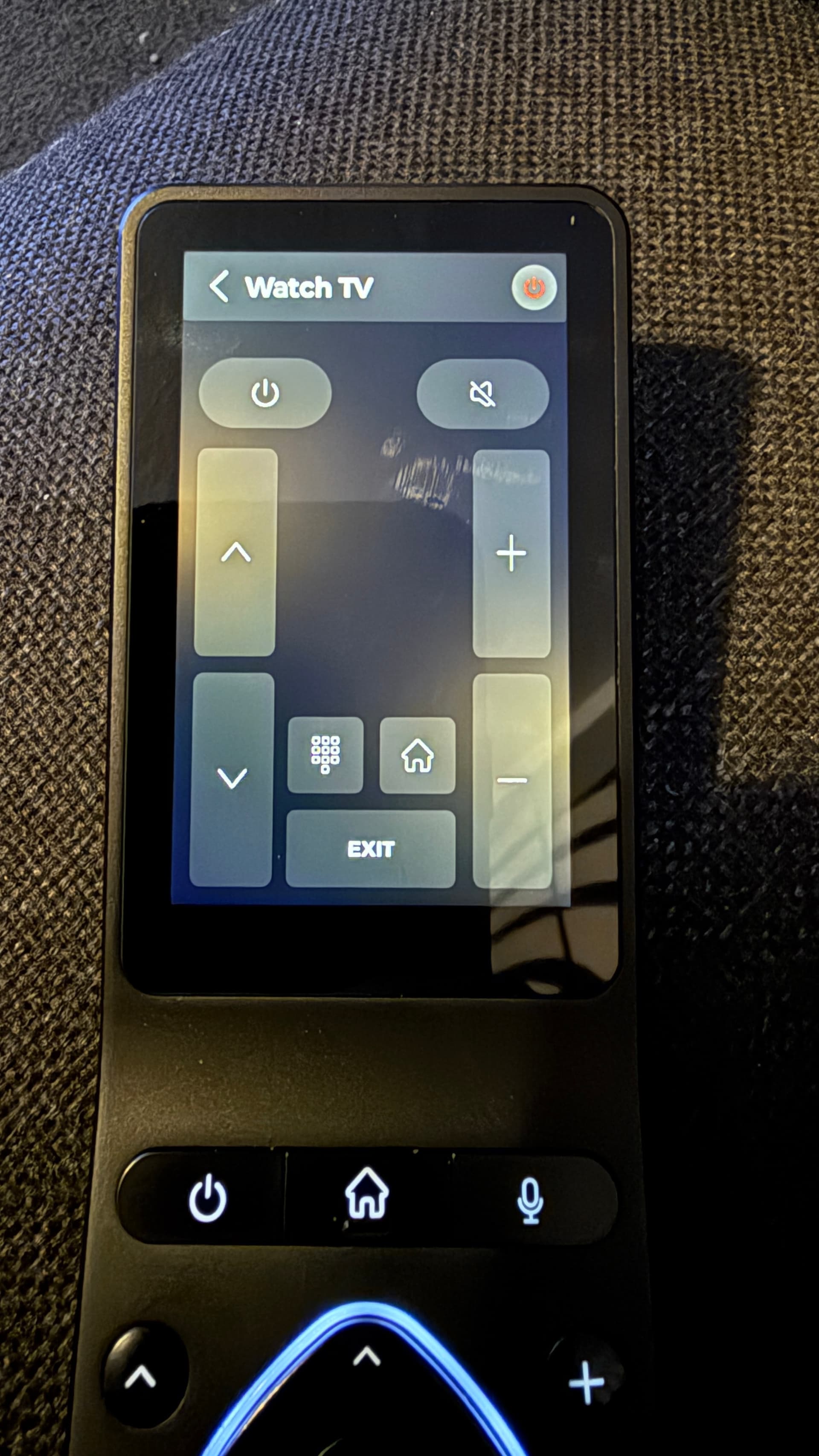
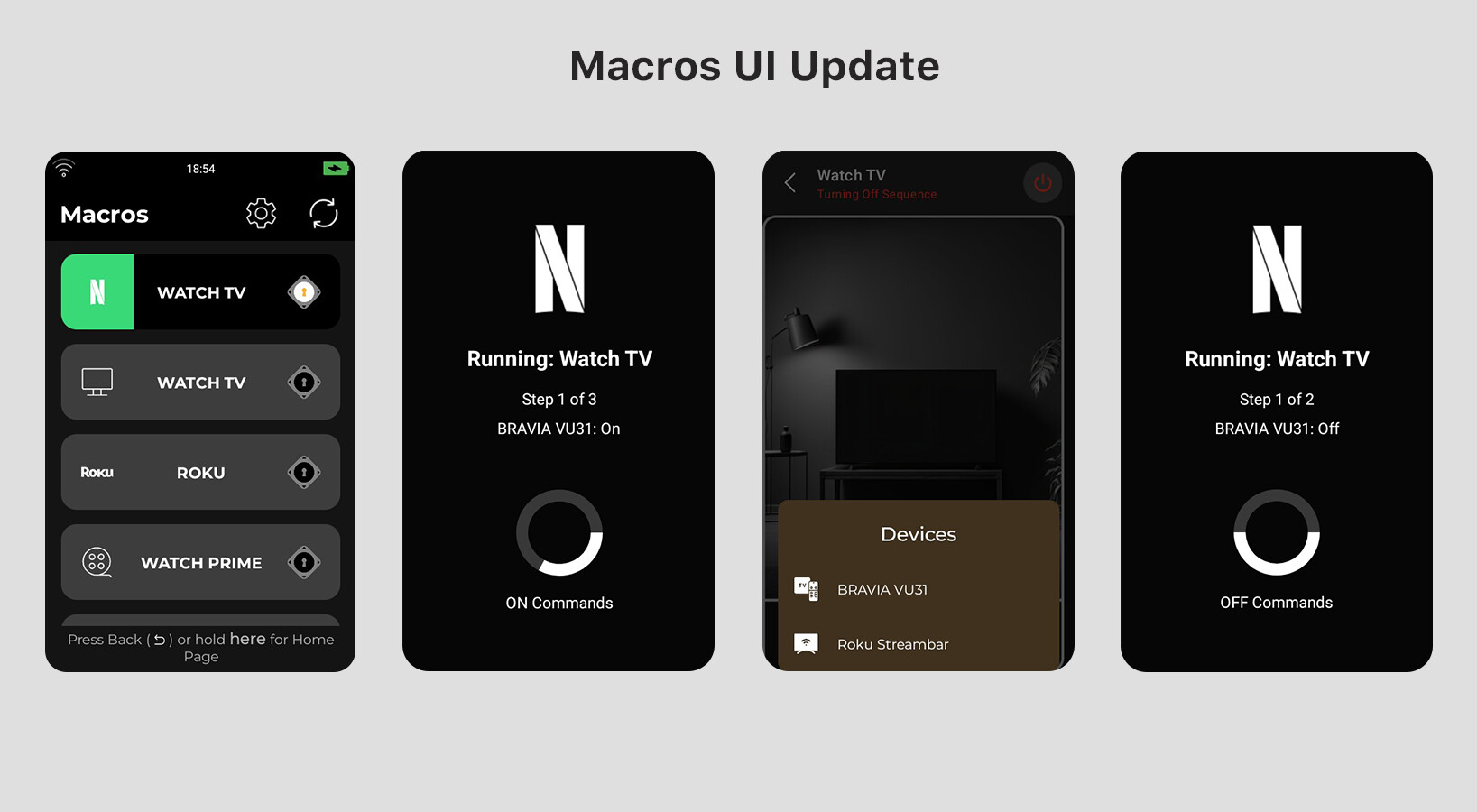
Macros now have a UI (the same as your device’s UI pages). This means all the UI options for your devices are available once you enter the Macro
Hold to activate “On” sequence and enter the UI
Long press back(return) button to come back to “Macros” page
Once in the Macro, Swipe UP to se devices.
Click on Power Icon to Turn Off the Macro.
Activity indicator added on the Macros(Green when running).
What’s Next?
This is just the first version of the UI for Macros. Based on your feedback, we’ll introduce more features, including:
- Custom app launches and custom buttons for your macros.
- The ability to add additional pages to your macros.
- The choice to keep pages you create.
We’re excited to see how you use this new feature and what insights you share with us.