
Fresh widgets. Smoother control.
Haptique RS90 app 4.0 is now available, bringing more ways to control your setup with Opus 1.
What’s new
- Bluetooth pairing: Pair Apple TV, Fire TV and supported Samsung Bluetooth devices directly from your RS90.
- A dedicated Widgets page: Enable it in Settings, add multiple widgets, and use the physical buttons for volume and playback control from the Opus 1 home screens.
- More media widgets: BluOS, WiiM, Kaleidescape, Zidoo, Roku and Spotify join the lineup.
- Your Apps page, your choice: Show or hide it in Settings.
- More powerful Macros: Create custom controls without opening the Macro page. Your existing Macro names, logos, key mappings, custom screens and device setup carry over.
- Home at a long press: Hold the Home key to return to the home screen.
- Faster Rooms: Improved startup and fixes for freezing.
- Better reconnection: Improvements to Apple TV and Yamaha AVR reconnection and timeout handling.
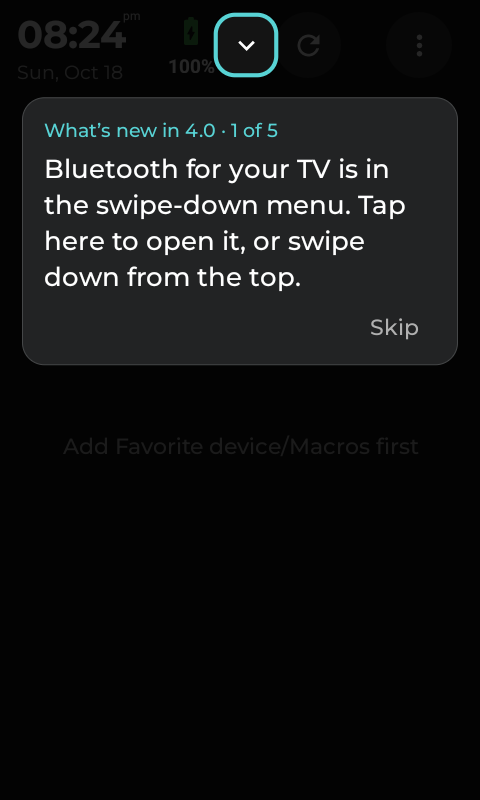
- A quick guided tour: Discover the new controls and Widgets page on your RS90.
How to update
Refresh your RS90 to check for the update, then follow the on-screen prompt. This is an optional app update, not a system firmware update. You can install it now or keep using your current version and update later.
Enjoy the update, and let us know how it works with your setup!