Macros are becoming the main way to control Devices and Sequences on Haptique whether used individually or combined.
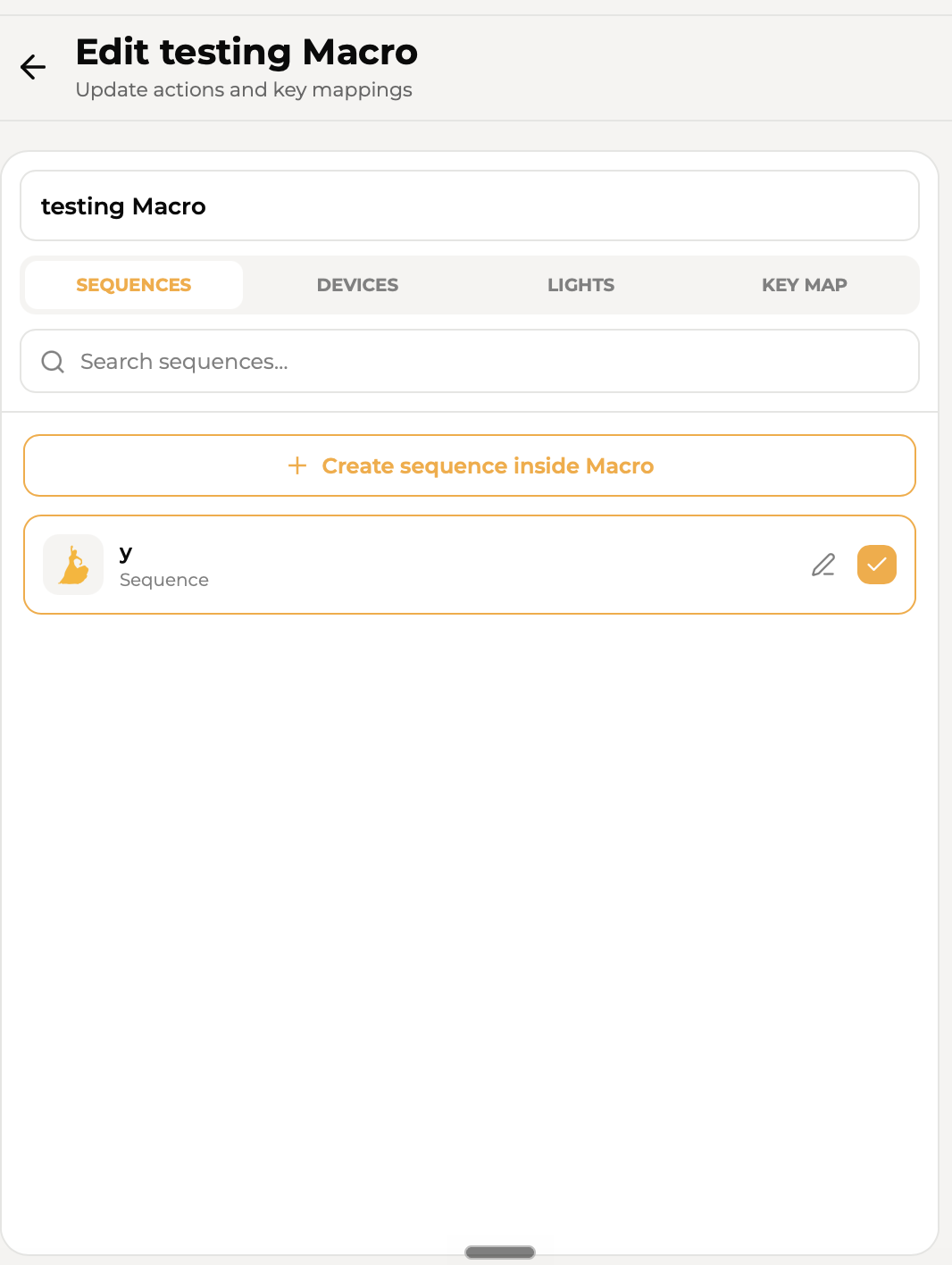
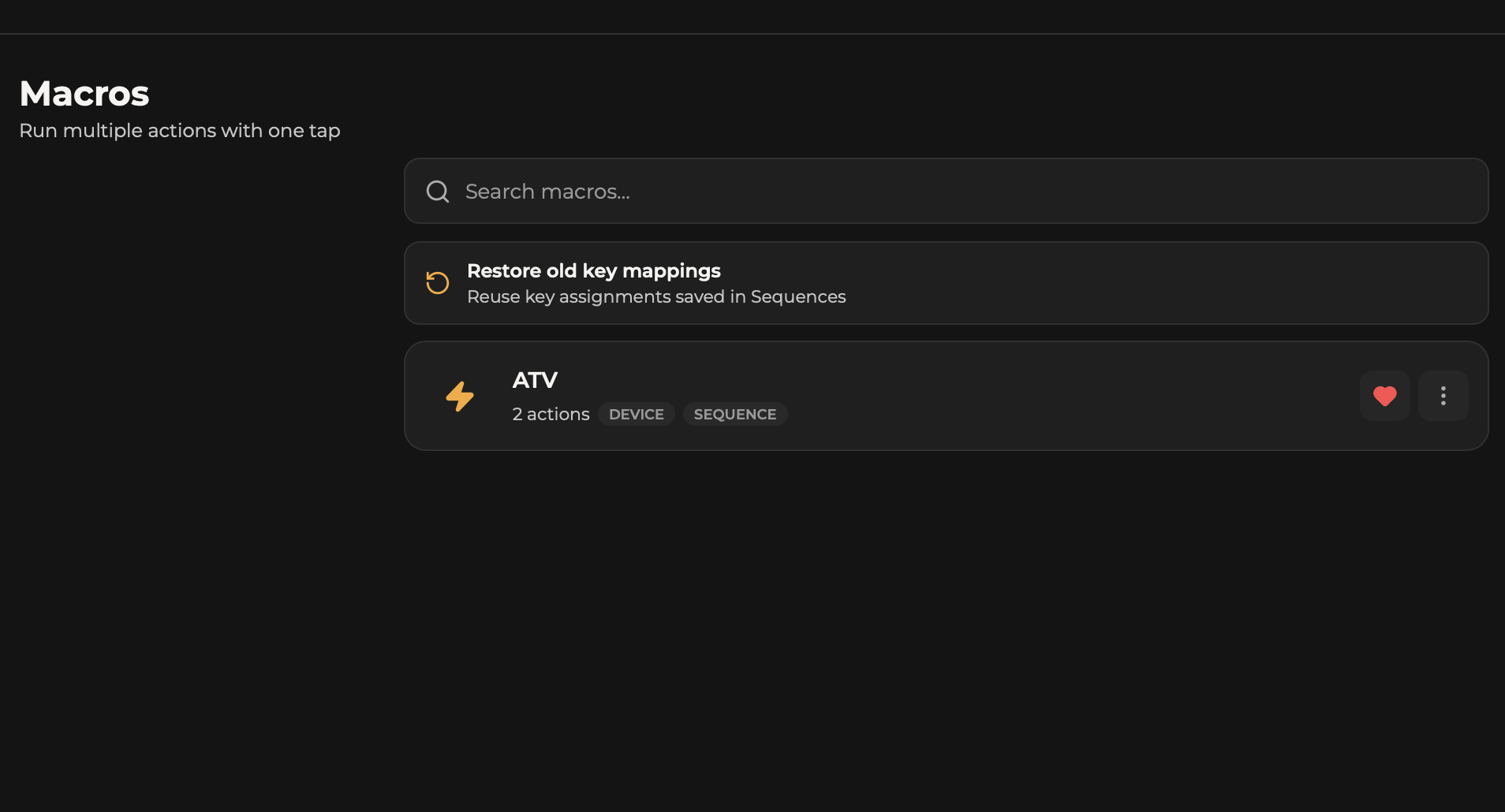
From day one, our vision for Macros was to make them a single, flexible solution for almost every control use case. A Macro can work with a single device, act as a Sequence driver, combine multiple Sequences, or bring multiple devices and actions together into one workflow.
We’re now bringing that vision to life.
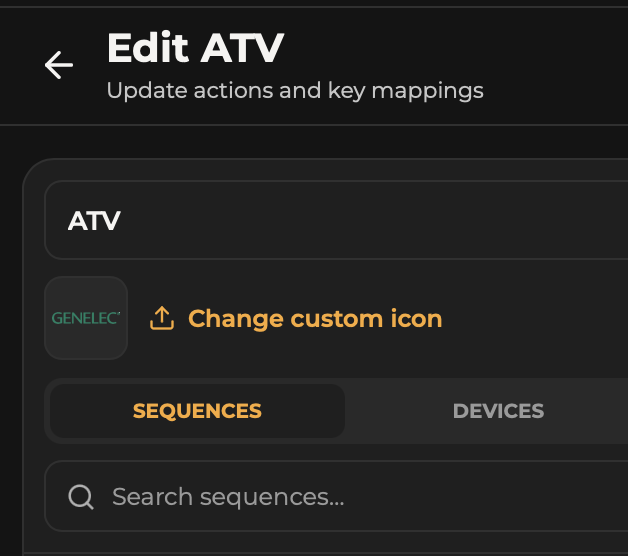
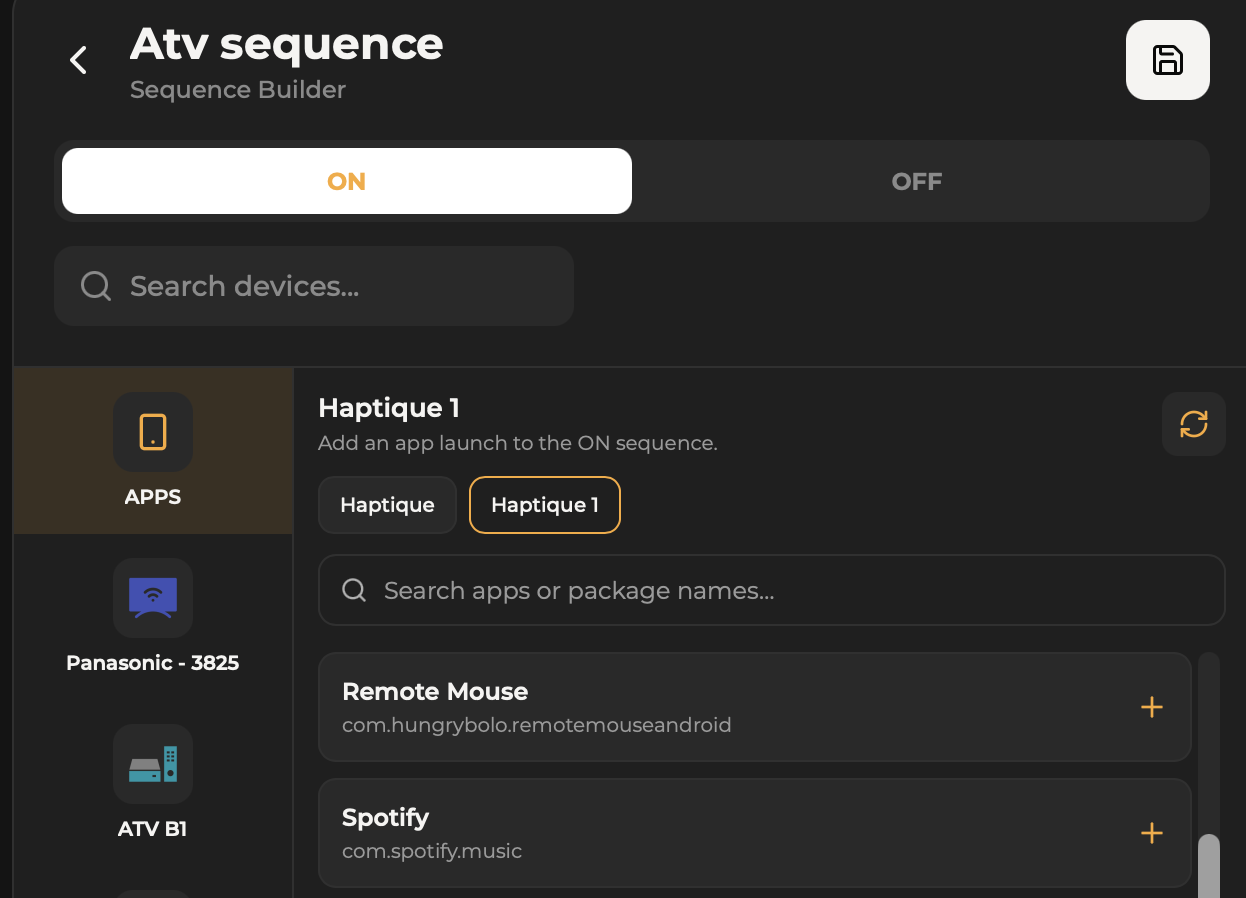
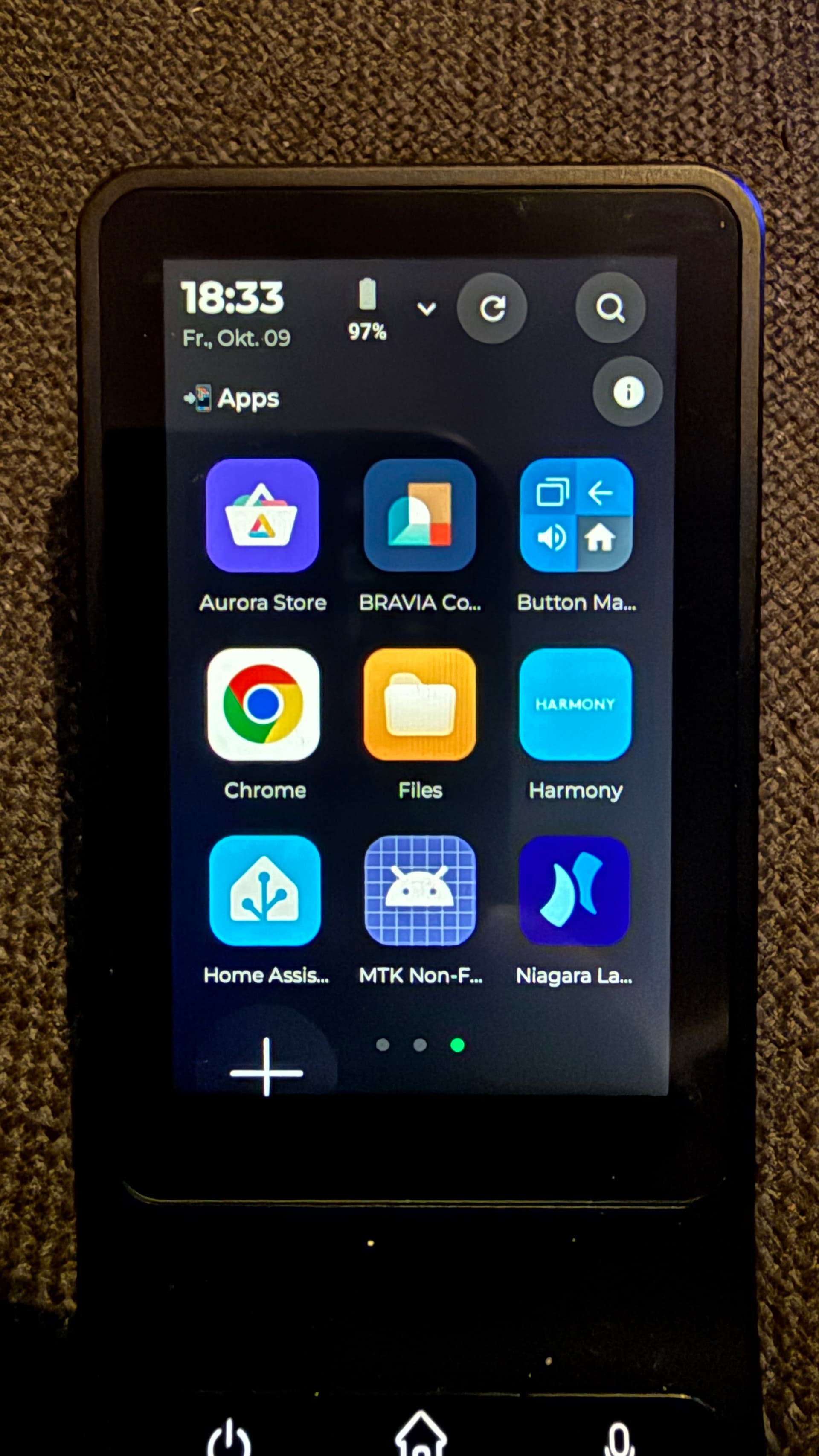
Macros will also support launching installed Android apps as part of a Sequence. This means you can move beyond a single Sequence and build much more powerful workflows involving multiple Sequences, multiple devices, and Android apps — all within one Macro.
The latest RS90 update already enables the foundation for this.
Updates pushed on RS90 and Webapp and it will follow on Haptique Config Apps.
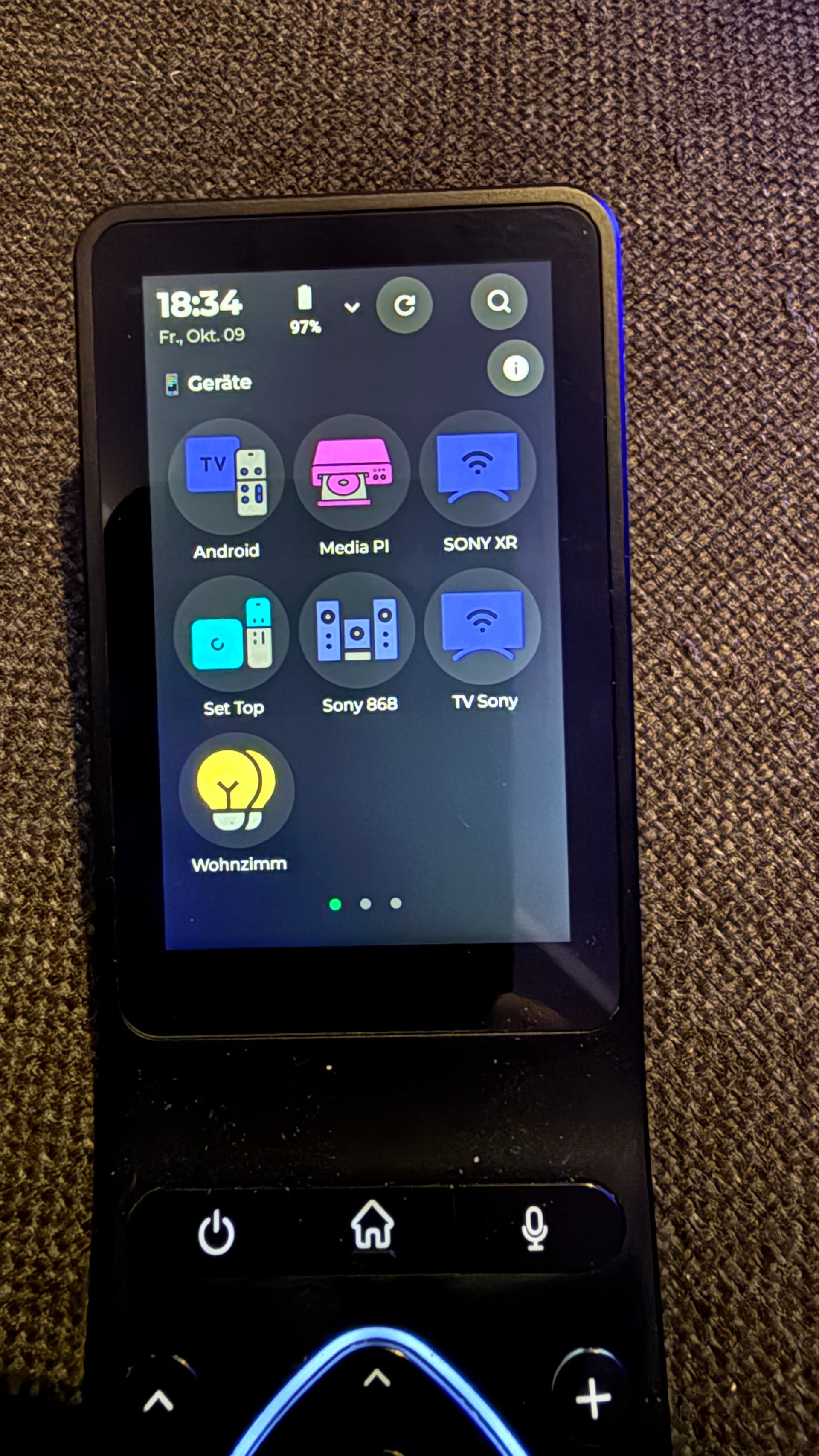
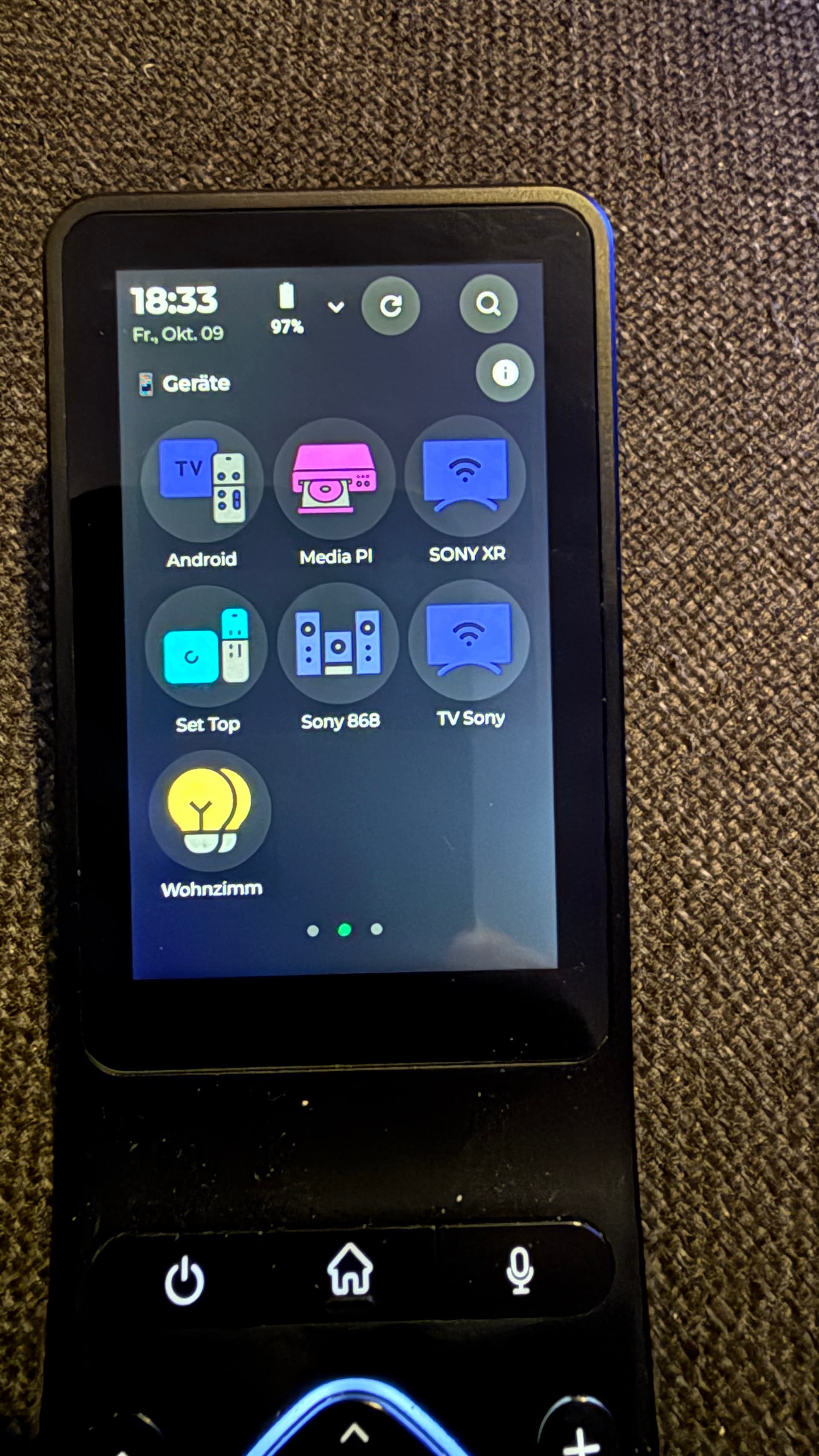
Hi, I’ve updated now my RS 90 and as I had the opus ON, I sync and the devices coming back, okay, but not the sequences, even they marked as favourite in the app. As soon as I toggle opus OFF, the old style will be showing the sequences again.
This means via Opus macros will not supported anymore?
This means that the macros are now going to host sequences not just one but multiples of them now.
Visit the web app, and your existing sequence will be available under Macro. Select which one you want to use, and you’ll just have to refresh RS90. No more sequences to Favorite method required, but just use it under Macro. That’s the new normal.
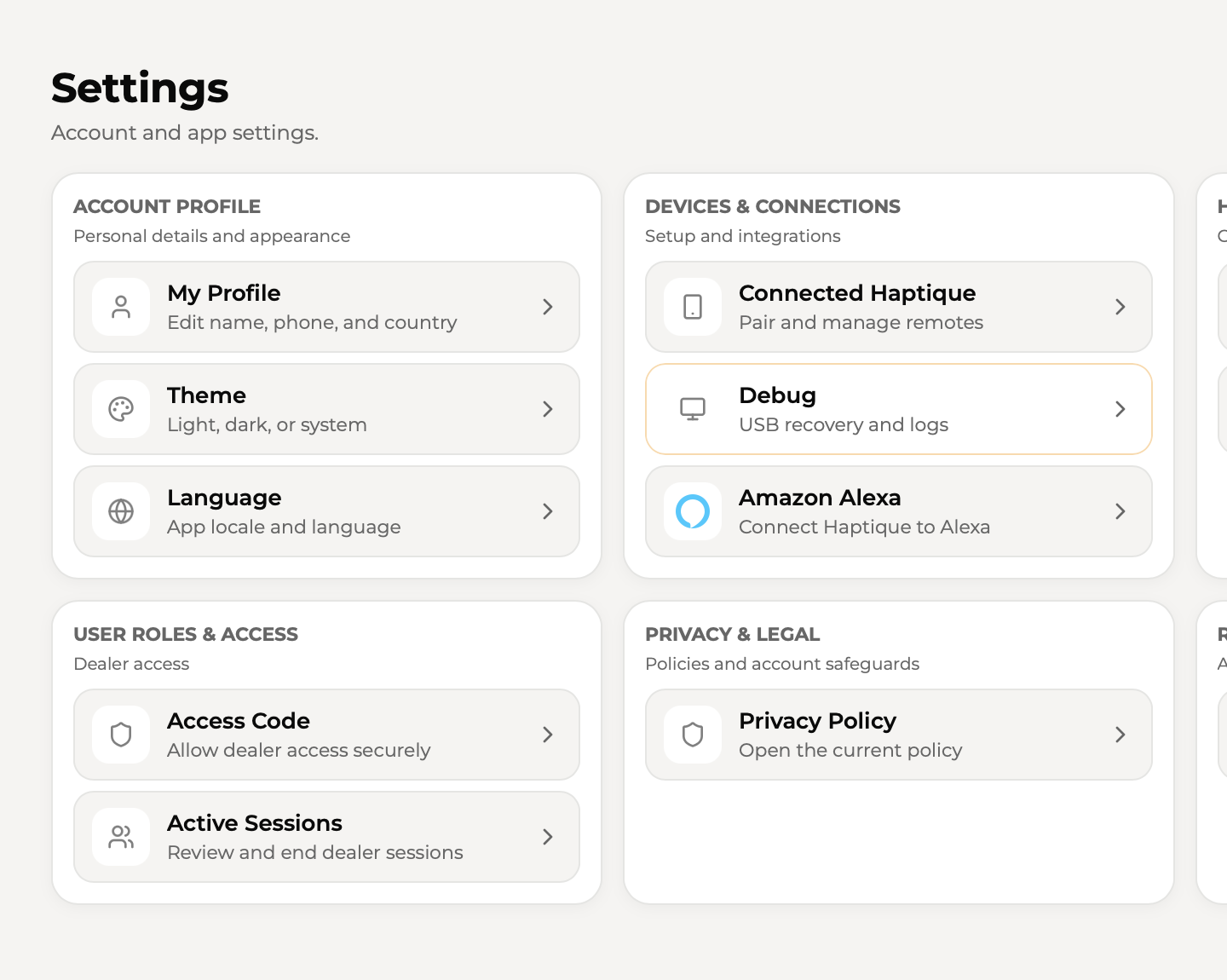
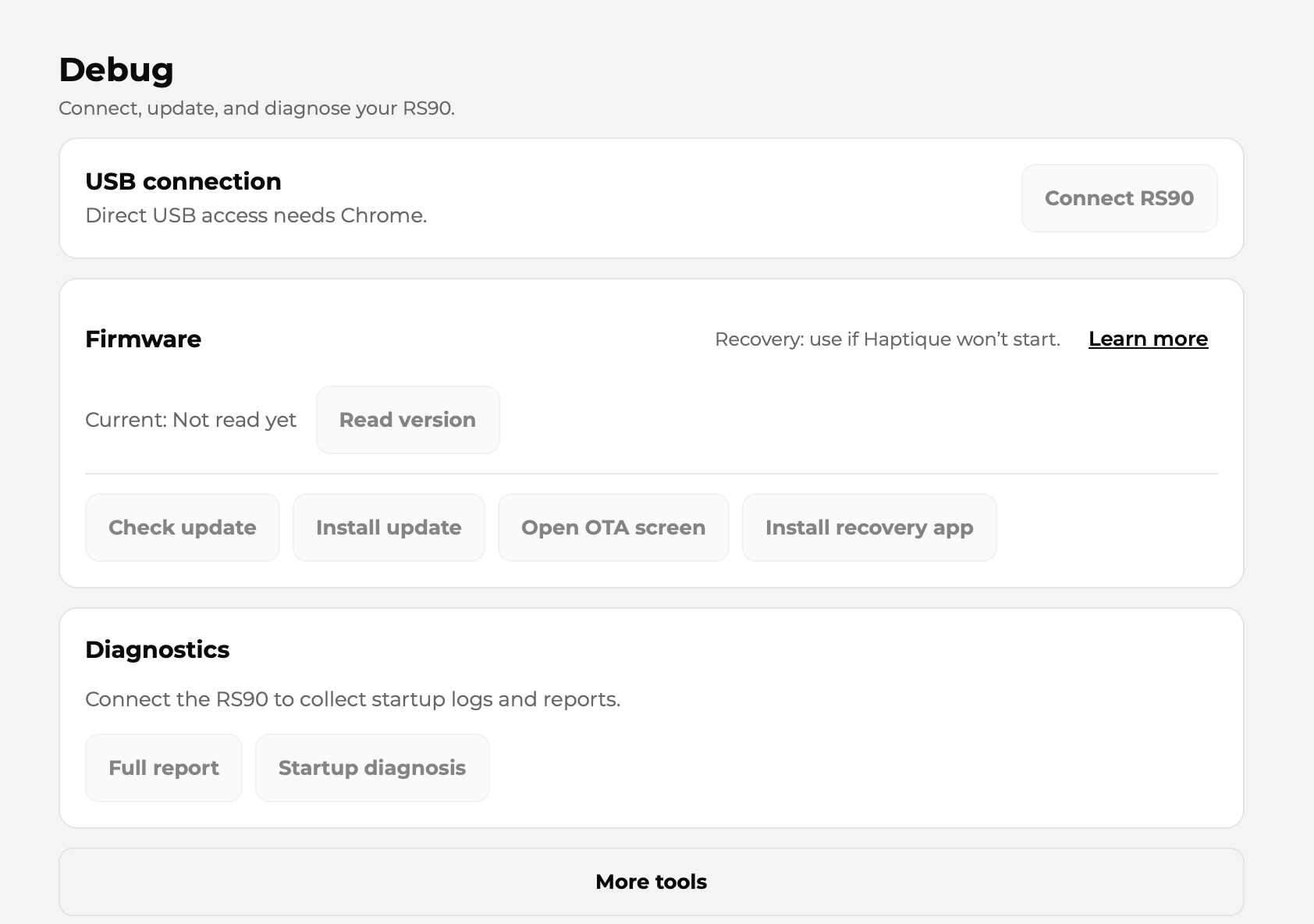
If you have not updated the firmware yet via OTA on the RS90 3GB, we strongly recommend doing so. Because we are going ahead with our new releases for the system app updated firmware is required. Therefore we have now a Debug feature on the web app which allows you to even update firmware via a simple USB connected over ADB.
After the OTA update, the sequences are no longer displayed for me. I have two pages with my devices for this. How do I get the sequence (Watch Tv) back on the remote control?
Please check the whole post, now Sequence will stay within Macros, So you need to create macros and simply select which one to use there, the good part is one Macro can host multiple sequences.