Hi Team,
I just installed my Vodafon GigaTV Set Top Box (Android). I tried first IR/Set Top/Vodafone (10633), but it doesn´t work, it even has missing commands like EPG. Might be because it´s only working as Bluetooth Device…
Then I tried Smart TV, adding IP and adding Haptique remote in the Vodafone Box, but as soon as I choose the Macro it comes with an error and no response at any button.
I also add Vodafone GigaTV to the Extender…
Any advise please?
Thank you !
Try to use BT(Bluetooth) on RS90.
Try to add Vodafone GigaTV Home (Sagemcom), as you said as BT. It’s done, but not working, no buttons seems to transmit the order, when I start the macro (keys are mapped) nothing happened, no button works. Rs90 is added in GigaTV as a remote.
Now I add GigaTV as smart TV (same as my nvidia shield), it was successfully added, remote asks for the code on my TV and all buttons working 
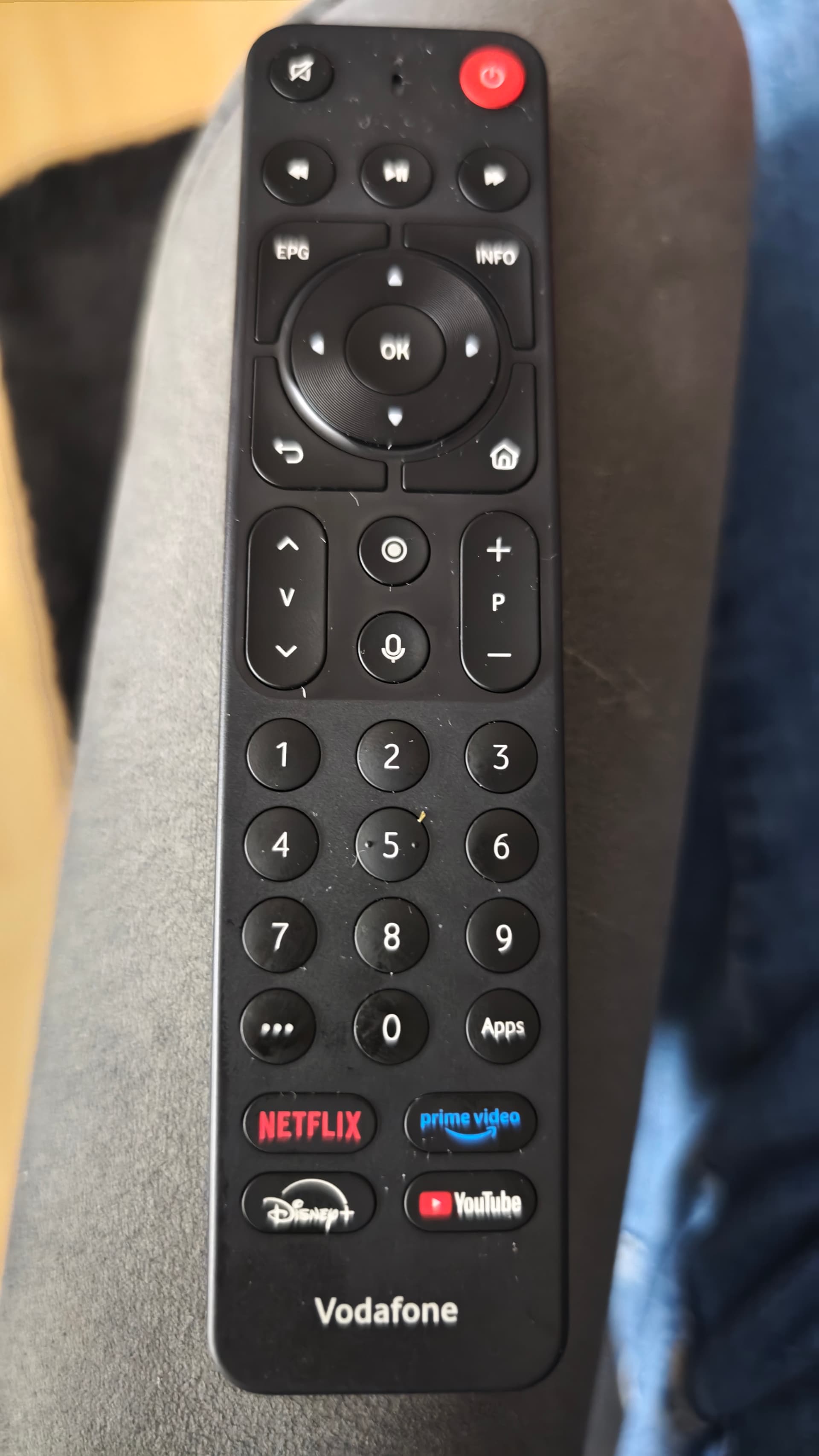
Except button for EPG is missing (you see this button on the original remote what I post in the forum) , how do I get this button on my key mappings to add it to the rs90?
Thanks for testing so thoroughly. Monday’s update covers both:
-
EPG in Smart TV mode: the RS90 now sends Android’s Guide key. After updating, open your GigaTV in the Haptique app and map the Guide command to a button.
-
Bluetooth: the RS90 now pairs the way Android TV boxes expect. On the RS90: swipe down → Bluetooth → Pair a TV → Android TV / Google TV. On the GigaTV: Settings → Remotes & Accessories → Pair remote or accessory → choose Haptique RS90, then tap Pair on the RS90. Guide works over Bluetooth as well.
We don’t have a GigaTV here, so please tell us how the Guide button behaves on yours.
1 Like
Hi, I updated RS90, and I´ve added the RS90 as Bletooth, conntected with GigaTV, I choose the BT Device, but only HOME, Vol + and - , up, down, left, right, forw, rev, play and back is working, no channel buttons, no EPG.
Then I tried Smart TV, after the update I created a new device (Smart TV) and a new macro, binding the keys but no EPG is available.
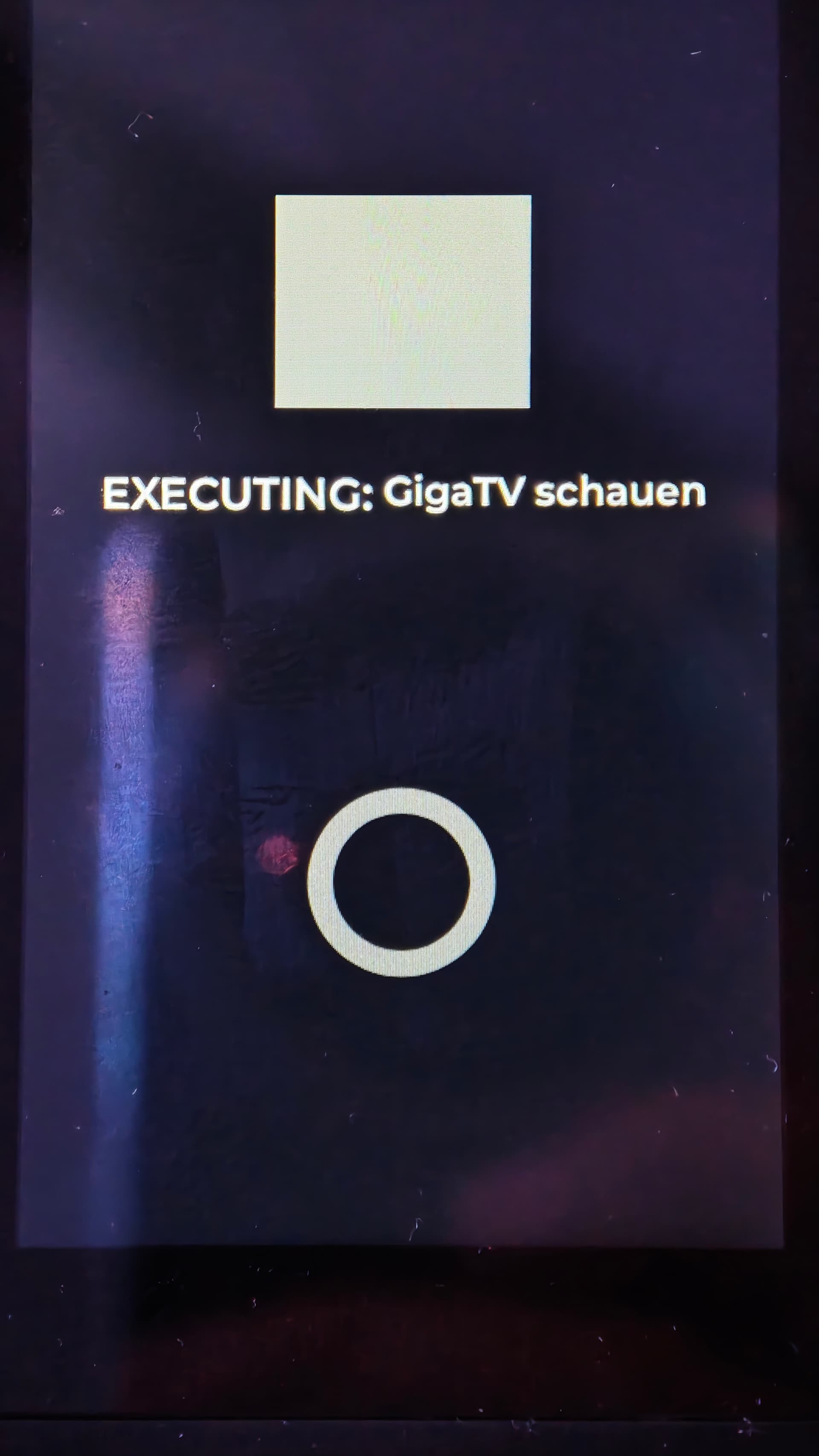
Add. Issue coming up now: when I start the Macro “GigaTV schauen” the macro is loading and not come to the end, nothing happens on the screen, no circle which is moving as it was in the past. Is this due to the update? I attached a photo of the screen also. Nothing happens and I need to reset the RS90.
I really don´t know how I can bring this remote working correctly… 
The Sequence is getting held up by broken command which is not going through. We have fixed this issue for EPG on BT integration. Give it a try and confirm if the command is available. Often IP integration will not be available as a device will be not o the network when in standby thus IR or BT is recommend to use under sequence to On.