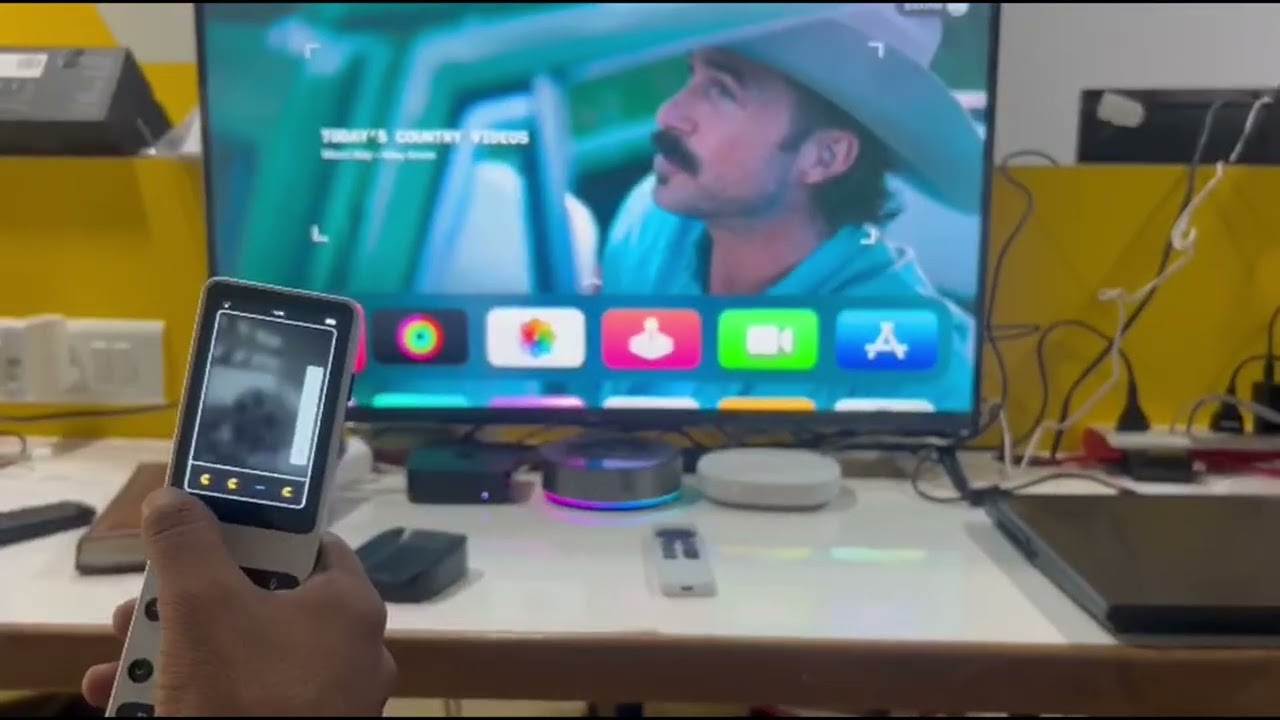
Android TV Integration with Haptique RS90
Haptique RS90 now supports Android TV Integration using ADB (Android Debug Bridge), enabling control of Android-based operating systems, including Android TV, Google TV, Fire OS, Nvidia Shield, R_volution Media Player, and other Android-powered devices.
Easy Configuration with the Haptique Config App
If you own any of these devices, setup is seamless with the Haptique Config App:
 Auto-Discovery – RS90 will automatically detect Android OS devices on your network.
Manual Setup – If auto-discovery doesn’t detect your device, you can manually enter its IP address.
Preconfigured Apps for Instant Access
We’ve preconfigured 10 popular apps in the Config App, complete with icons. If your TV has any of these apps installed, they will automatically appear in the Android TV UI on RS90.
Custom App Mapping & ADB Commands
If an app isn’t detected or isn’t visible on the RS90 UI, you can:
 Manually add the app by opening an ADB command under Custom URL and mapping it to your RS90 Room UI.
Upcoming Features
 App launching via Sequences – Integrate app opening into your automation sequences.
Quick Button Support – Assign frequently used apps to Quick Buttons for instant access.
Let us know your feedback and what other features you’d like to see!