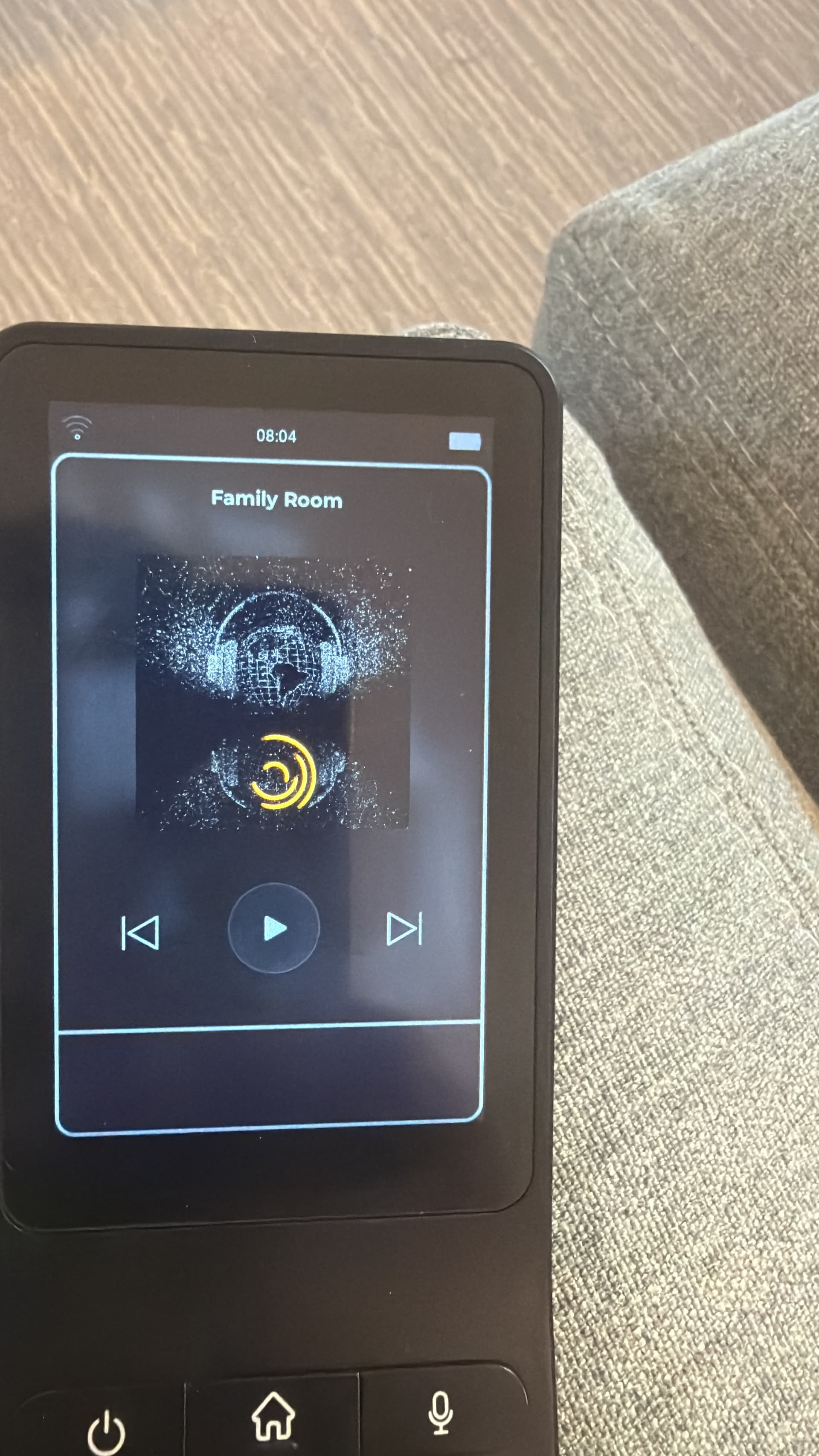
One other issue I seem to be getting with this set up is that each time I open the Haptique app (after opening a different app) it seems to take a while (10 seconds?) for the Apple TV IP connection to restore.
Can anyone else confirm?
One other issue I seem to be getting with this set up is that each time I open the Haptique app (after opening a different app) it seems to take a while (10 seconds?) for the Apple TV IP connection to restore.
Can anyone else confirm?
For me don’t work at all  I have 2 Apple TV at home 3rd and 4th Gen 4k every other app or HA working, this not
App on phone finding both apple t. I can add them etc but later or never get connected
Also Apple TV never asked to pair like any other app
the volume control does not work!
Is it the same for you
A short video post will help to understand the situation better at your end.
I can install the Apple TV from the iOS app but is won’t pair on the remote
Resolved this by uninstalling the iOS app and factory resetting everything. Start from scratch
This is where I’m stuck at as well. My Apple TV 4K gen 2 is added just fine via the iOS config app, but once I try to use it on the actual remote I just get the yellow spinning circle.
Make sure you have the RS90 3GB.
How? I see no mention of this on the box, on the remote or anywhere in the software. This is a Haptique website purchase and it said I was buying a 3GB model.
After restarting both the Apple TV 4K and RS90 I was finally able to pair using the pin displayed on the TV. Problem now is whenever my Apple TV is off/asleep I have to wake it up first with the Siri remote or my Harmony hub remote otherwise I will still get the spinning yellow circle. Even then, once on, I usually have to try 2-3 times before it will connect.
Since this is a very first release of Apple TV integration, with more user feedback we will have clear vision what to address and fix. On our side we don’t run into this issues thus user feedback is very essential. We will update the underlying version of pyatv which is an open-source reverse engineered python library to the latest and surely that will fix many similar issues.
Here is the readme of the latest version and its fixes:
I have an issue connecting to my apple TV. iOS app found it and i was able to add AppleTV to my remote, but remote is not connecting to it. Anyone figured out how to fix this?
Have you updated to the TvOS 26? If yes we had this issue also, but after testing further it got resolved. It is something to do with the TvOS how it handles this Python library we used called PyAtv. We will see how to resolve it using any technic if possible.
Thank you for a quick reply. Updating iOS helped!
Now this integration also controls the Volume, make sure that the connected TV has CEC enabled. MUTE button is still not working.
The Apple TV integration works well for me, except that every 3-4 days, I have to link it with the code again. I have a sequence that powers on the Apple TV in addition to other devices. After linking with the code, it will power the Apple TV on and it works normally. This lasts for about 3-4 days (could be longer, but definitely less than a week). I know its broken when the Apple TV will not power on with the sequence. I have to power it on with its own remote, then go into the Apple TV device on the RS90 and its prompts for a code again. – this works for a while but always drops after several days.
I have the RS90 3GB and the latest Apple TV 4k model.