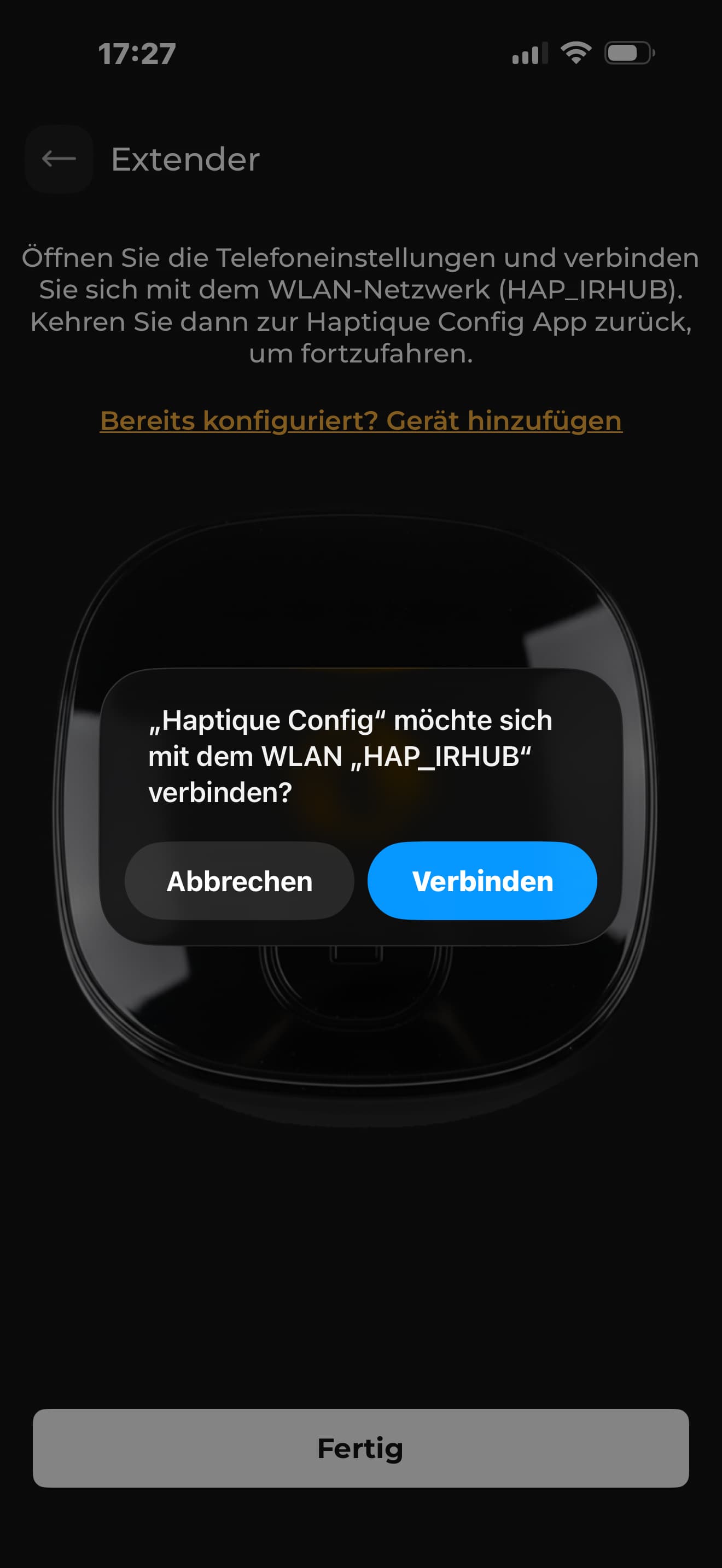
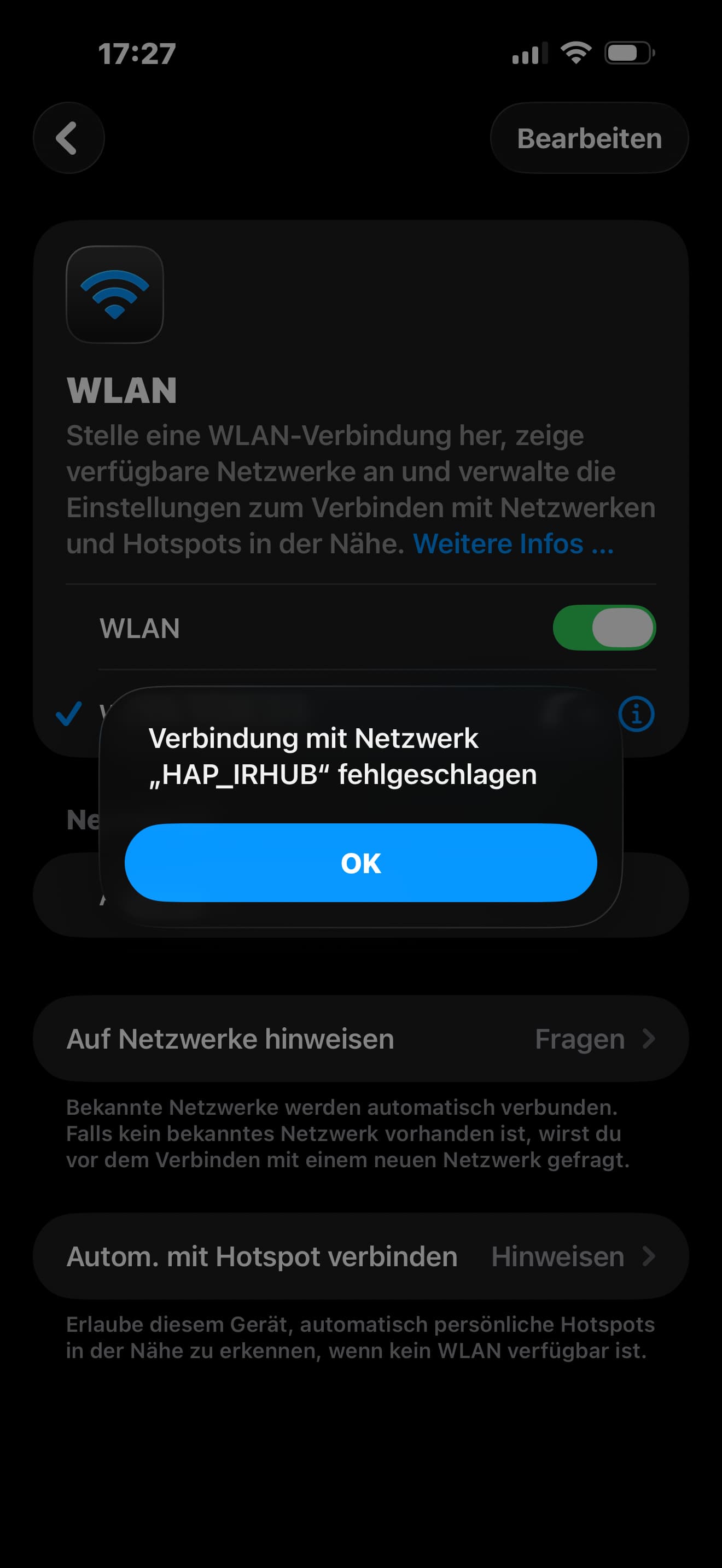
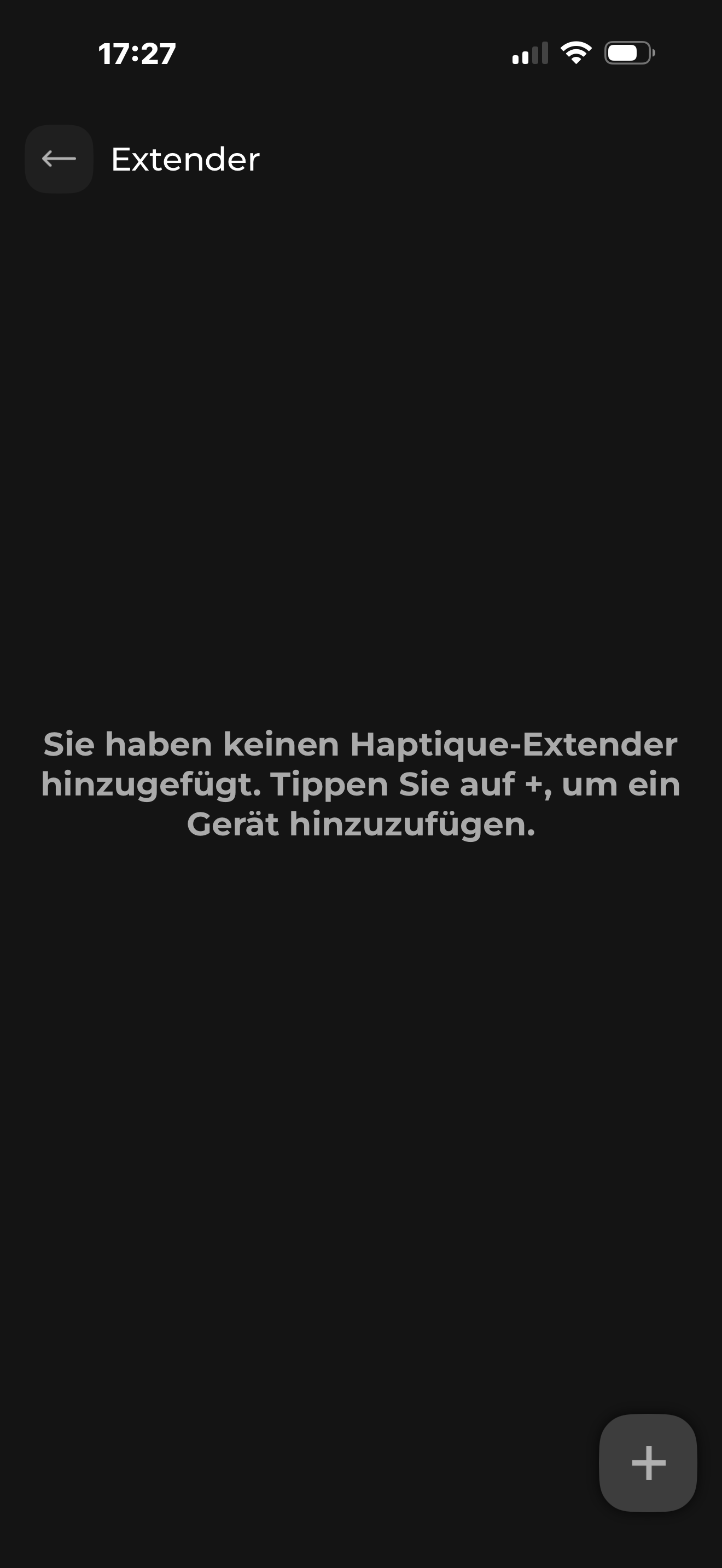
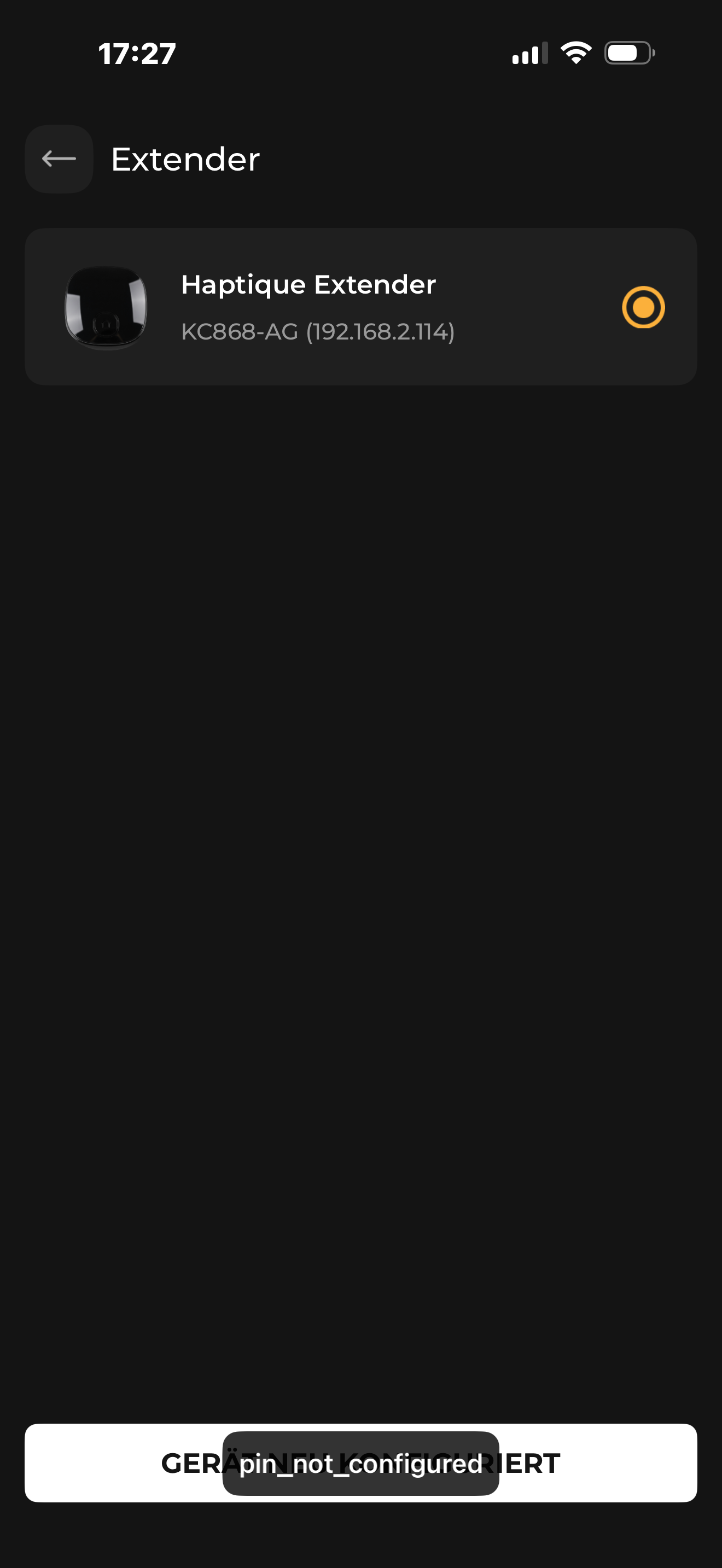
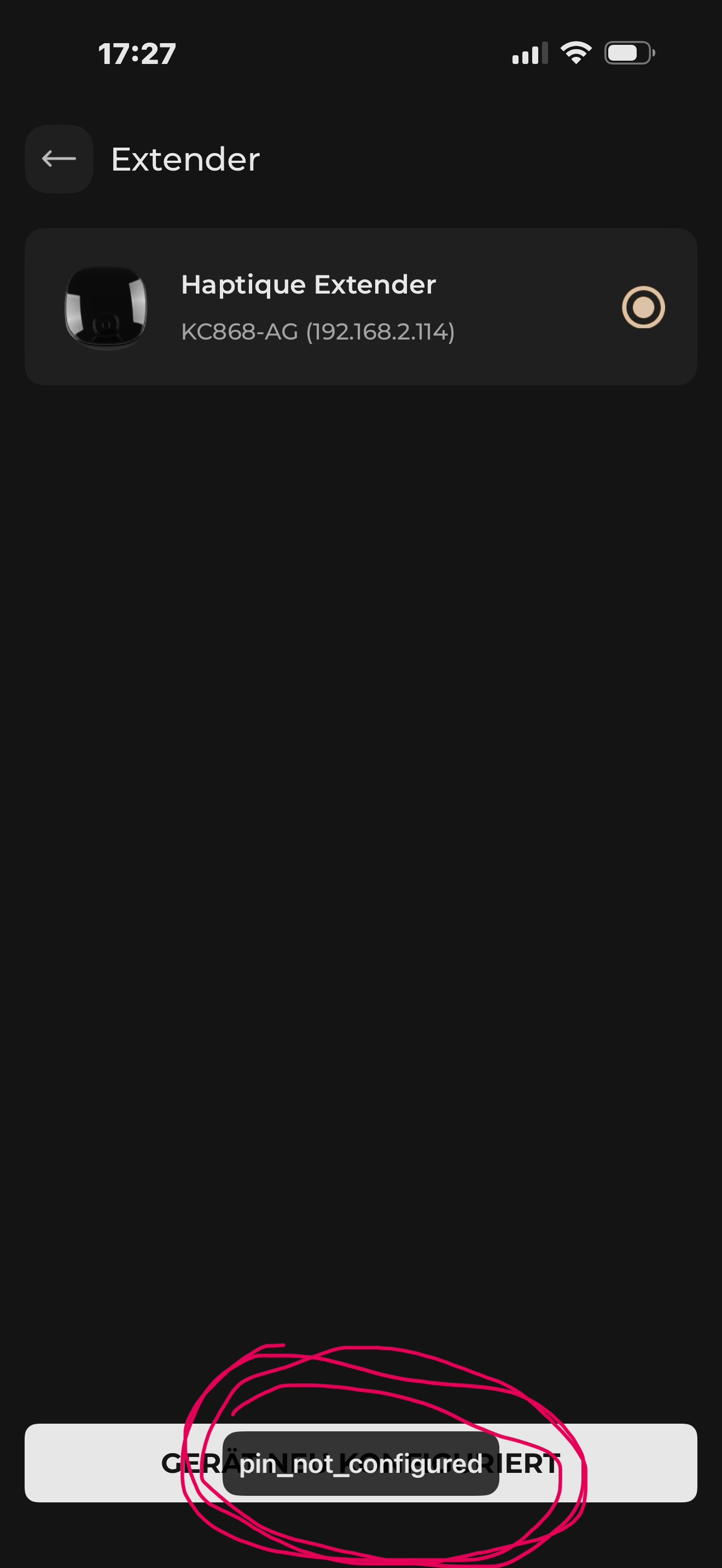
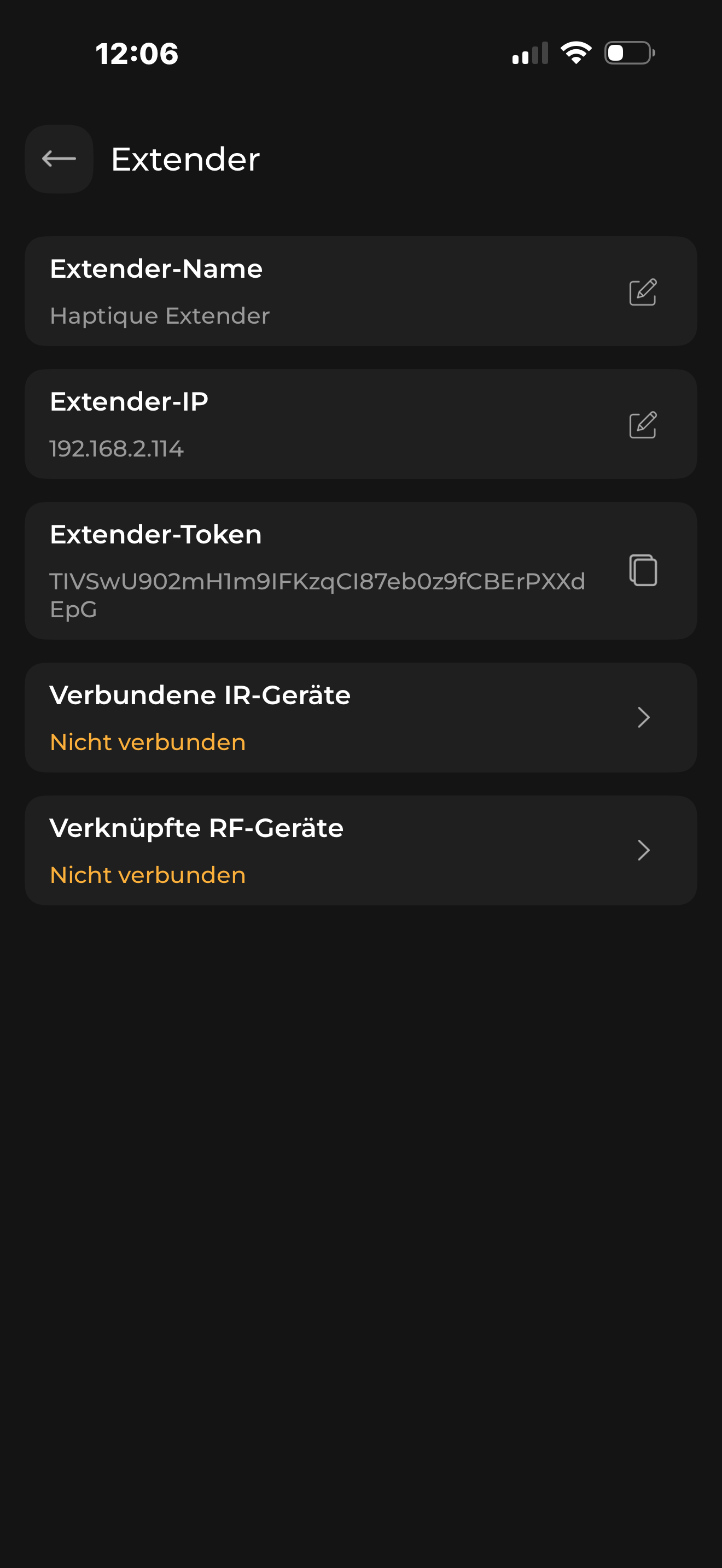
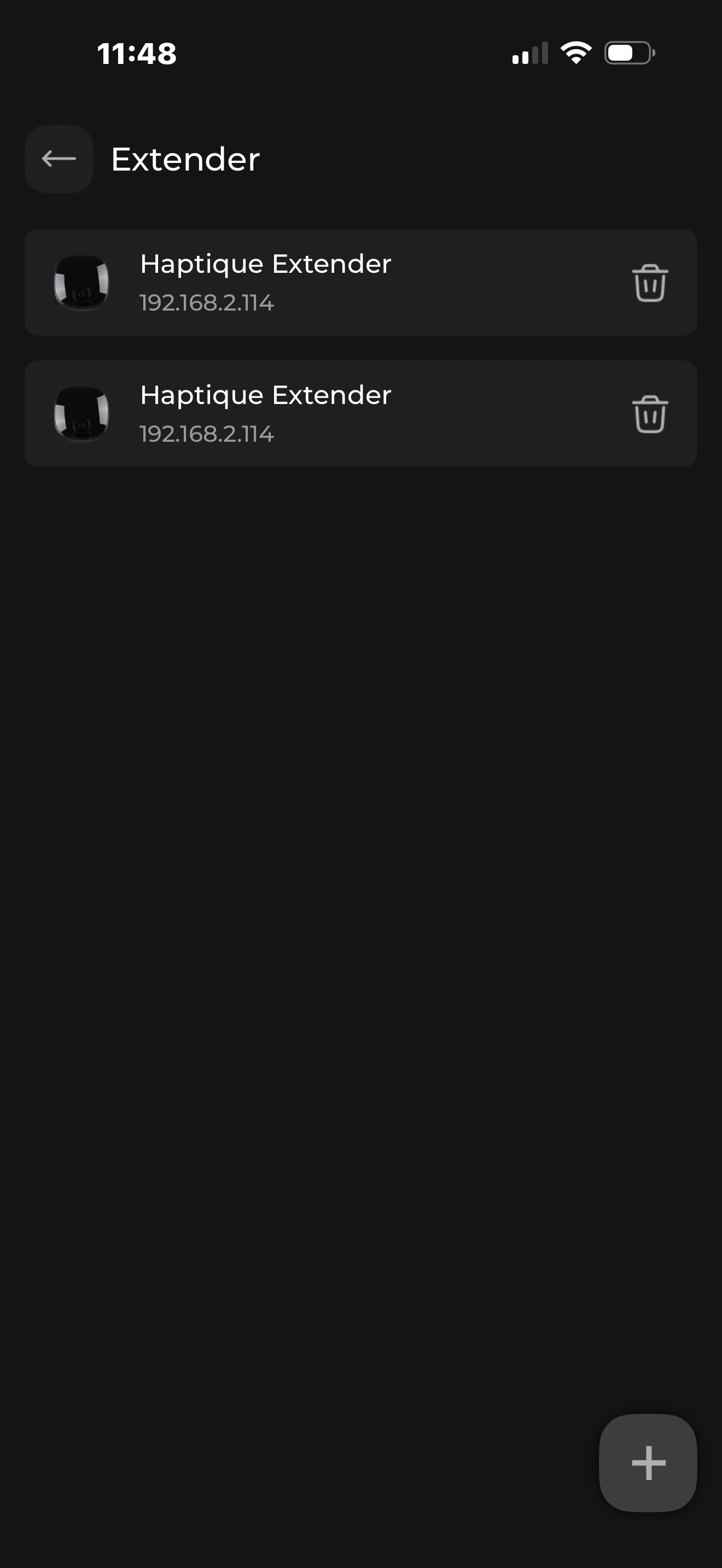
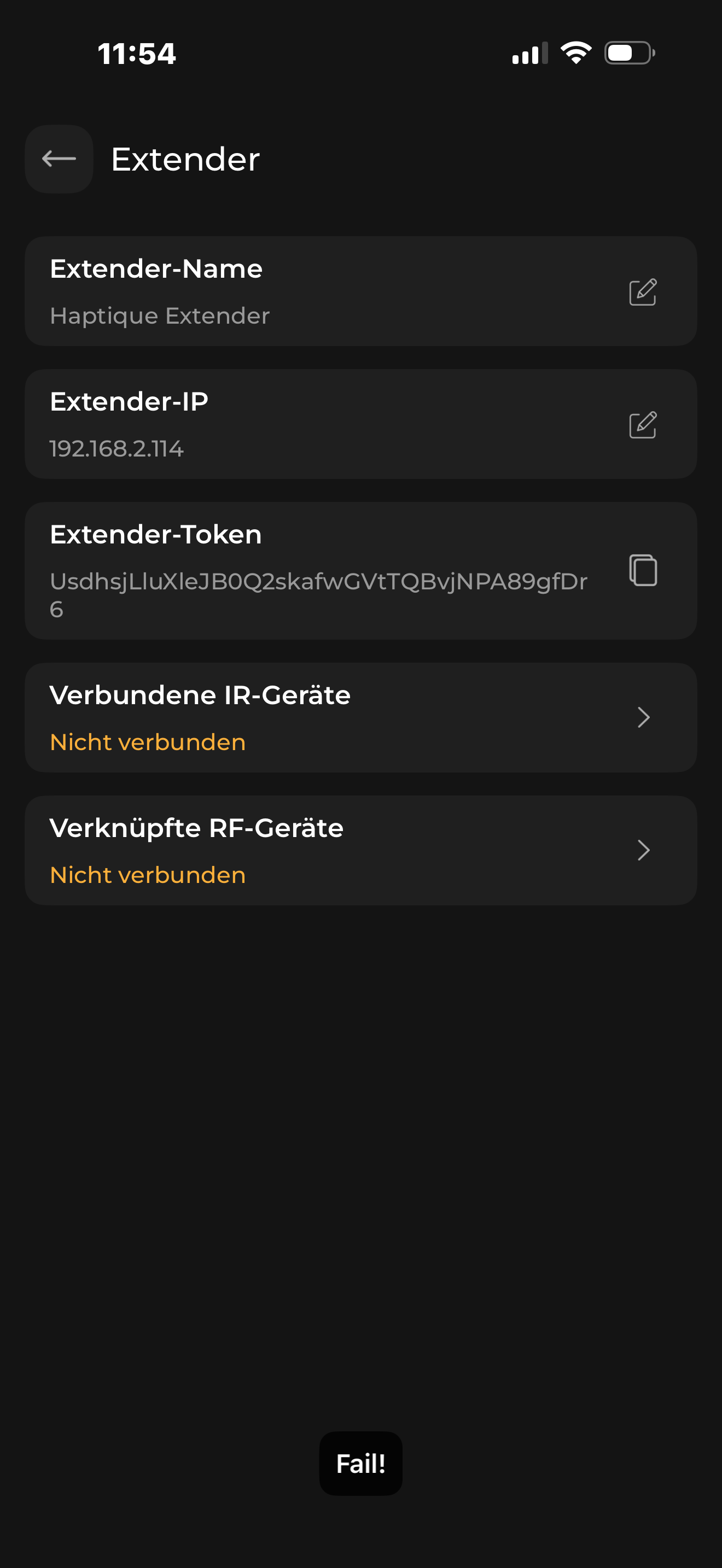
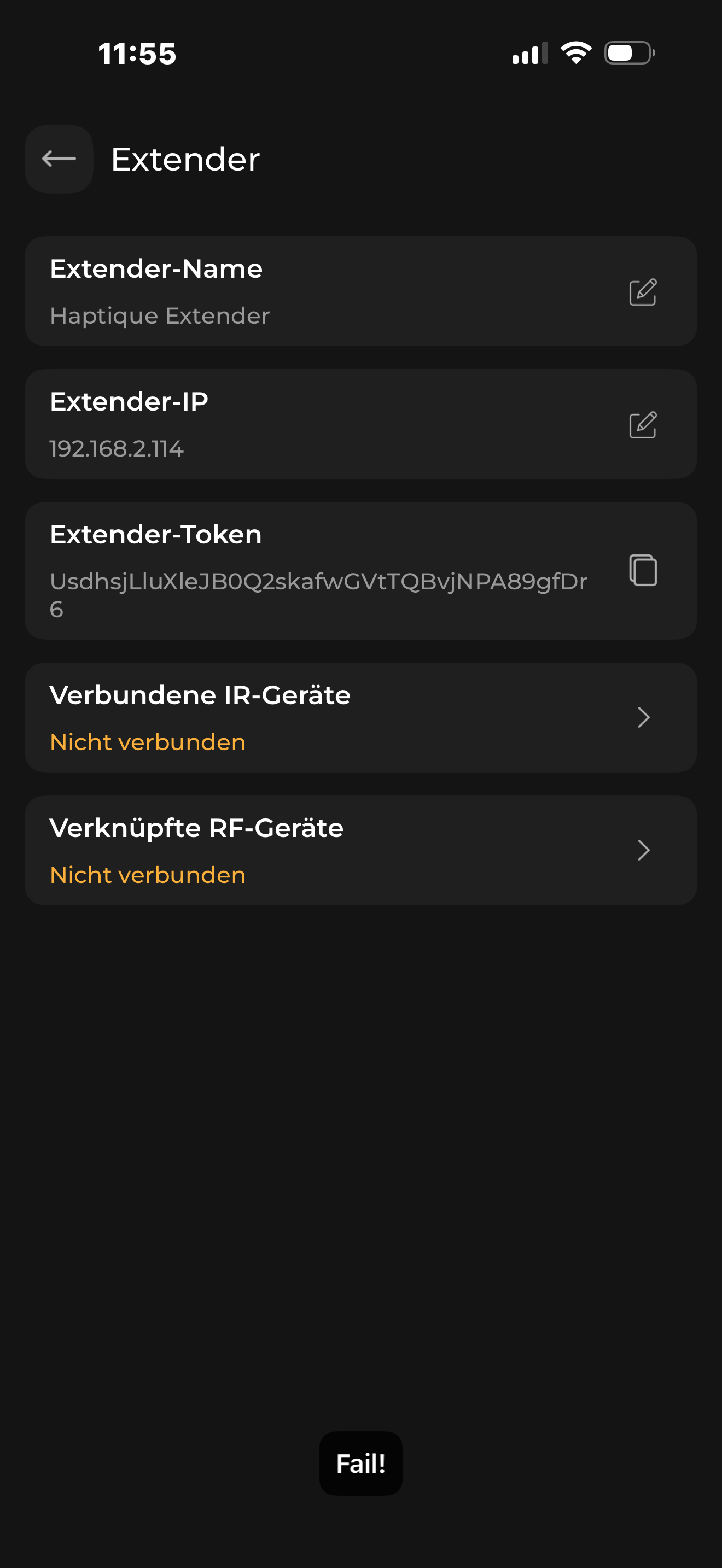
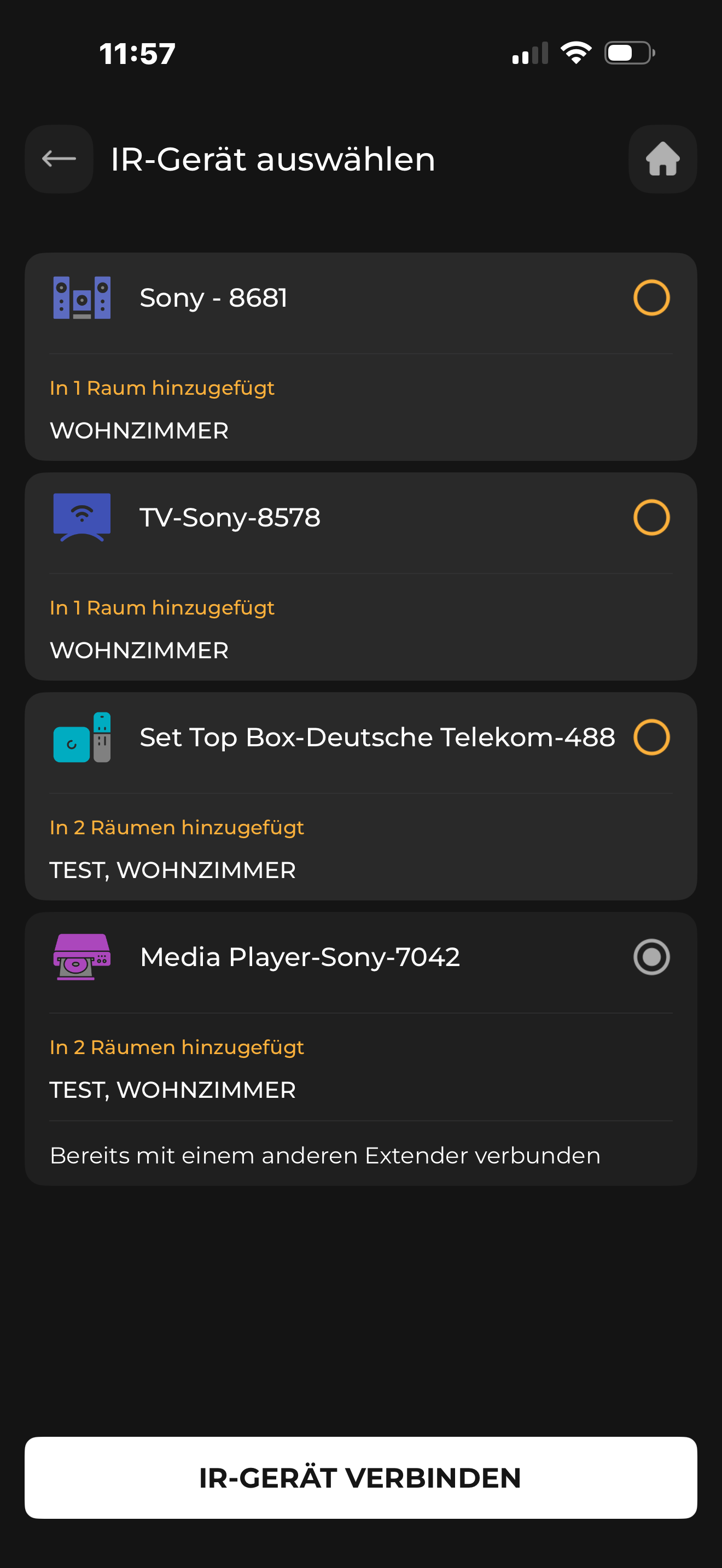
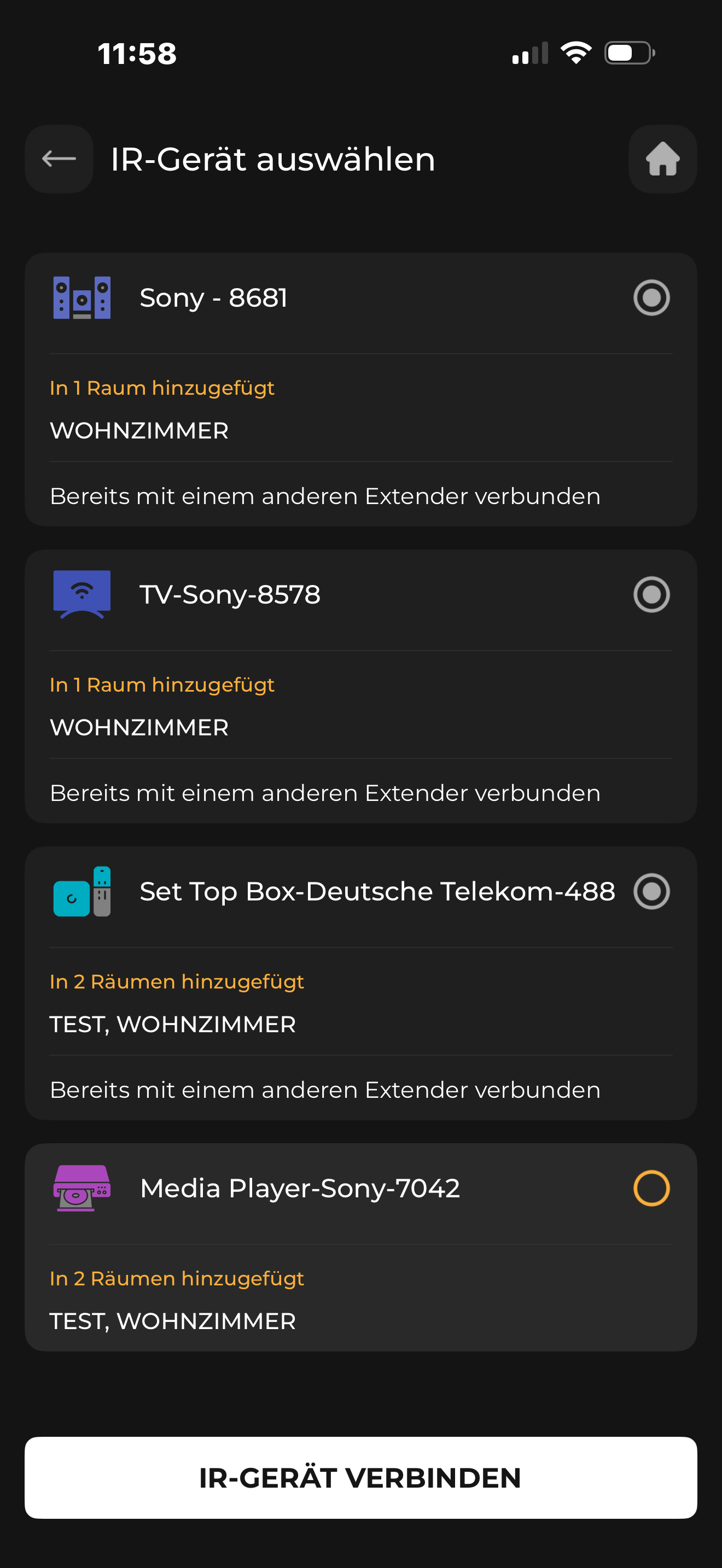
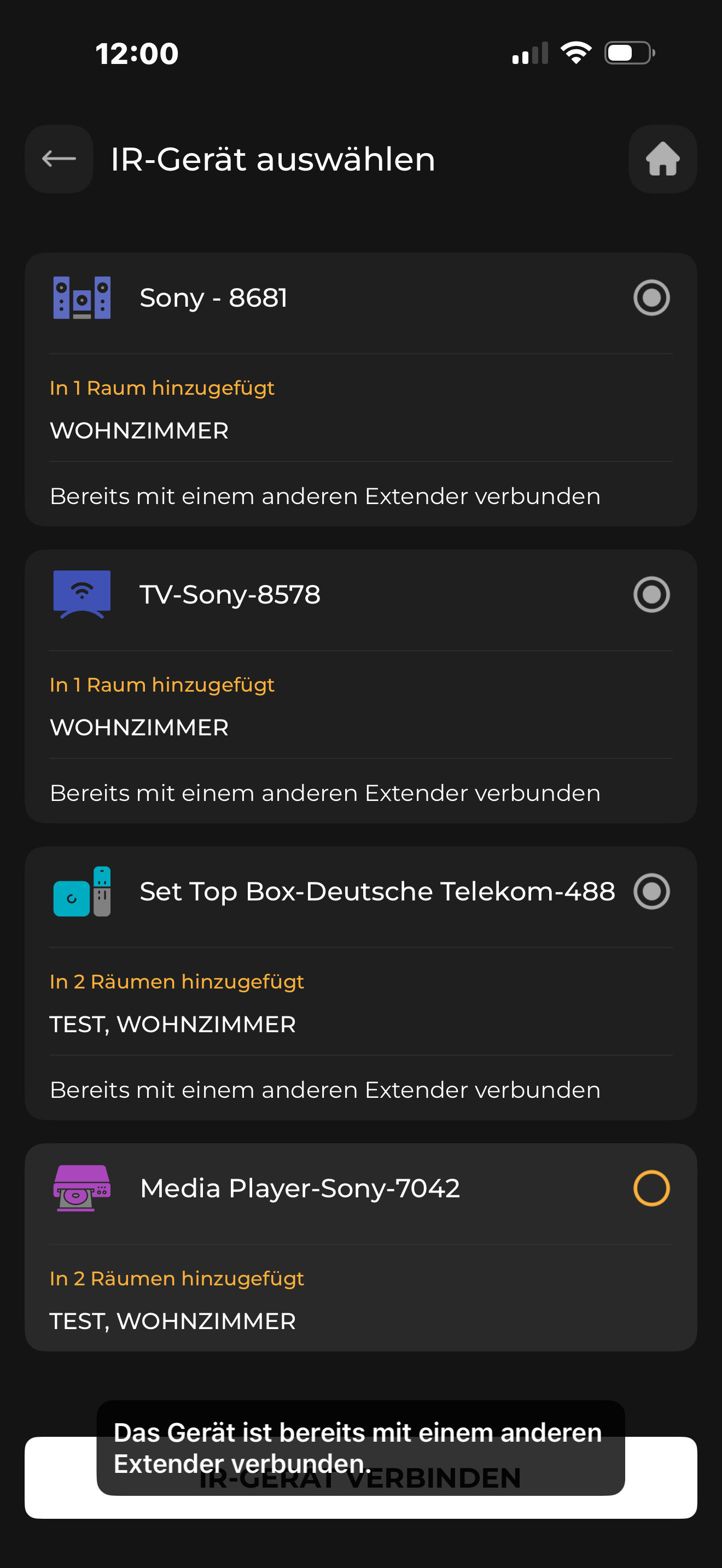
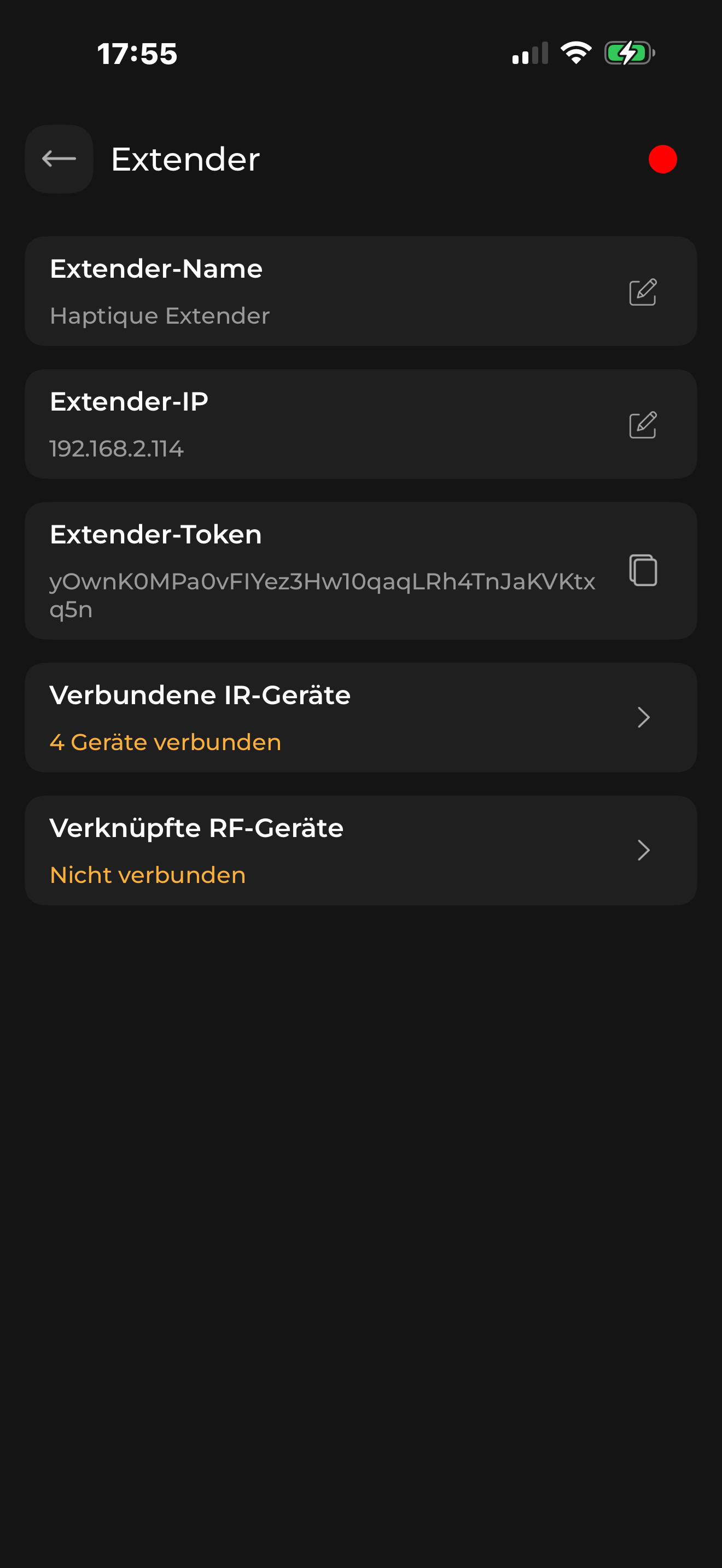
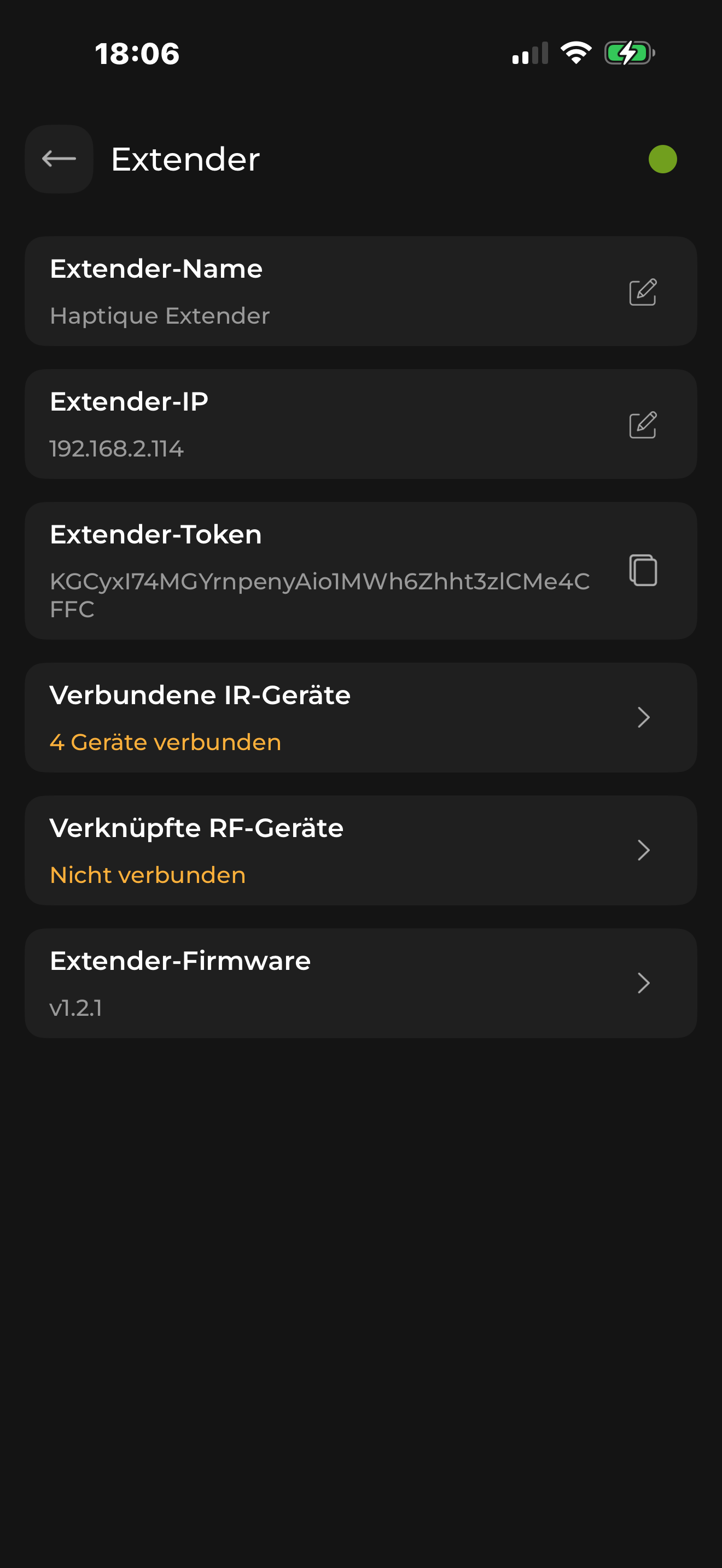
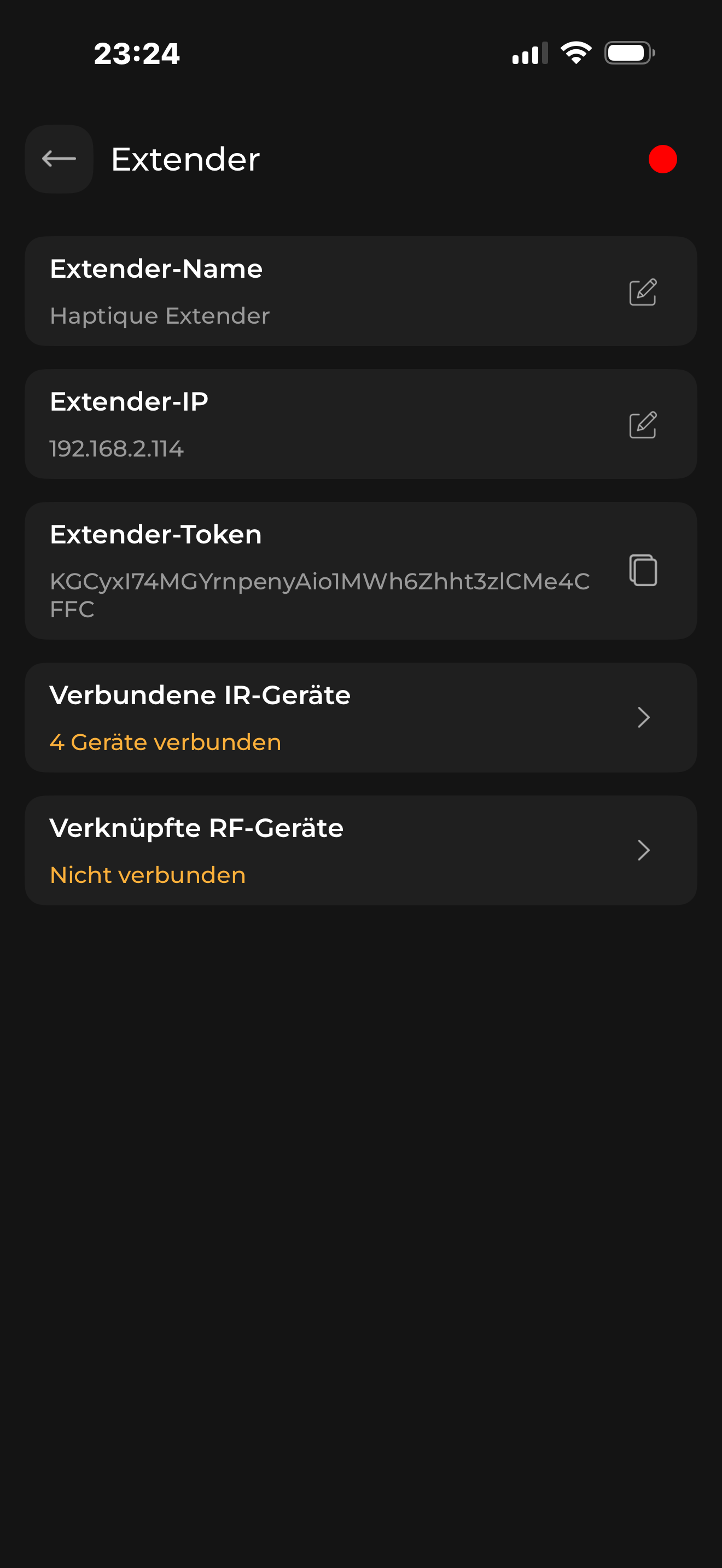
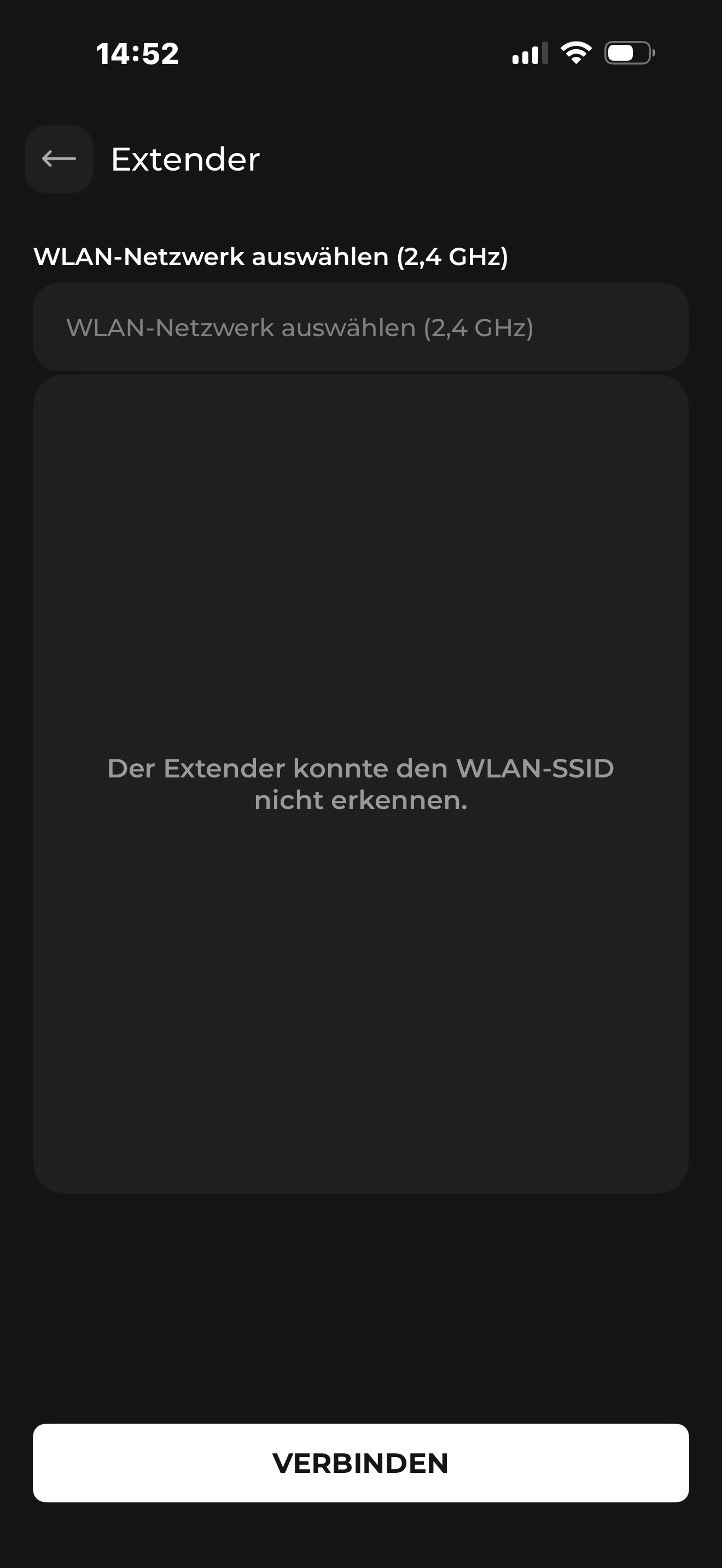
After the last Aurora update, the extender is no longer visible.
I deleted the extender from the app and reinstalled the app. The extender now no longer connects to the app.
The absolutely curious thing about the whole situation is that the extender still works even though it doesn’t appear anywhere in the app and I can’t connect any devices to it.
Aurora app store ( system update).
This is now the second time that the hub does not work after the Aurora system update. I have completely set it up again but it still doesn’t work. It can’t be that after every update it didn’t work anymore and I have to solve a ticket with you to solve the problem. Isn’t there any way I can arrange this on my own?
After several attempts, the extender could be reconnected.
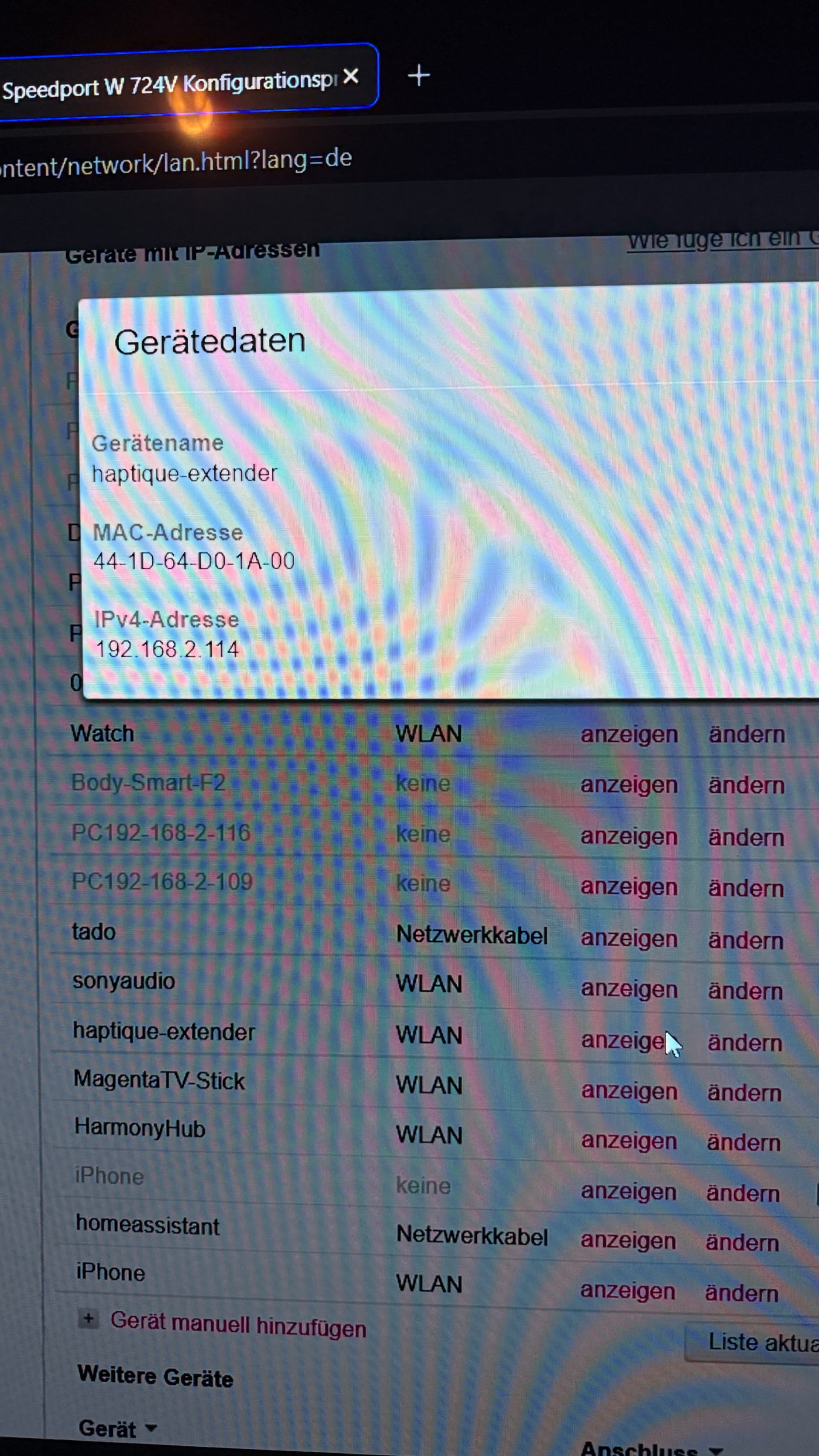
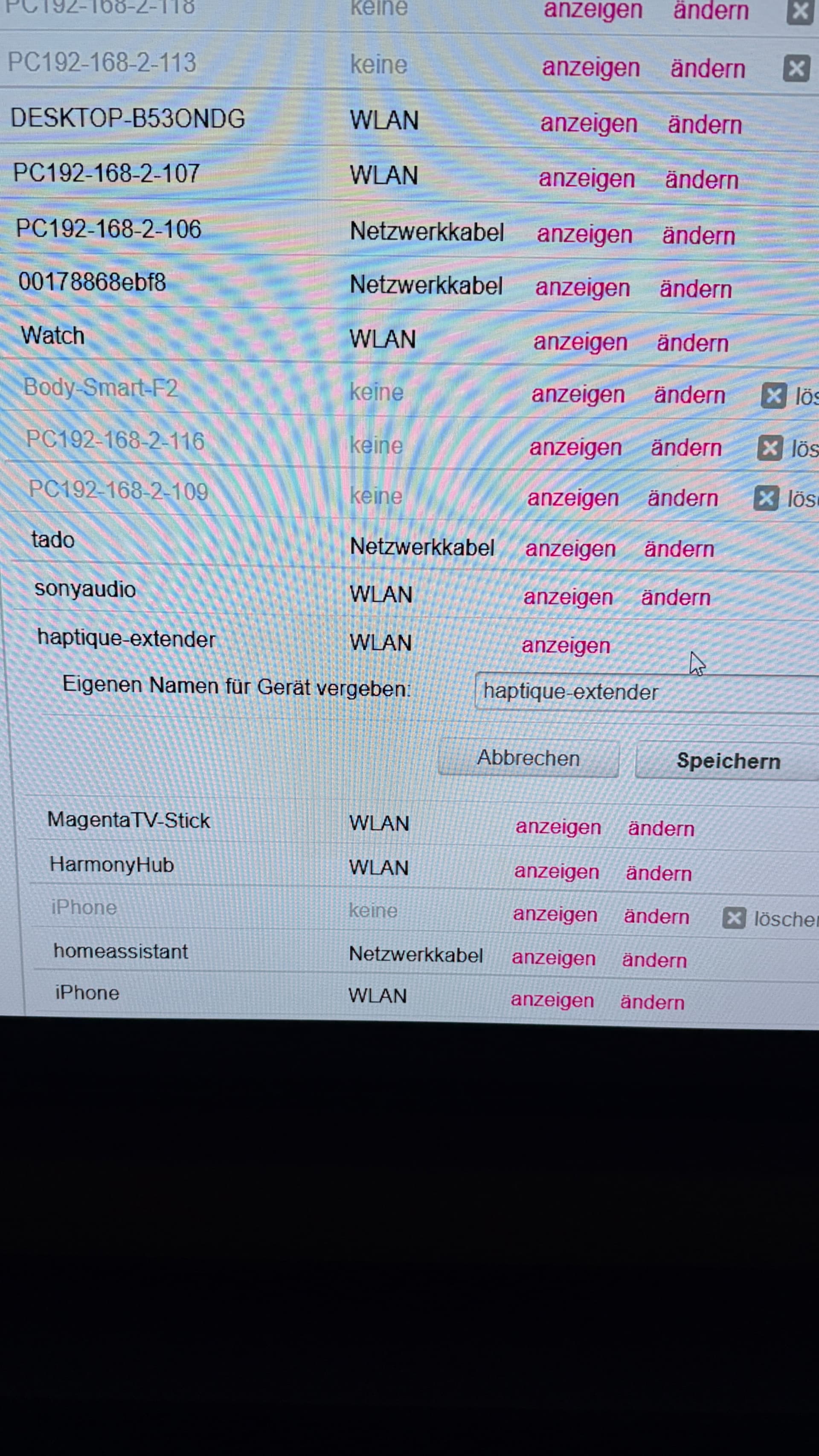
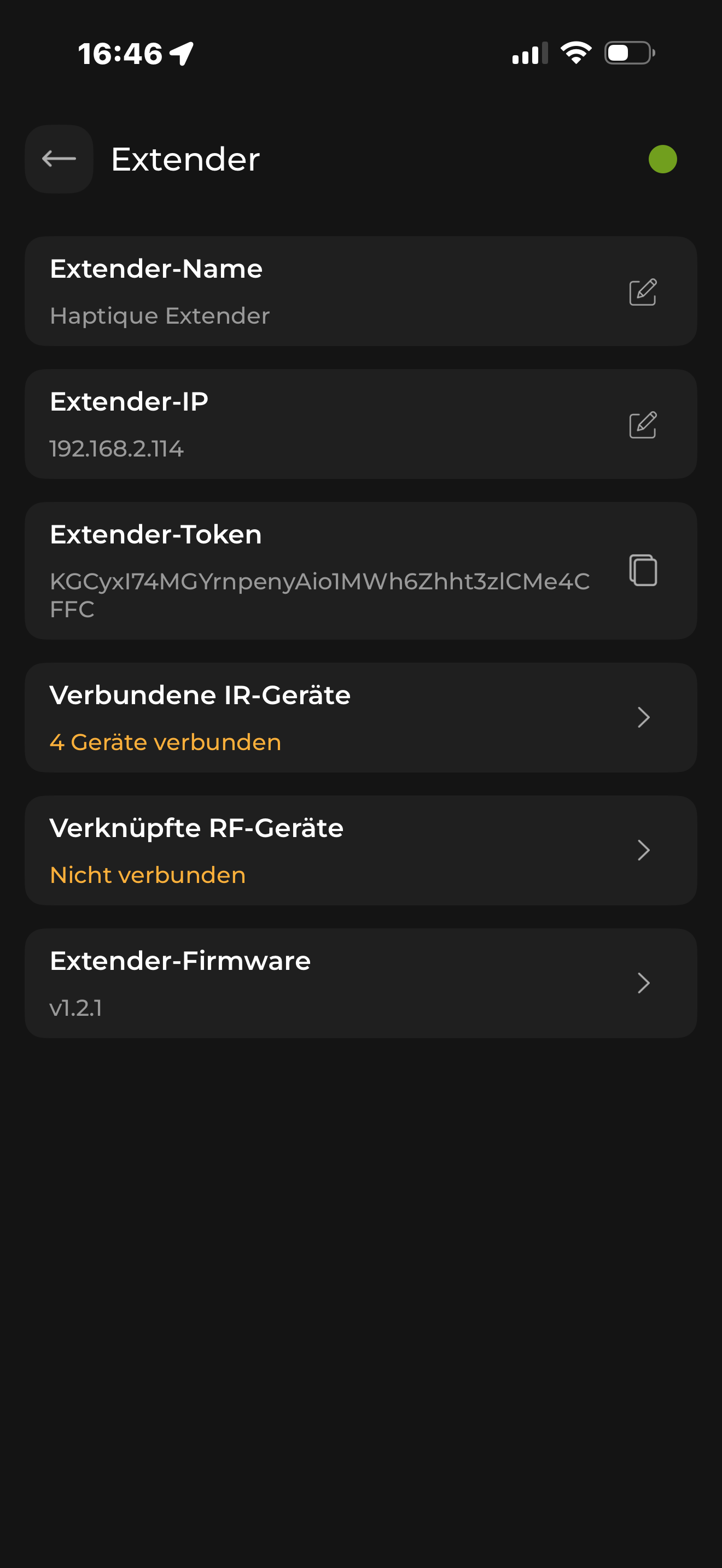
It should be something to do with the Wi-Fi. Try this - Bind the extender IP in your router. Because once mapped the RS90 cannot change the IP address on its own. So the router side we can just make sure the IP is bonded and not getting conflict with any other device you have on DHCP.
You can do the ping test once sending ping to your extender and see if it responds.
I don’t see any way to change my IP address here.
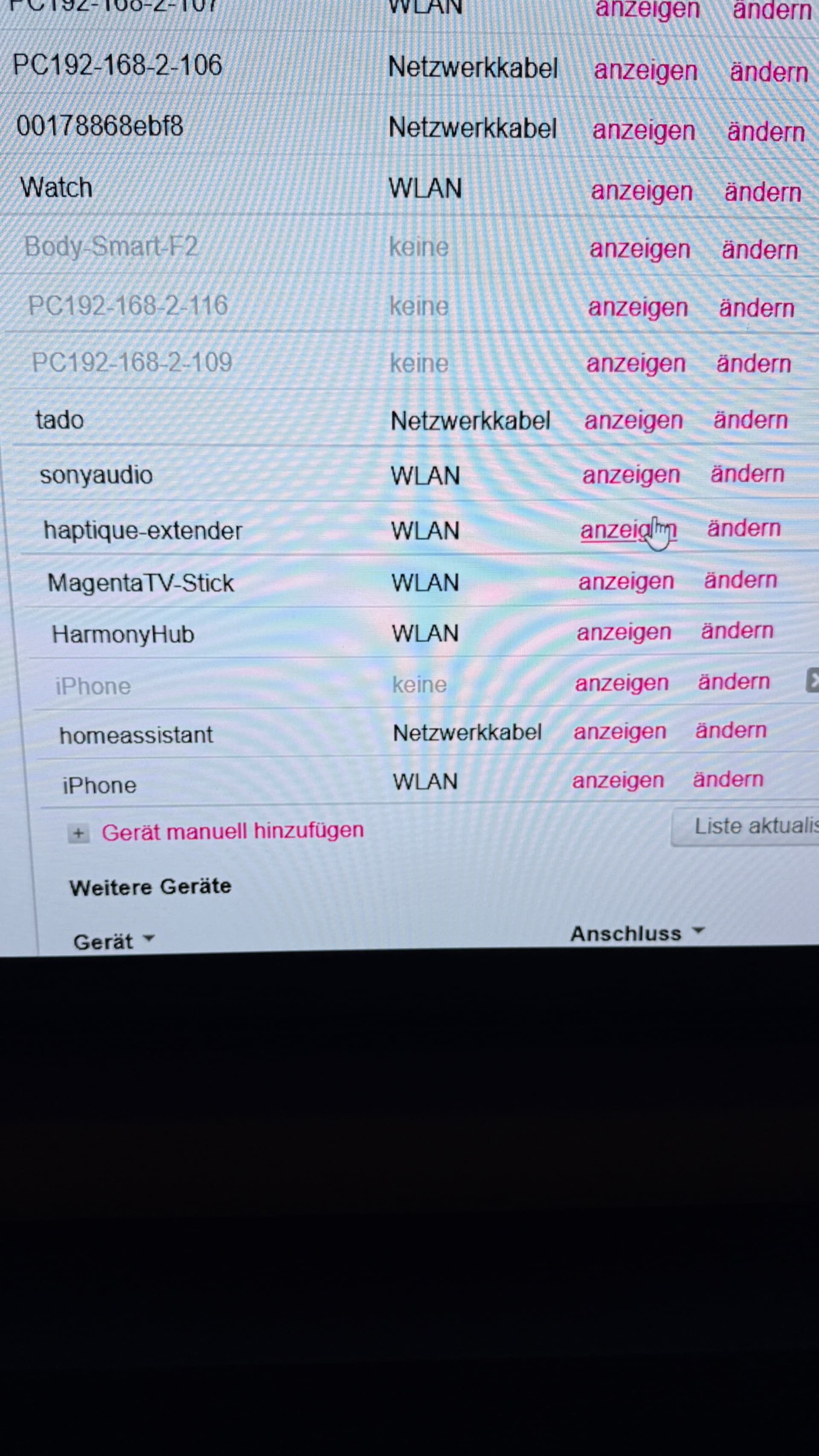
It can’t be that I have to go into my router as a normal user to change any IP addresses. The remote control worked perfectly for weeks now I don’t know why I should suddenly change my IP now what’s going on. I am a normal user I do not know how to change an IP address in the router or assign it. Above all, I can’t find a setting in my router where the IP address can be changed or set.
This is my router: