Hi,
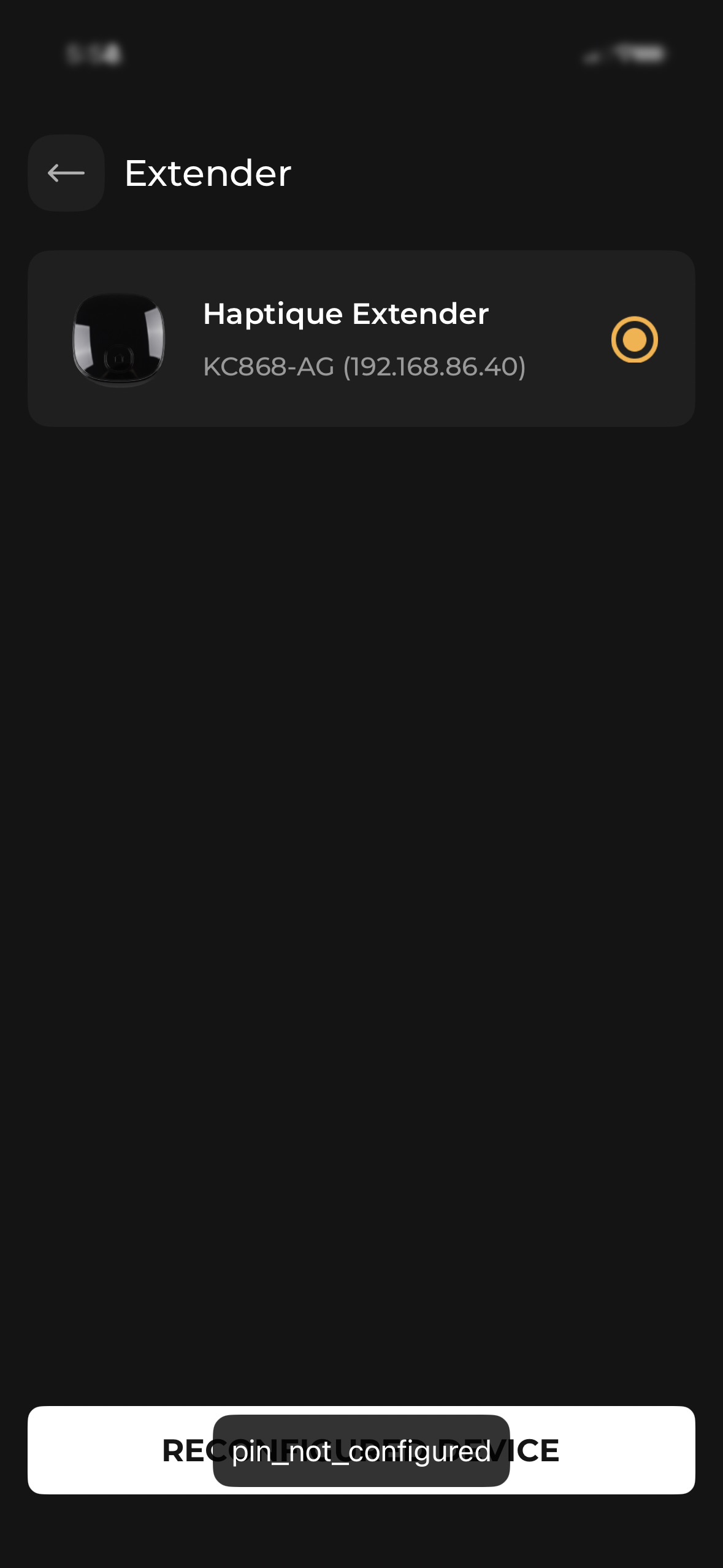
I try to setup my Haptique IR+RF Hub (firmware 1.2.1), it is detected by without problem., but at the bottom of the screen i have a button “reconfigured device”, when i click on it , i have a popup “pin_not_configured”
what can i do ?
Regards
Hi,
I try to setup my Haptique IR+RF Hub (firmware 1.2.1), it is detected by without problem., but at the bottom of the screen i have a button “reconfigured device”, when i click on it , i have a popup “pin_not_configured”
what can i do ?
Regards
This error means you are trying to connect to a Hub which is already setup with other account. So your login does not have the Token to access it.
Best approach will be reset by clicking the reset button(on the bottom of the hub) 7 times in a row and you will have it reset. Try to setup once again and see.
i’ve already try to reset by pressing the reset button 7 time.
It reset the wifi settings, but i still have the problem
Share a screenshot of the error.
Any resolution? I’m having the same problem. I tried resetting 7 times and I still get the pin not configured error.
Pin not configured meaning the code is not sent to the app from the hub, which is a security feature. We have already identified the issue.
Wait for the fix from our side tomorrow first thing.
Issue is resolved, please try again.
Still getting the same error. Was the fix automatic, or do I need to do something to activate it? I didn’t see an app update in the App Store.
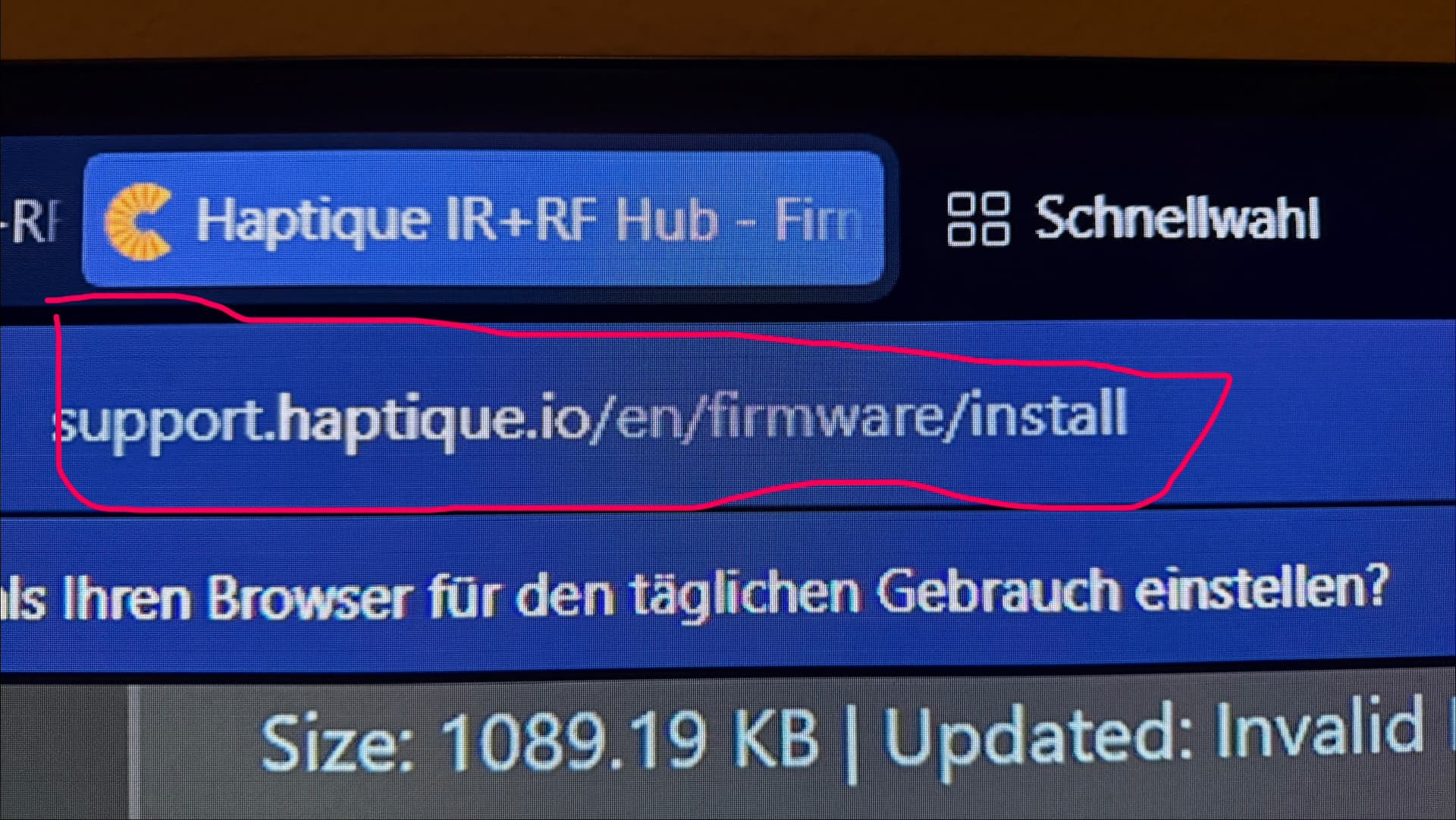
The first time I had this problem, resetting the device wasn’t enough. I reflashed the firmware and everything went back to normal.
How do you do that? I have a Mac, and apparently there’s no way to load the firmware unless you have a PC?
It worked all day for me yesterday. When I came home today it worked for 1 hour and then suddenly it stopped working. I have now also reinstalled the firmware and now it seems to work again. Something doesn’t seem to be quite right yet 
To flash the firmware you must use a web browser compatible with WebSerial, like Chrome
OK, I was able to connect and install the firmware. Now that it’s up and running, I tried to add my own IR device using the devices remote, and the hub is reading the signals from the remote, but when I test the hub through the app, the devices aren’t responding. Is this also a firmware issue?
This could also be a firmware issue. I can also program IR codes, but they don’t work either. In my case, it’s because the repetition rate can’t currently be configured in the Haptique app, and therefore the code is sent too briefly for my device to recognize it.
You could try logging into the Cantata Support website, copying the raw IR code from your IR database, and then sending this raw code to the Kincony Hub via the HTTP API with a higher number of repetitions.
Thanks, I’ll give that a try. What frequency did you use that worked? The default looks to be 38000.
The problem I had was that the repetitions couldn’t be set or configured in the Haptique app.
What worked for me was the IR code with the following settings: Frequency 38000, Duty 33, Repetitions 3, Format raw. Sent via the HTTP API, which, unlike the Haptique app, allows you to specify the number of repetitions.
The Hub firmware already supports Long type of IR code. It is to be implemented on RS90 app. Once done it will support the long IR code version. Issue @Fonzo is facing is not about reputation but long codes above 100 bits.
Is there a rough timeline or estimate of when it will be possible to teach longer or more complex IR codes with the haptique app and the RS90 to the IR Hub, and especially to test longer IR Codes directly from the Haptique app itself?
Mac also supports, I have tested myself. I use a USB adapter to C.