Haptique Beta is live. It arrived.
The first Haptique OS Beta is now live for the community.
This beta brings three major pieces together:
1. Haptique OS
Haptique OS is the new local runtime for Haptique.
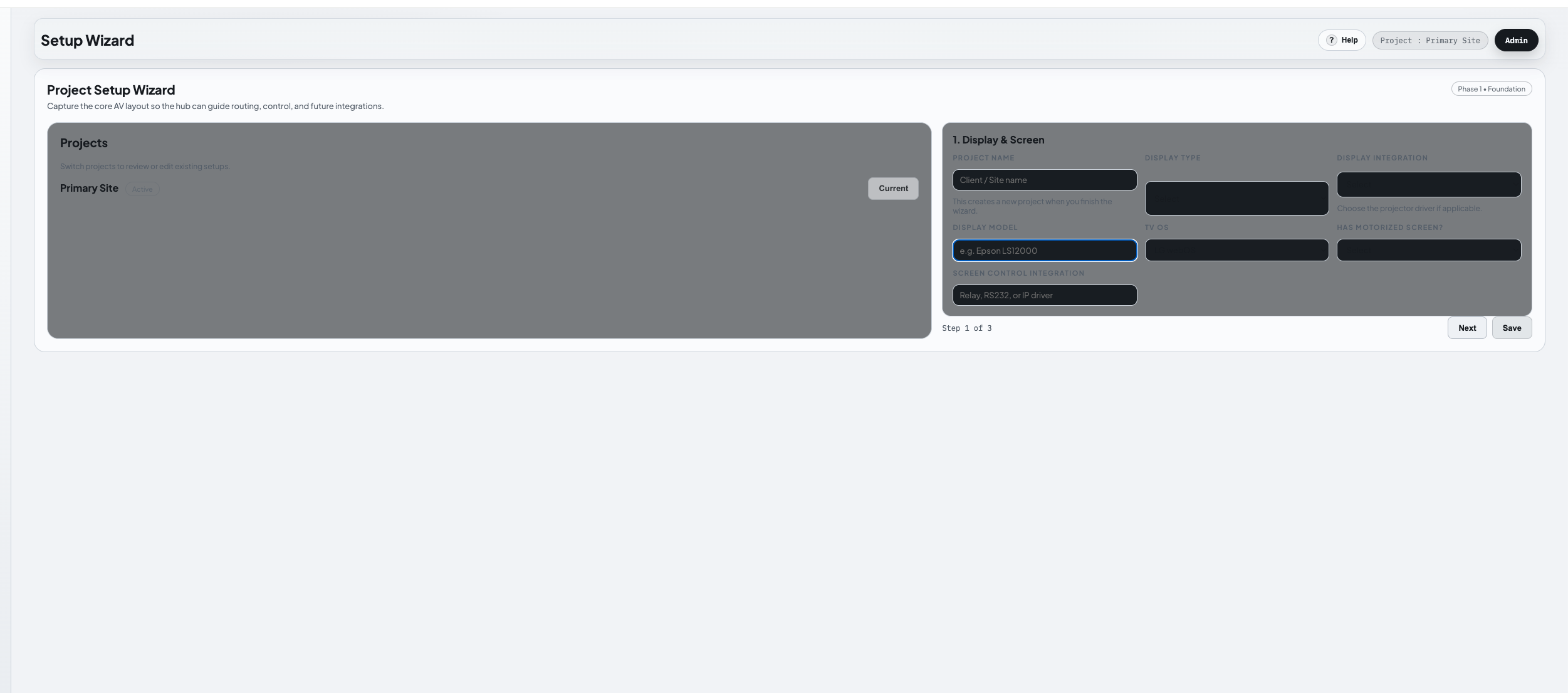
It runs on your own machine and gives you a local control layer for devices, automation, integrations, and the Haptique experience without depending on a remote cloud server for day-to-day operation.
2. Local Fleet Server
This beta also includes the local Fleet Server path.
That means the configuration apps and Haptique RS90 can communicate with your own local Haptique server instead of relying on the current hosted Haptique RS90 server.
In practical terms: users can set up and operate locally, without needing internet access or our hosted server for that configuration/control flow.
3. Haptique Music
Haptique Music is also part of this beta.
This is our local music and media layer inside Haptique, including local library support, playback control, player discovery, outputs, queues, radio, and the foundation for deeper local music server features.
What we want feedback on
Please test it in real setups and share:
- What system you installed it on
- Whether your config app connected successfully
- Whether your Haptique RS90 connected successfully
- What devices, integrations, or music outputs you tested
- What worked well
- What failed, broke, or felt confusing
- What you want us to prioritize next
This is a beta, so expect rough edges. The goal now is to test the full local Haptique path in real environments: Haptique OS, local Fleet Server, Haptique RS90/config apps, and Haptique Music working together.
Thanks for being part of this. This is a big step toward Haptique running fully local, with the cloud no longer required for the core experience.
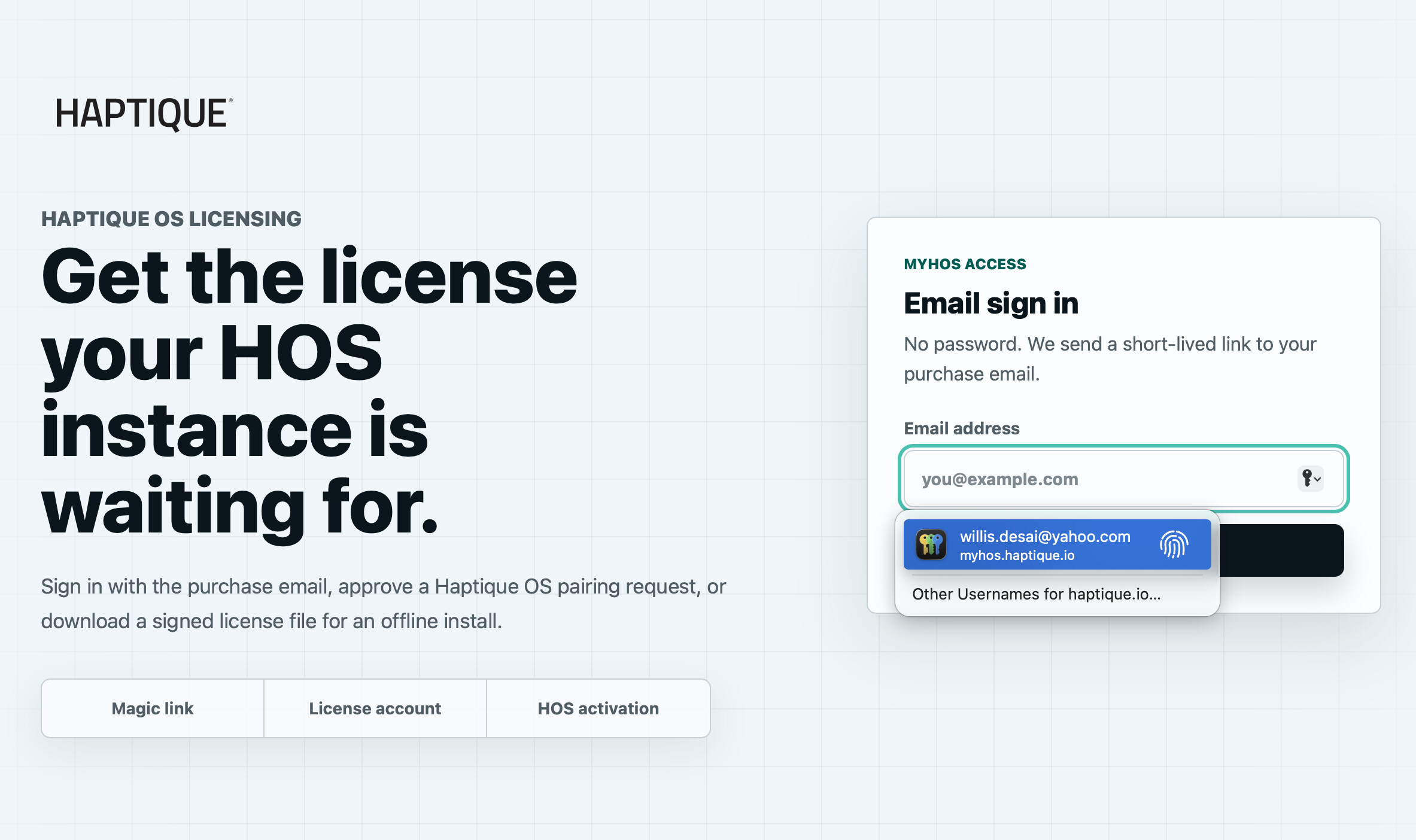
Your licenses will be released to your email address this week as we build the user database so for now you can connect your Haptique with local fleet server running on any machine and connecting Haptique and Config app pointed at the IP address of the machine running HOS. Look forward for an email to get your license copy for the Haptique OS. We also have discord community now for realtime discussion.
 . I requested the HaptiqueOS beta but haven’t received it yet. I can see KS backers get the perpetual license indefinitely and 1 year of Remote license. I assume that allows one to use their phone or Apple device as the remote. Is that right? Is that limited to one year with the hope that the RS90x will be delivered by then? What happens if at one year the RS90x still isn’t in production?