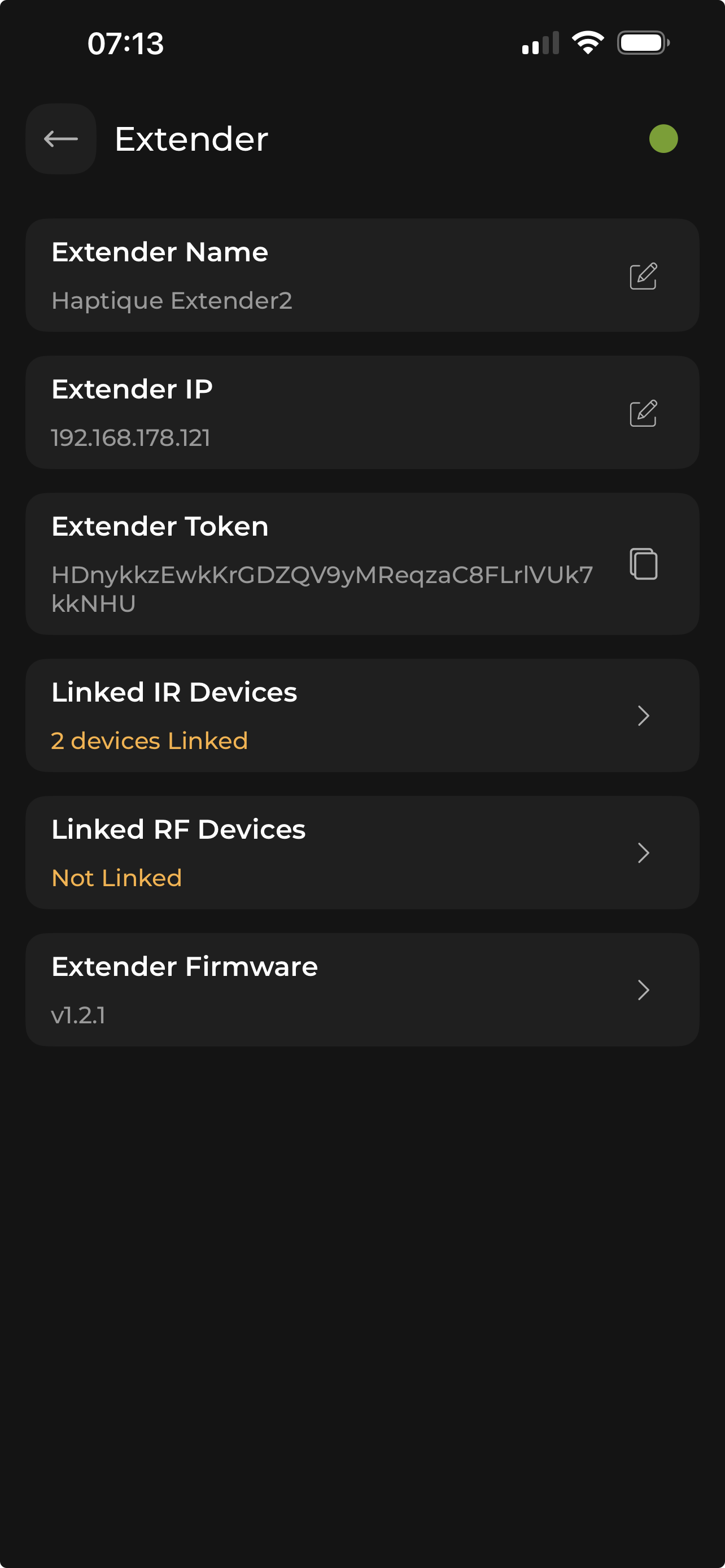
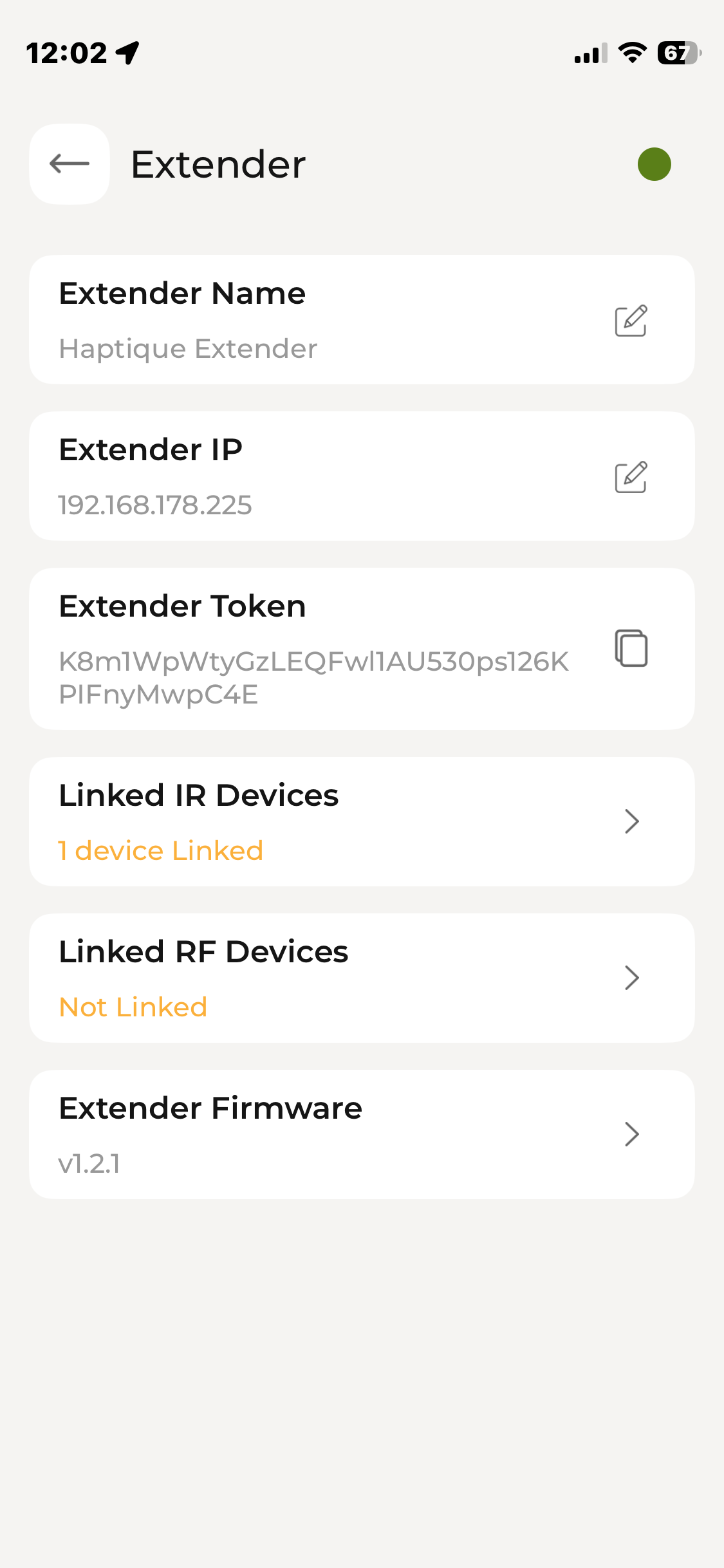
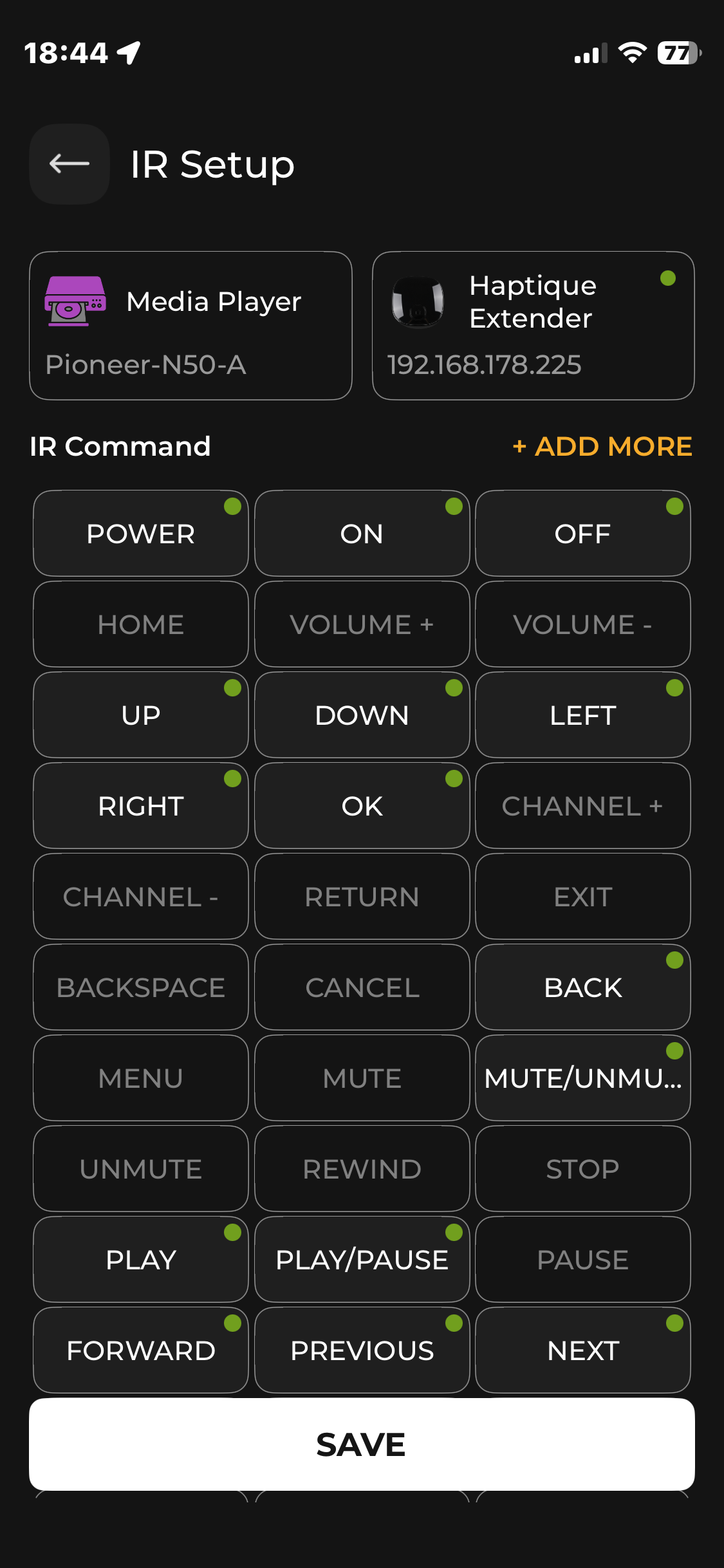
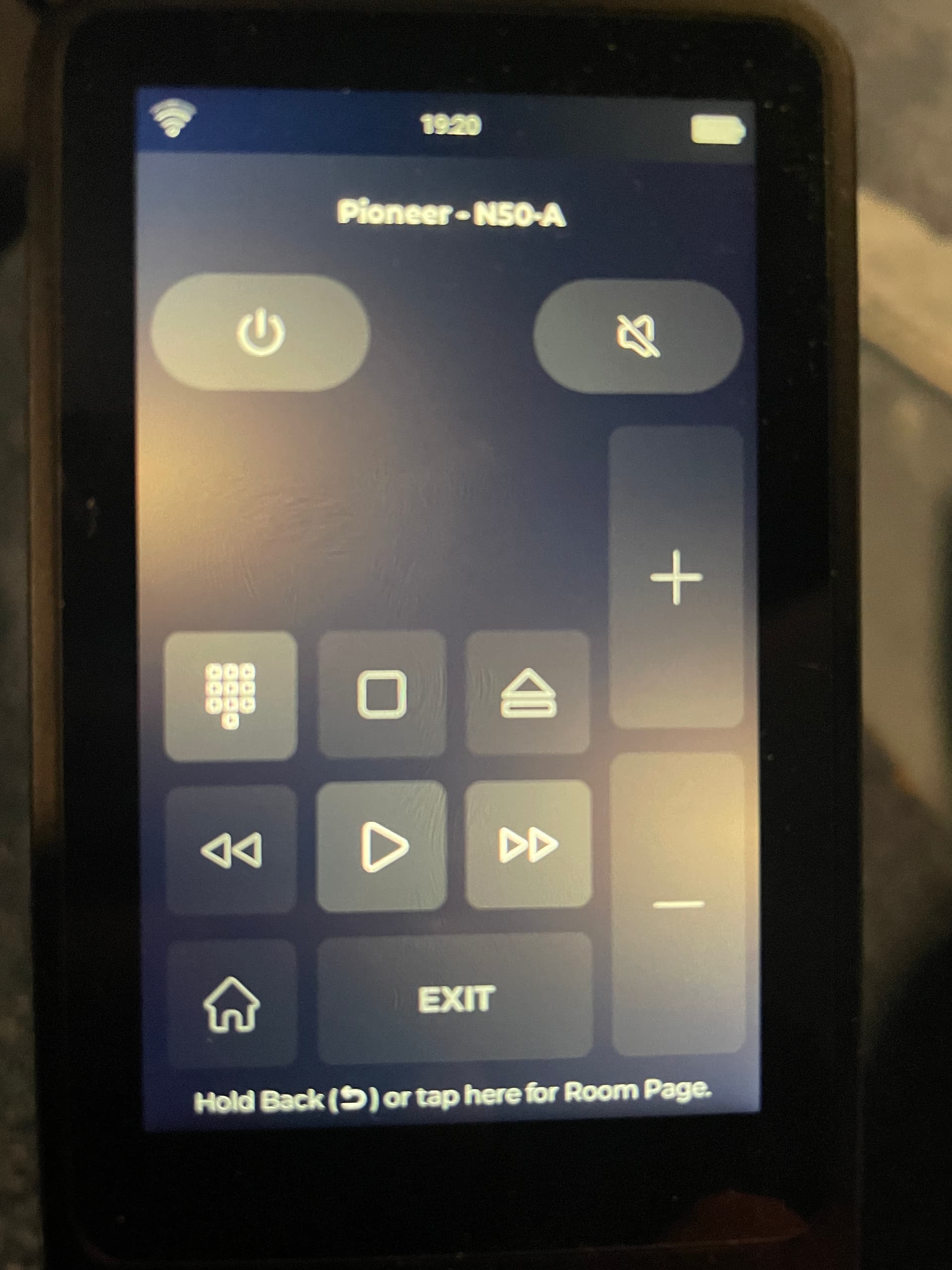
Hello, I’m having a problem with my IR extender. It worked initially, but now the IR signals are no longer being transmitted by the extender. I’ve tried everything: resetting the remote, resetting the hub, using different firmware, and reinstalling the app, tried a different hub, but nothing works. Pairing the IR signals works, and testing via my phone works too, but when I then integrate the command into the remote, the hub doesn’t send it. All devices are correctly assigned to the hub in the app.
I found the issue. If you synchronize the RS90 only under “Macros”, it doesn’t work. However, if you perform the synchronization under “Rooms”, the forwarding of the IR signal works correctly.
I have the same issue. Learning IR commands is working. Have synced the RS90 both from macro and room view. However there is no IR transmission to the linked device
Edit: Just tested a Macro and it works just well. I can give you guys few tips such as.
Keep everything off when you start a Macro.
Keep Adequate delay between power commands usually I keep 3/4 seconds between two power offs.
If Macro doesn’t send the Power, reason is Haptique thinks the device is in the state which is the same as you are sending. So best thing is to not use Haptique for turning On if Macro fails instead Turn Off Macro, physically turn off all your devices using their remotes and now start again. There is a Fix now button coming soon.
It has nothing to do with sending macros; only the update was performed on the macro and room pages. No commands are being sent via the hub. The error lies in the remote synchronization.
The screenshot from the config app shows the buttons programmed. The screenshot from Haptique does not show the same buttons. Also the light buttons do not work.
As mentioned by fritzimo, the synchronisation does not seem to work?