Make this mom-proof?

Just got my RS90 and I’m working to get it set up. Got a room defined, built out “Watch TV” and “Watch a Movie” and that mostly works, but it’s very far from “mom proof”. Maybe I’m missing something. Follow me, here.

I hit "Watch TV. The remote IR blasts my Shield TV (set up via Android TV per recommendation), I set up my receiver, my TV, and I set up a sequence. It does all that correctly – changes to the right HDMI, the right input on the receiver, all that. Aaaand that’s where it stops. On my screen on the remote is still “Watch TV”. It doesn’t switch to the Shield interface so my mom can watch TV without much fiddling. Is there a sequence on the remote I’m missing? What I want is her to be able to hit power, have everything come on, and be sitting in the Android TV interface so she can get to the Plex, get to Paramount, Netflix, Hulu, Tubi, etc. and that’s it. Simple. Easy to use.

What am I missing?
If you have a Smart Sequence set up and ready to deploy, you don’t always need to map it to a room. For users with simpler tasks and fewer devices, any sequence can be marked as a “Favourite” by clicking on the “heart button”, making it available directly on the Home page. This way, you don’t need to navigate into specific rooms. Make sure you sync the RS90 to get the latest settings.

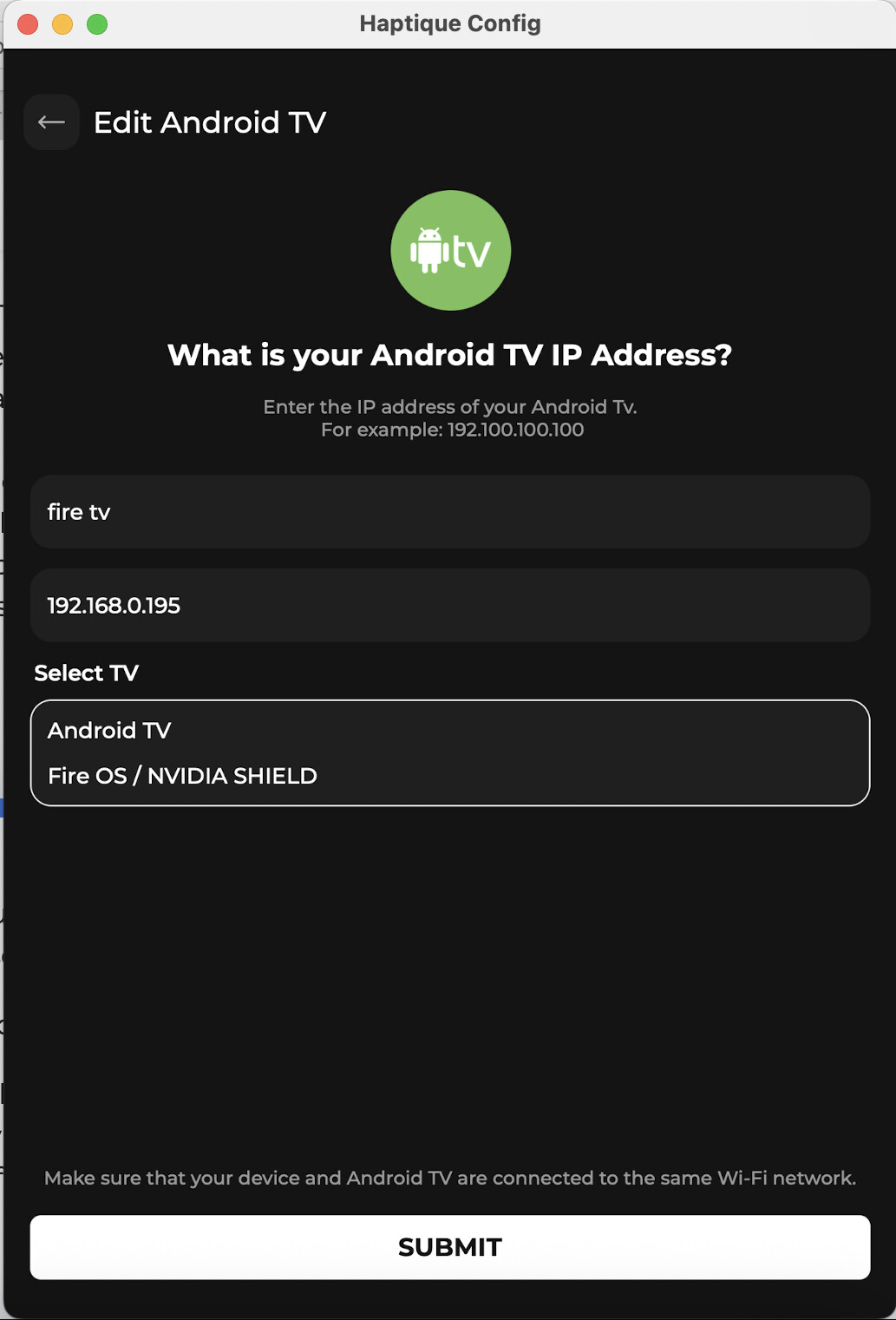
In your case, you should use the “Android TV integration” instead of IR for your Nvidia Shield. When setting up your Shield or Fire TV, there is a selector that appears after the Android TV auto-discovery screen:

Since you now have Android TV integration, create a Smart Sequence where the Shield is set as the “source”, your receiver is selected under “Audio”, and your TV is selected under “Display”.

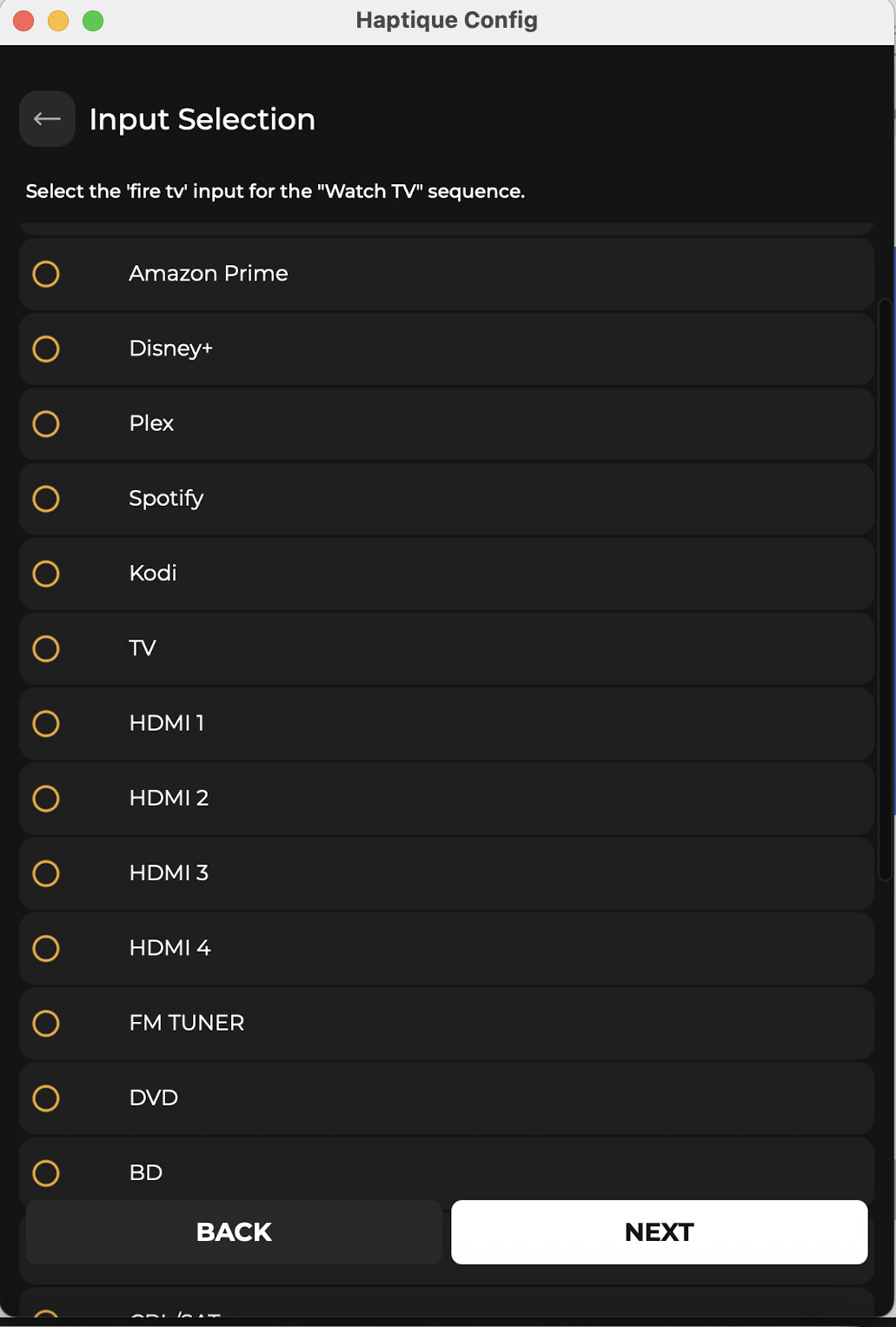
Then, choose the correct input on your receiver for this sequence.

Select your receiver input for the sequence.

The next screen will ask for a channel selector—for IP integration, this setting doesn’t matter.

After that, you’ll be asked to specify which device the volume buttons should control.

Once that’s done, Haptique will automatically set up custom key mappings for you. If you mark this sequence as a Favourite, it will appear on the Haptique Home page under Macros

To run the Macro, hold the key—this will activate the keypad once the Macro/Activity starts. You’ll then be able to:

  • Navigate the Nvidia Shield cursor
  • Control the volume and mute on your audio receiver
  • And more

Hold again to deactivate or to run the Off Sequence. If any tuning is required, you can always edit the sequence. All sequences now include an Off Sequence by default.

For the Off Sequence, you can check or uncheck specific Off commands as needed.