Check out the new a most anticipated update on the Haptique system live now.
Haptique OS now supported on all Haptique apps and hardware
With Option to Haptique OS user will be able to bypass our server completely. Same user login will not follow on the HOS as it is a different local database.
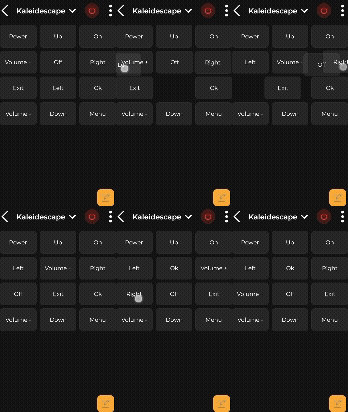
Custom UI gets drag and drop for UI buttons and elements so you can adjust with freedom
Apple TV UI gets new App drawer
Hide any Android Apps in OPUS 1 with + settings now.
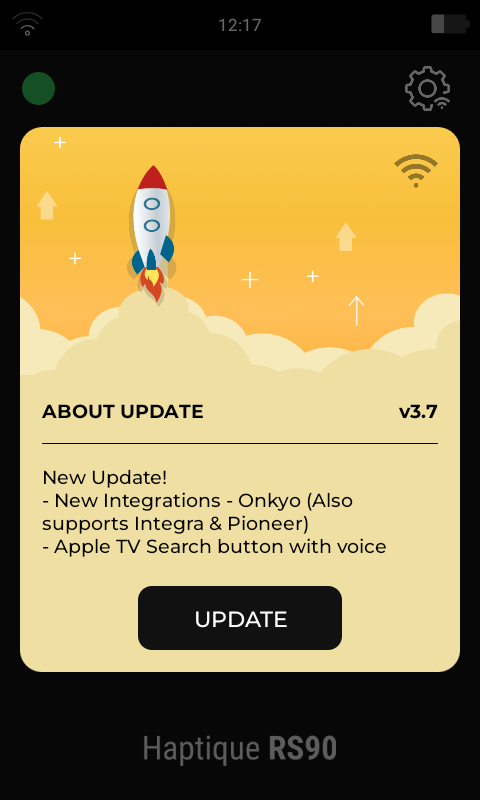
How do I update the controller? I used to receive a popup whenever there was an update but I have not received that yet. I also seem to no longer have a way to check the current controller version on the remote.
If the pop up did not arrive for you, try to reset the Haptique(Settings on Remote) and reconnect once again using the QR scan from your phone(Config app).
How do I find “Settings” on the remote? There’s no “Settings” app on the app page and I don’t see any other menus/settings/pages other than Battery and Widget.
Since there is always one only live version we do not show the version. Only one version will stay working on the Haptique. This is system app and not the firmware(Android).
New Integration - Onkyo | Integra also works with Pioneer AVR.
This time we have also added Media player in the AVR integration, Next we will implement the same UI under Denon and Yamaha so Heos and Musiccast can be also used.