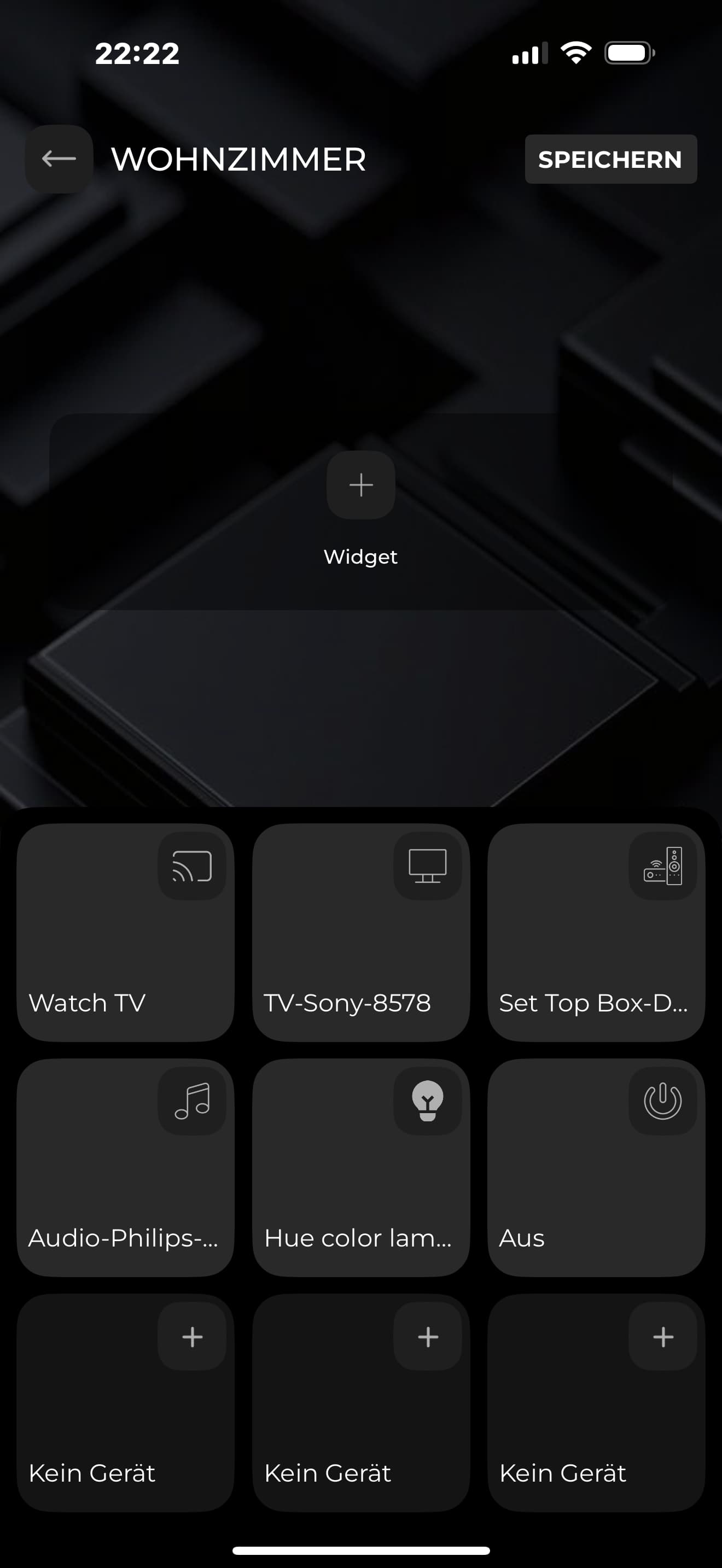
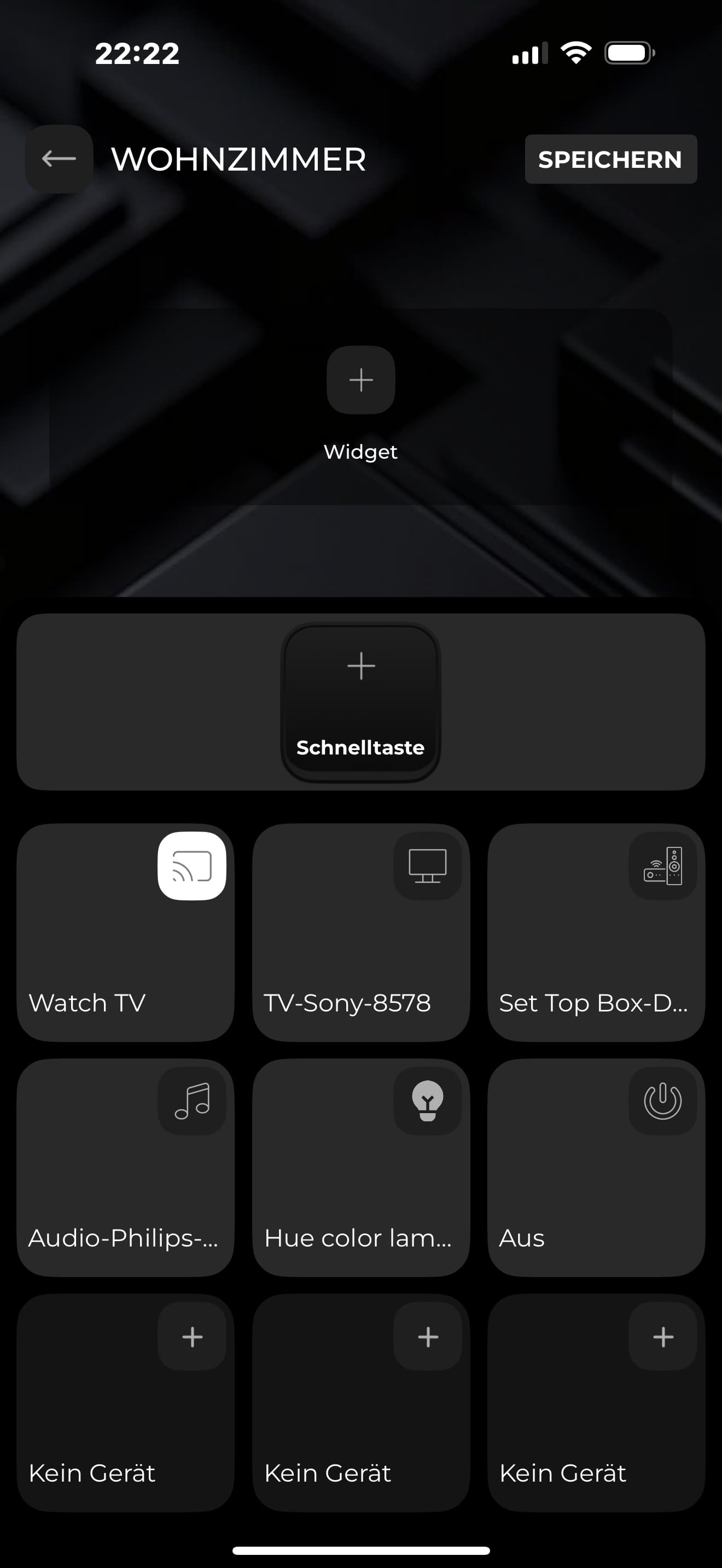
What kind of “things” should appear as Quick Button options for a sequence? I only see one of many devices.
Long version:
Currently all my devices in the Haptique app are Home Assistant devices (or automations) or Custom-URL devices.
I have a sequence added to the Haptique app. Then I added the sequence to a room, to one of the many buttons (added as “Macro”, not as “Device”). Now I want to add Quick Buttons, but in the “list” of available things to add as a Quick Button, I only see one of my many Home Assistant automations.
Currently if you use Sequence and want to map Quickbuttons, it only shows commands which are used in that sequence as well as the whole device if you want to control it as full.