Config App
Android: v 3.4 | iOS: v 3.2
Kaleidescape integration added
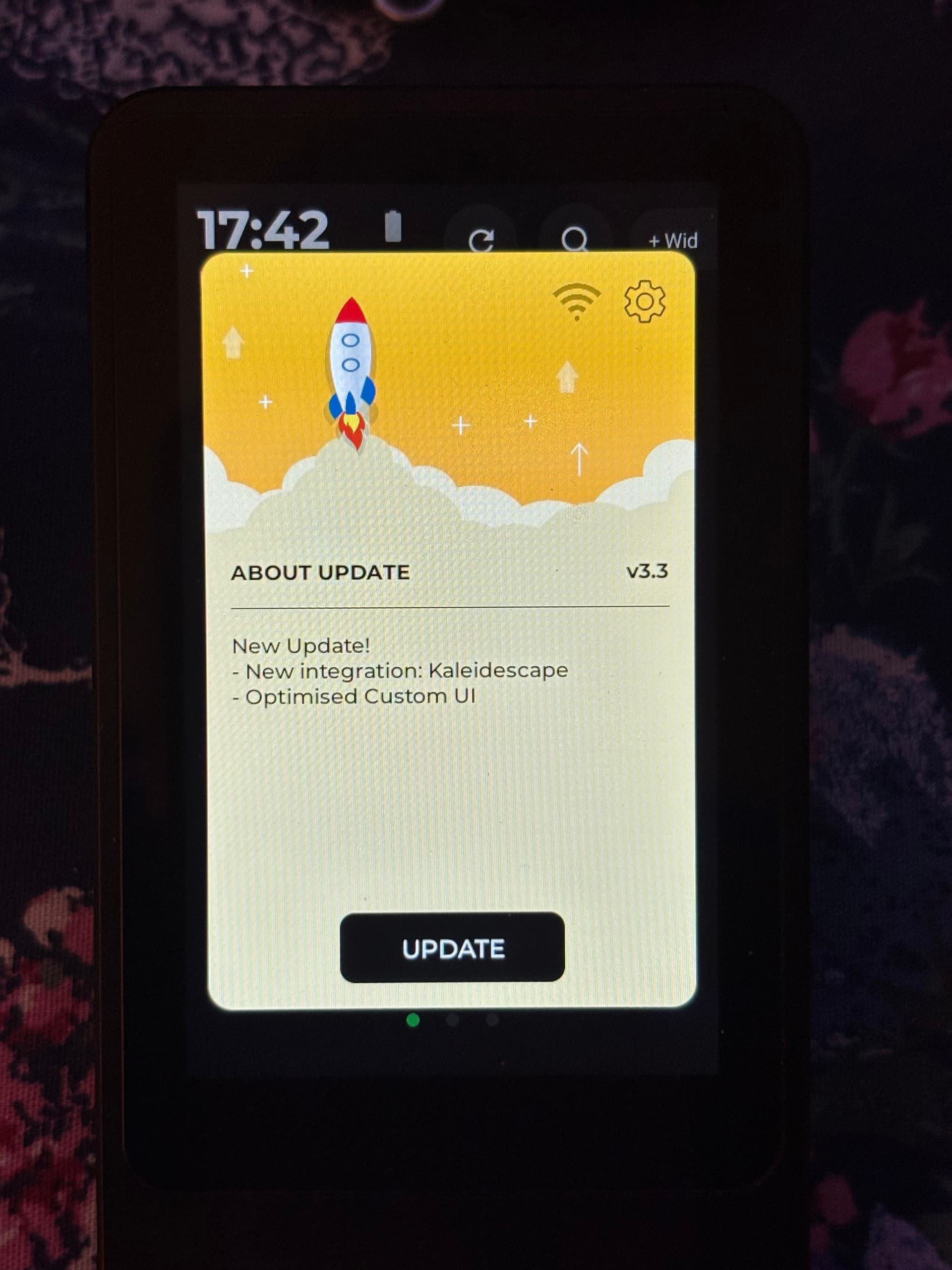
Haptique system App v 3.3
Release Notes:
Read activity Logs via settings
New Macro Power Fix button & Macro switching added
New integration: Kaleidescape
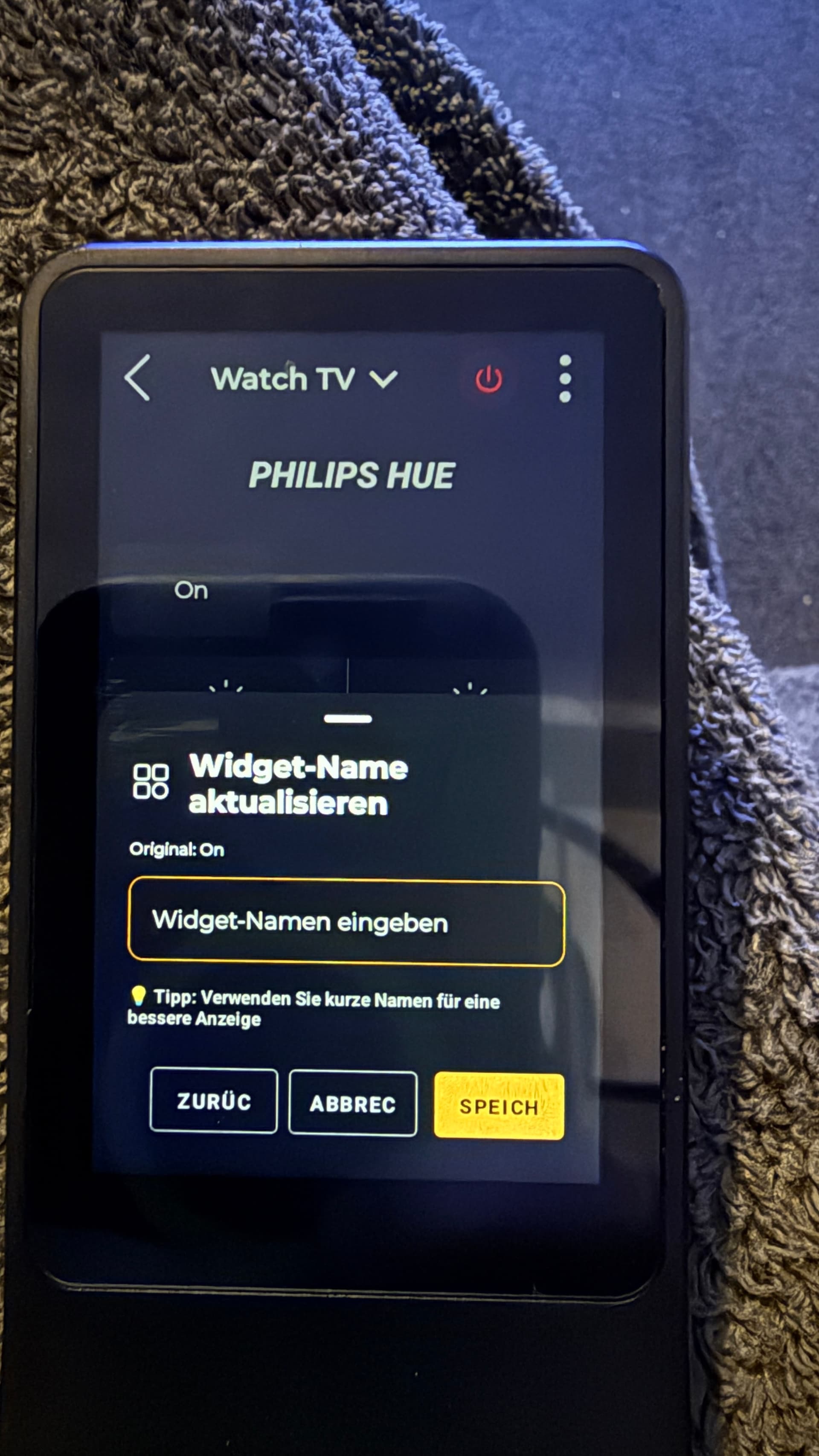
Now rename custom UI buttons
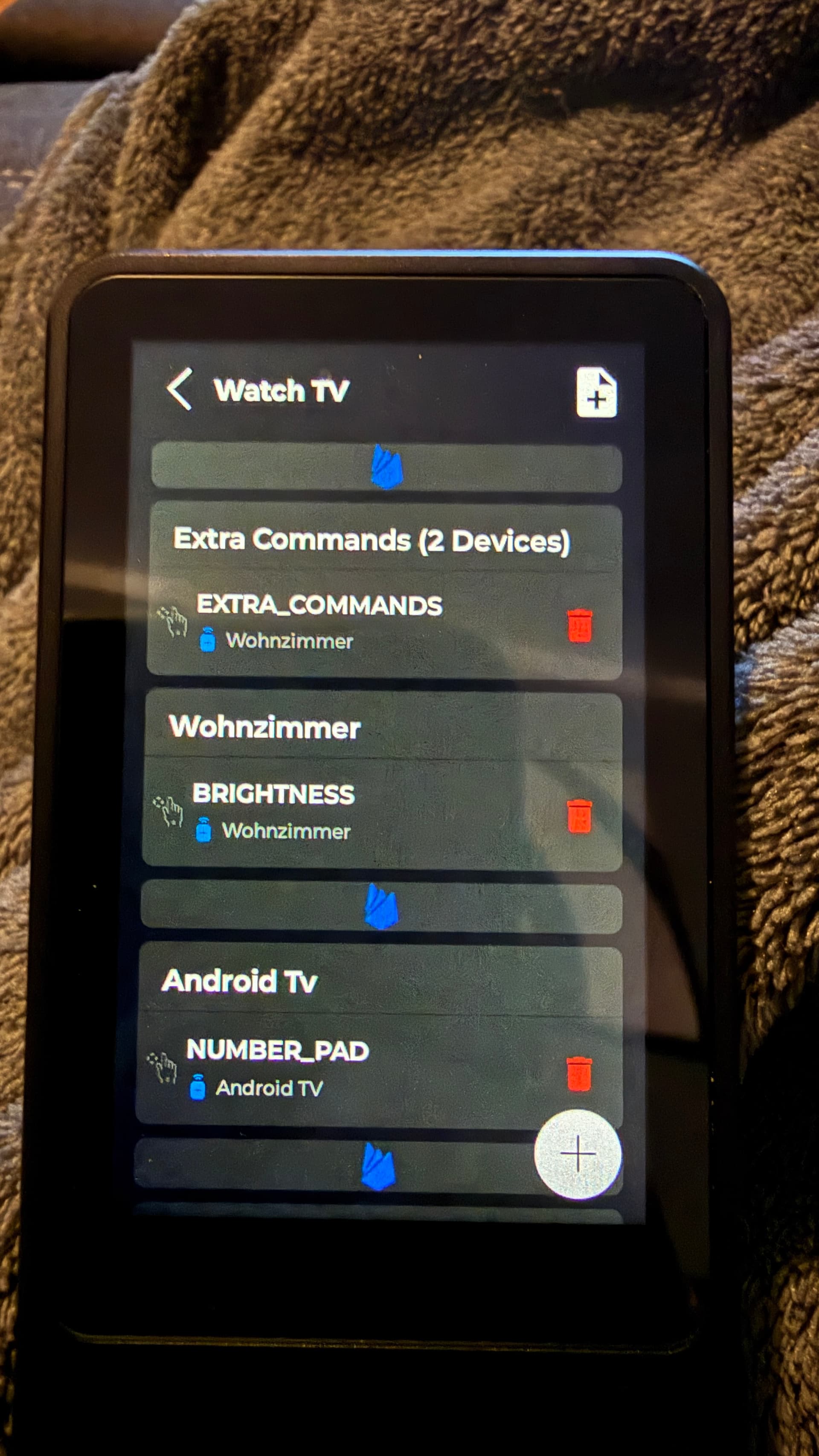
New UI separator for organising buttons added in custom UI
Denon IP integration - Vol now changes 0.5 db via buttons
Roland
February 13, 2026, 1:48pm
2
After the update the remote no longer work.
Try to clear App cache from system settings. It should resolve the issue.
Roland
February 13, 2026, 2:31pm
5
I found it. But didn’t help. I reinstalled the app on the remote control now it works.
1 Like
Roland
February 13, 2026, 9:20pm
6
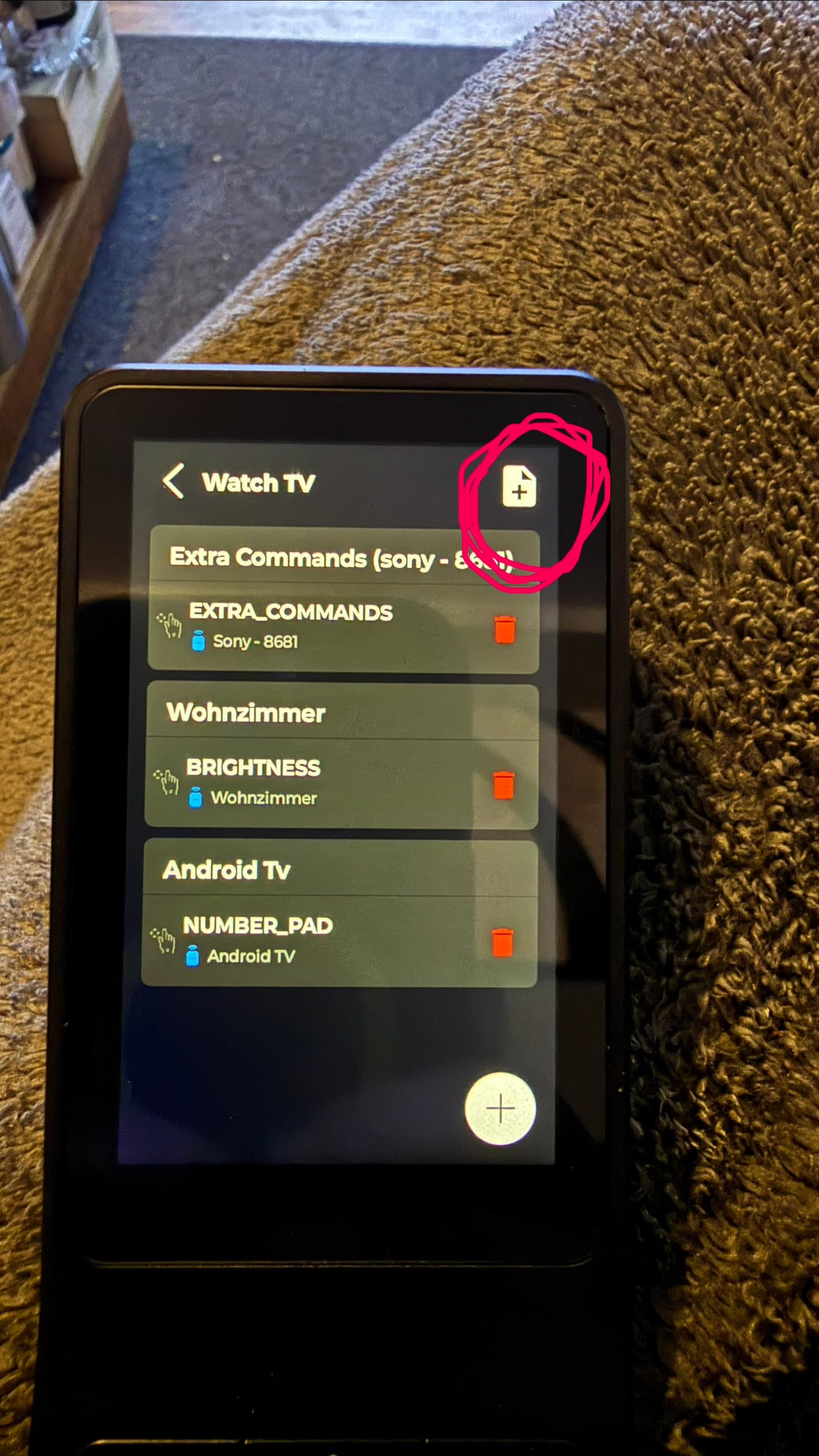
If I click on the + in the upper right corner :
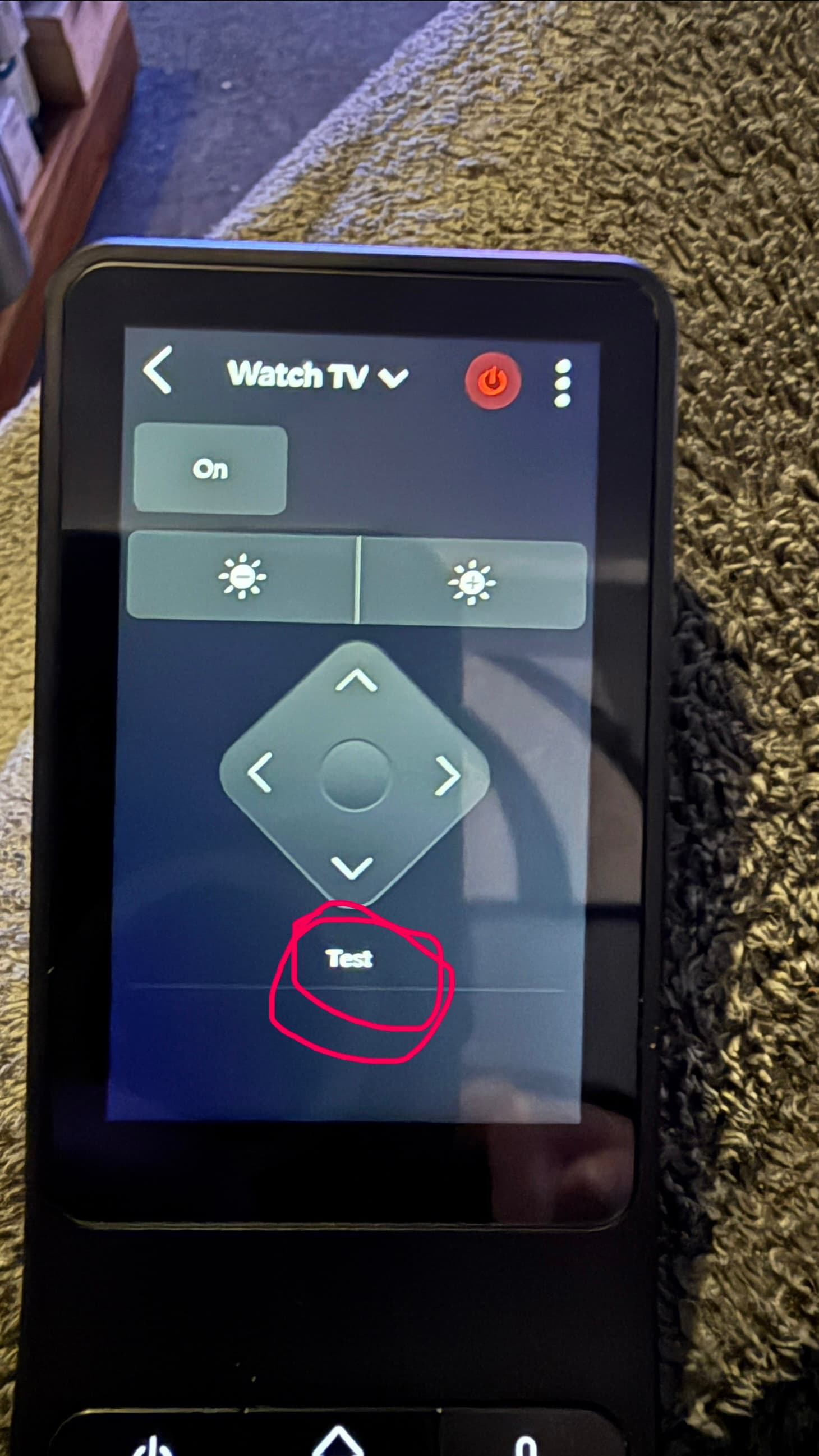
Do I get a text field displayed which I can also fill in and save. Can this button be added a command?
UPDATE :
Now I understand that’s what it’s meant for.
But now for the last time for today
Re-adding that button is the easiest fix.
Roland
February 14, 2026, 4:55pm
9
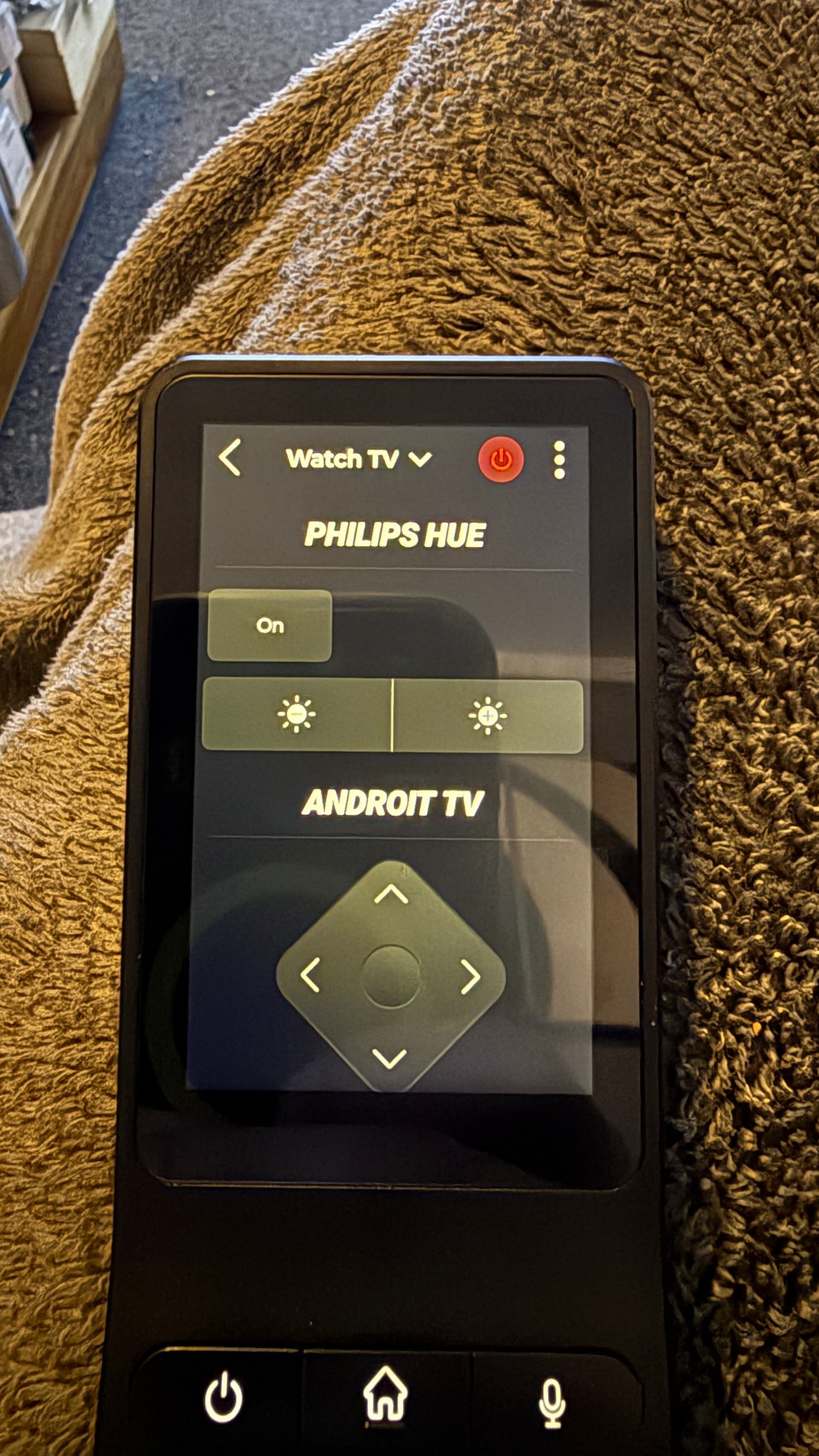
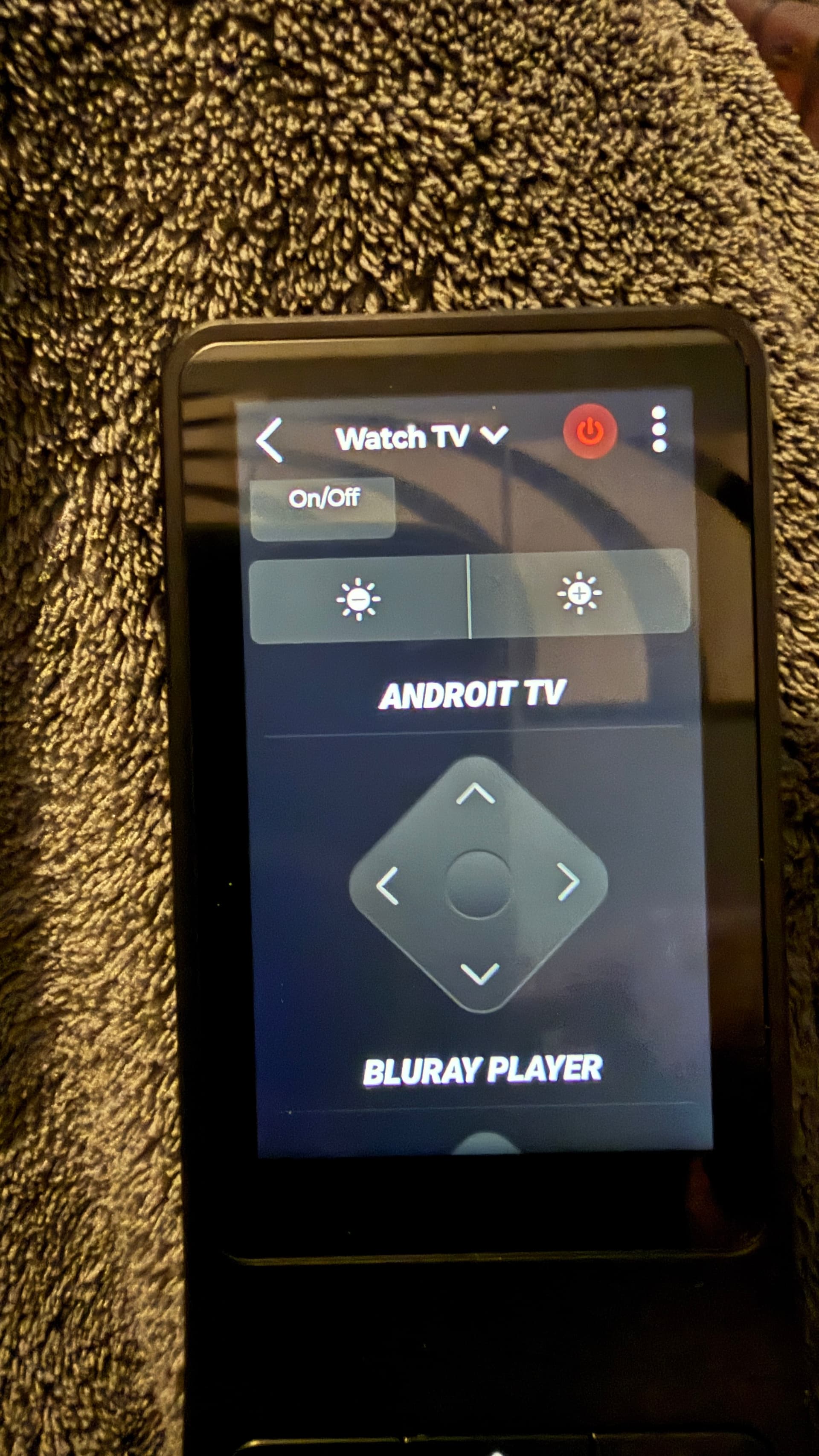
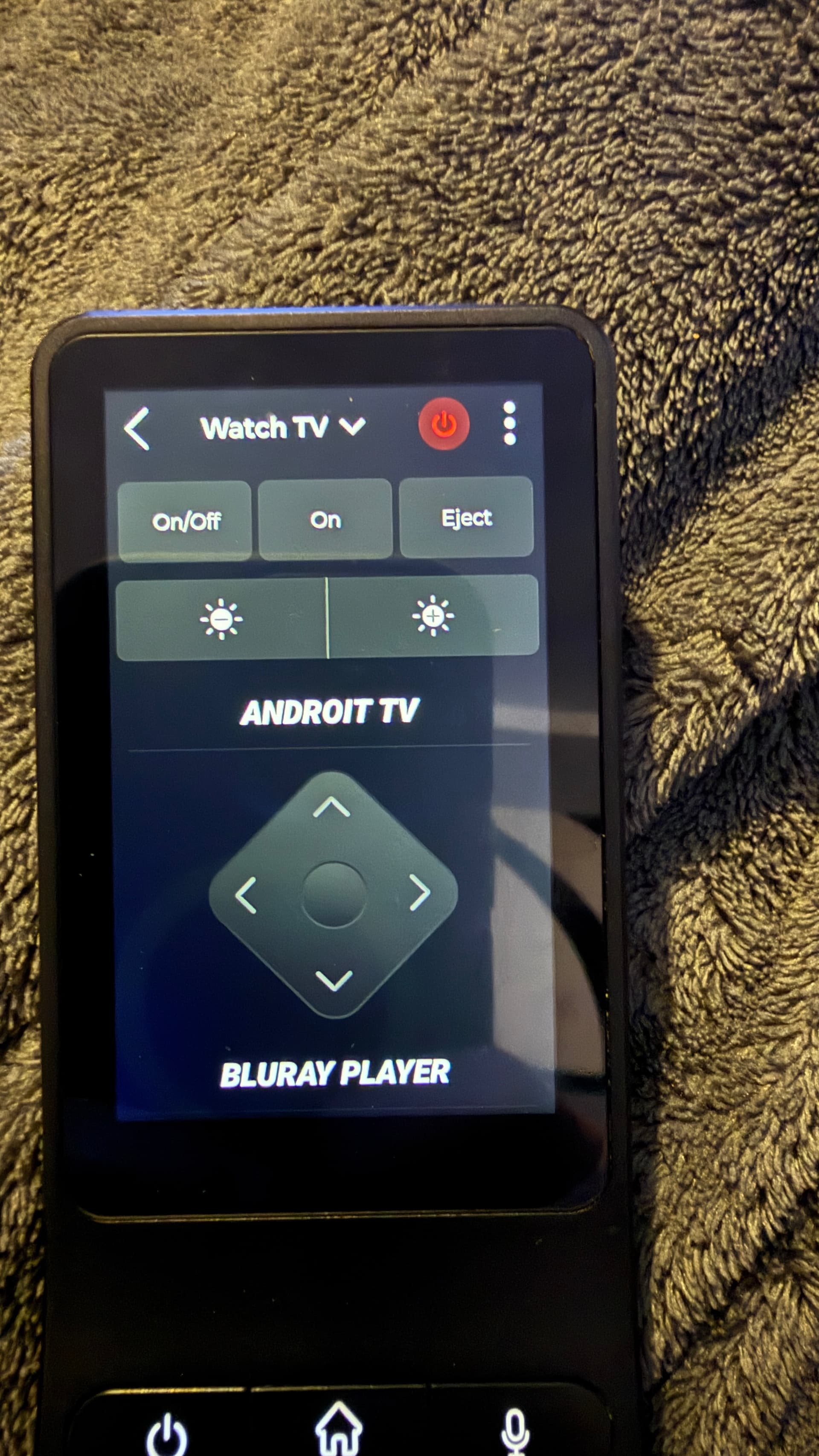
I tried to add the on button and the eject button to my Bluray player via the custom UI.
However, the two buttons will then appear under Philips Hue and they don’t work.
You can’t move them either because they are displayed as a second device.
Tested same file and command, you could see IR led sending it.
same for me !! and no 3 dot access to settings for reinstall !
The update broke the system ! Now no 3dot access ! can you send out another Popup software update !?
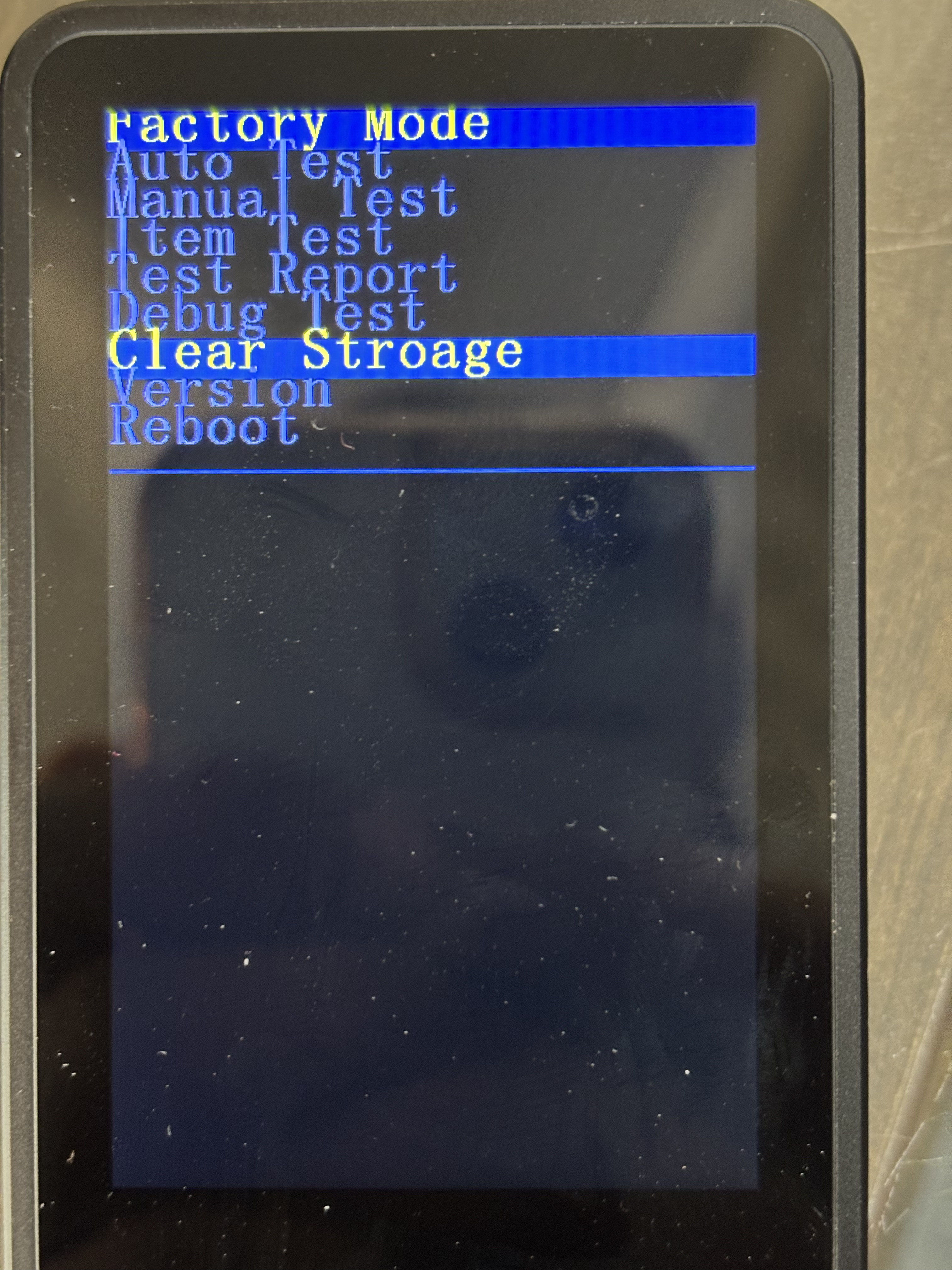
If the App is looping, restart the remote by holding channel down button. It will open a boot loader menu for your to reset device.
We are changing the update file today but if you have already ran into this problem. I advise to reset remote by clearing the storage.
Hold channel down button and power up the unit.
andmc
February 17, 2026, 3:02pm
16
Found another bug when making adding home assistant automations to the custom UI only the first one works
After clearing storage and re-adding the device to my config app and synching, I can only see the Apps tab on the device. What do I need to do to see my devices/macros/etc.?
1 Like
Fonzo
February 18, 2026, 1:23pm
18
If you have activated OPUS 1 as the UI for the RS90, you will only see what has been selected as a favorite in the Haptique Config app. Therefore, you need to set a favorite for all devices and macros that you want to display.
2 Likes
icorn
February 18, 2026, 8:59pm
19
For me, all buttons of the Custom UI have the name of the button I have edited last. A clear bug.
1 Like
How would I have done that? as it didn’t specify at any point during the update of whether to configure a new UI