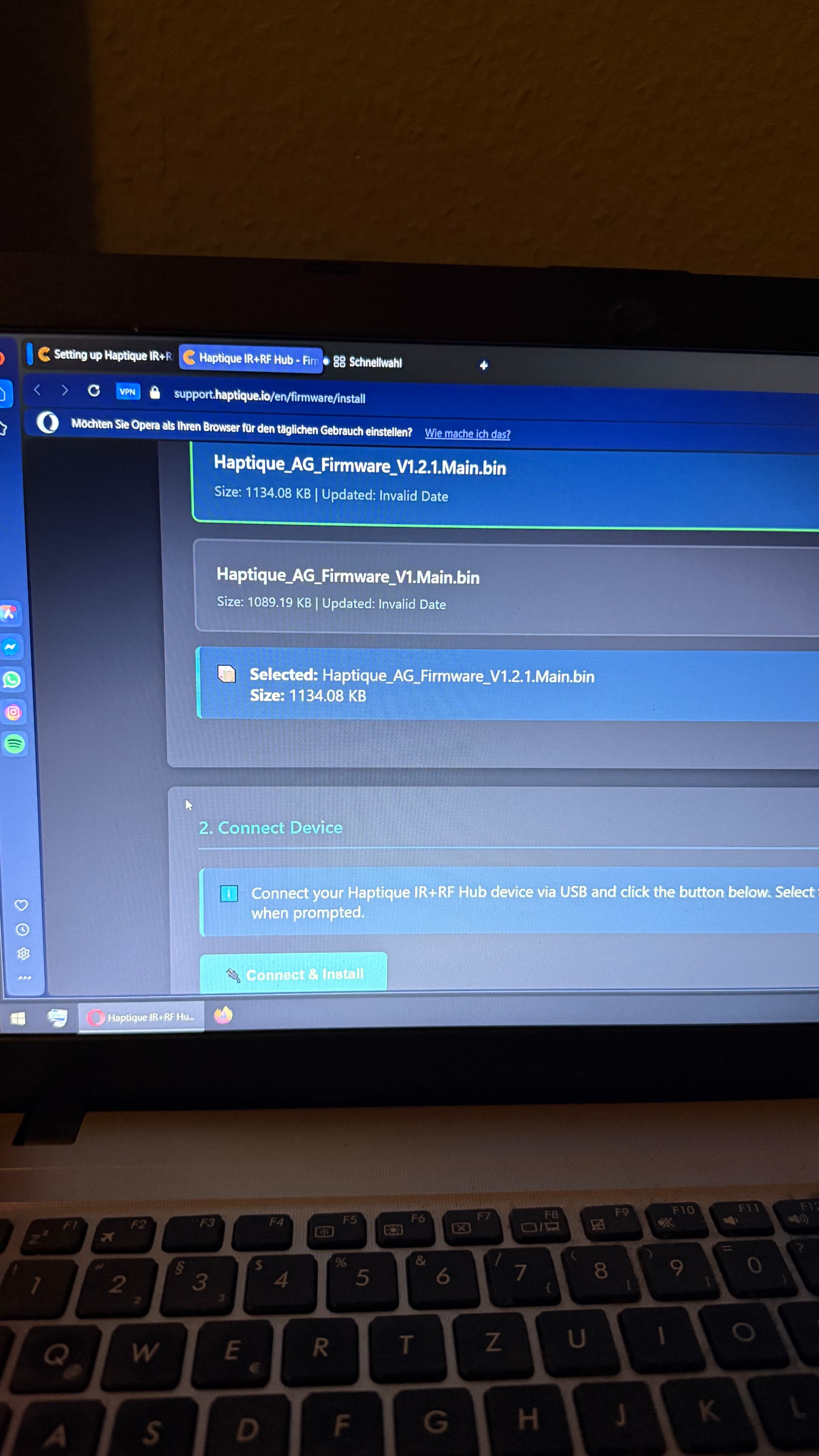
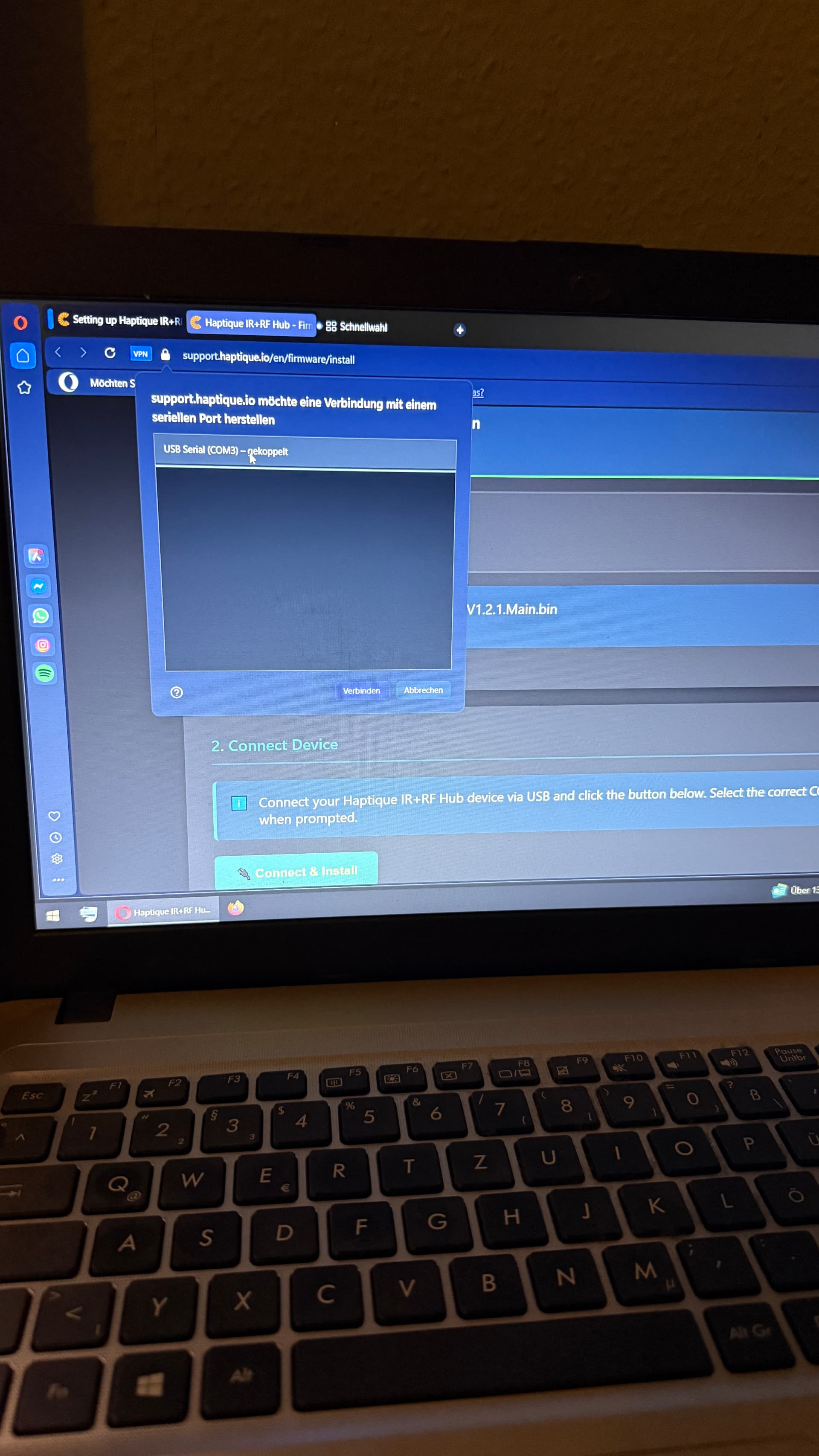
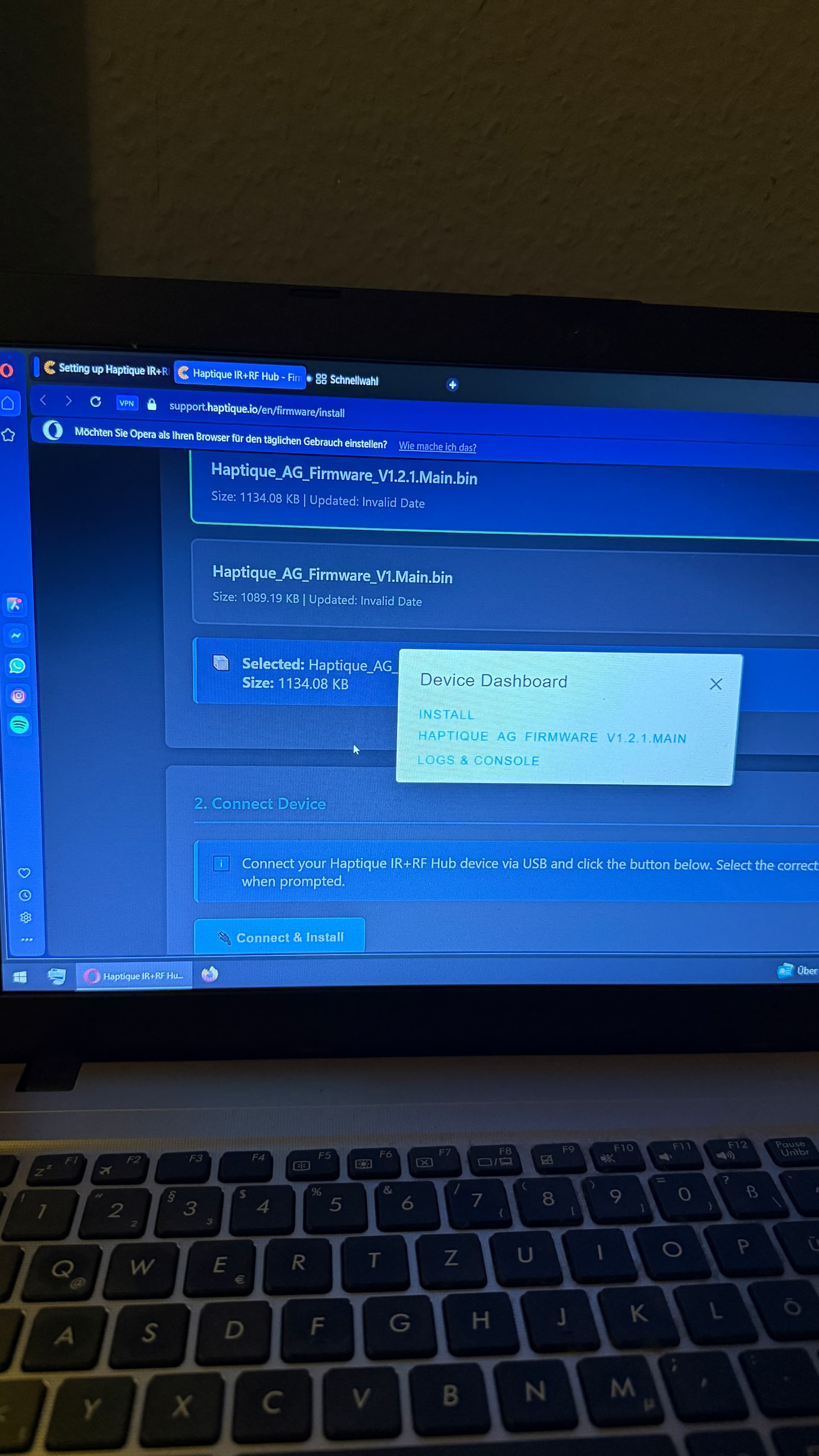
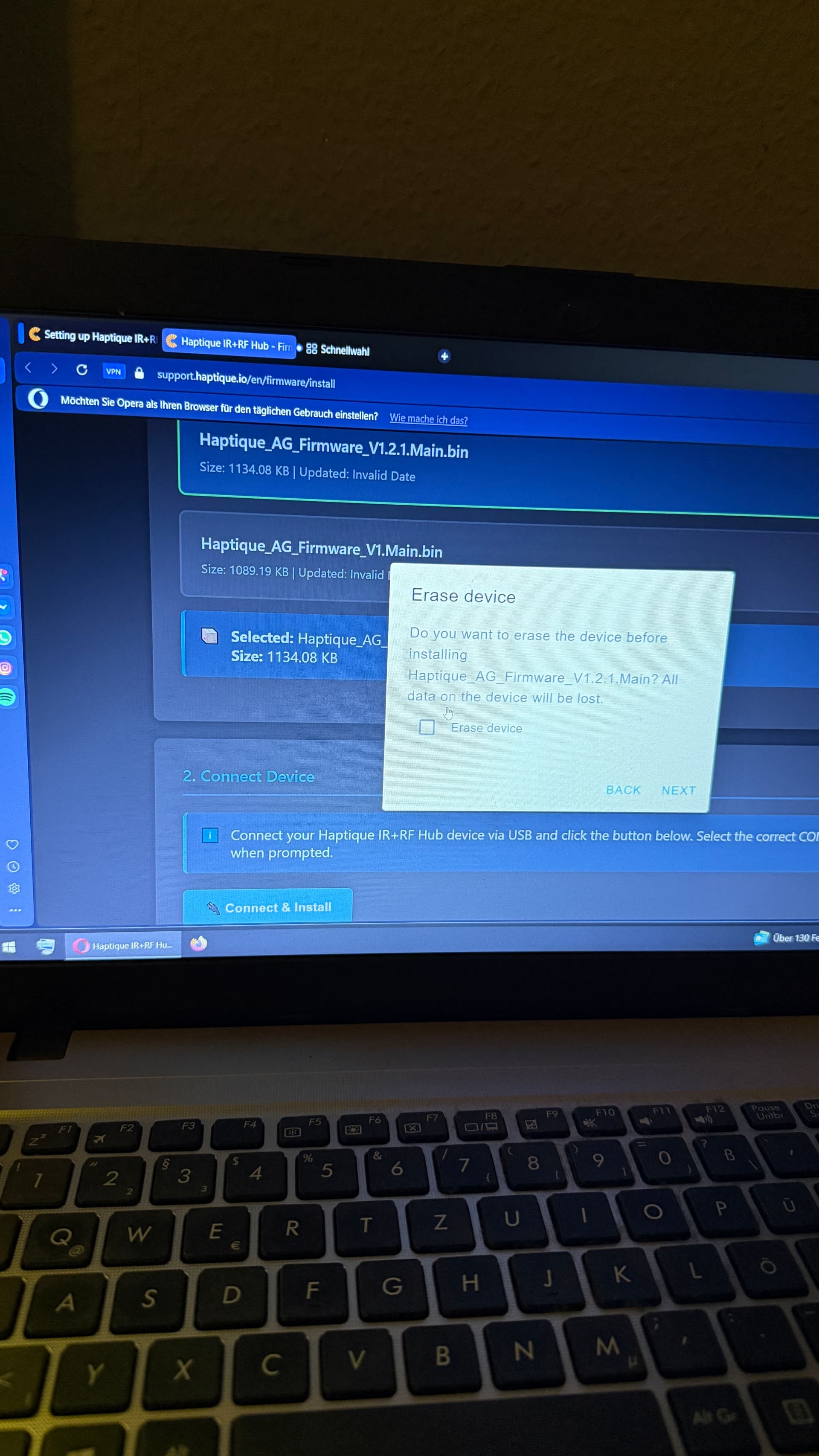
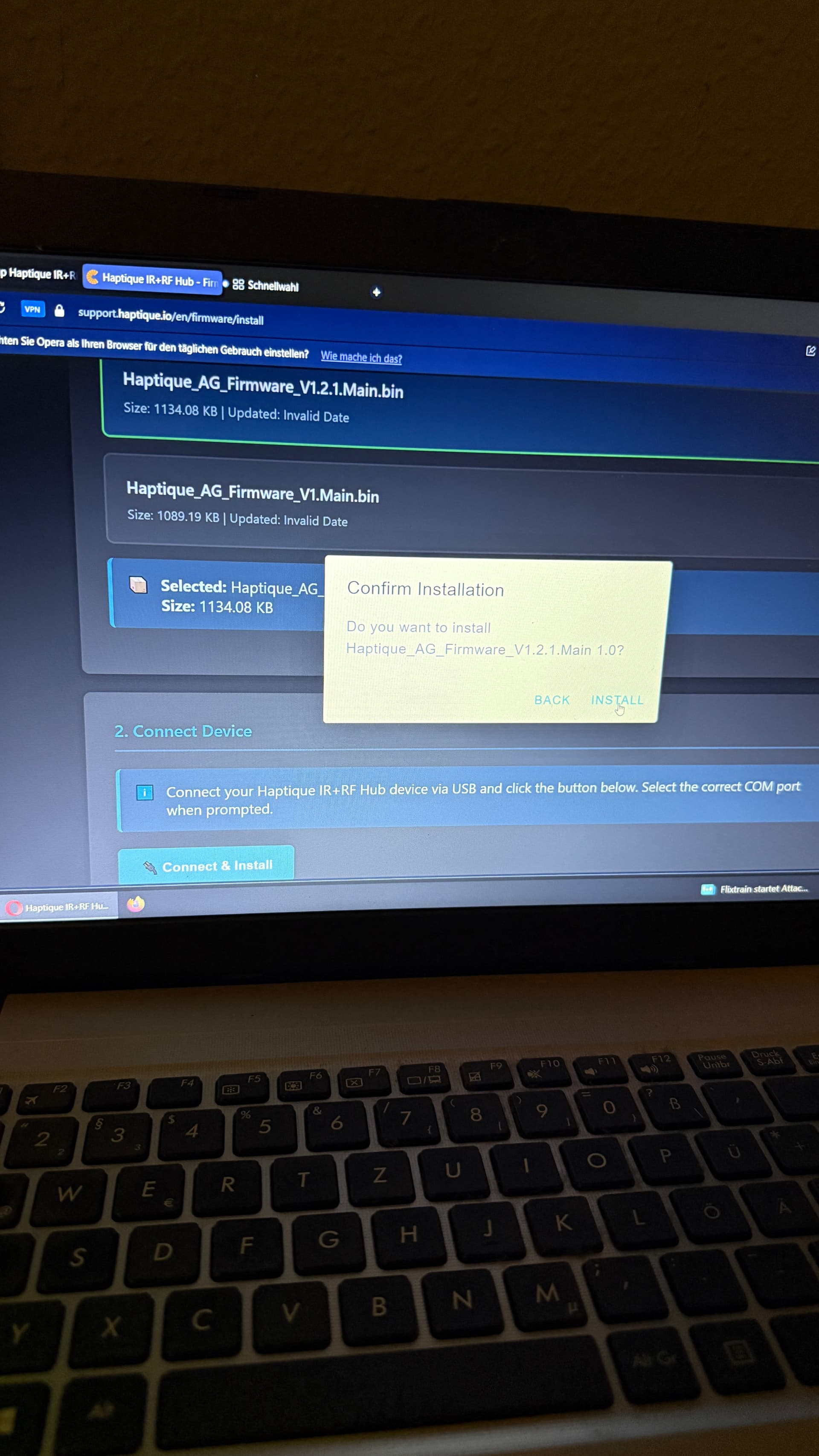
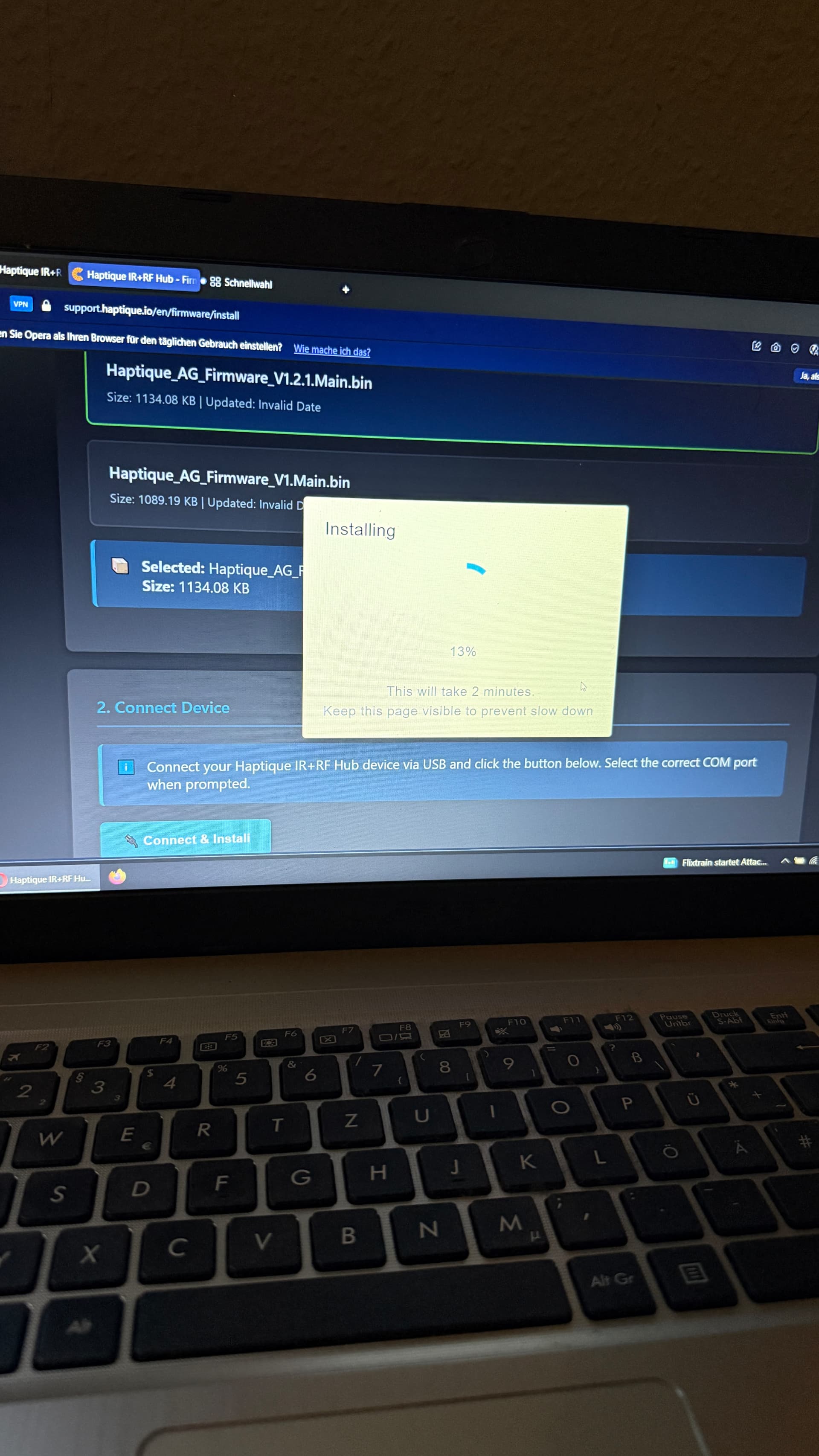
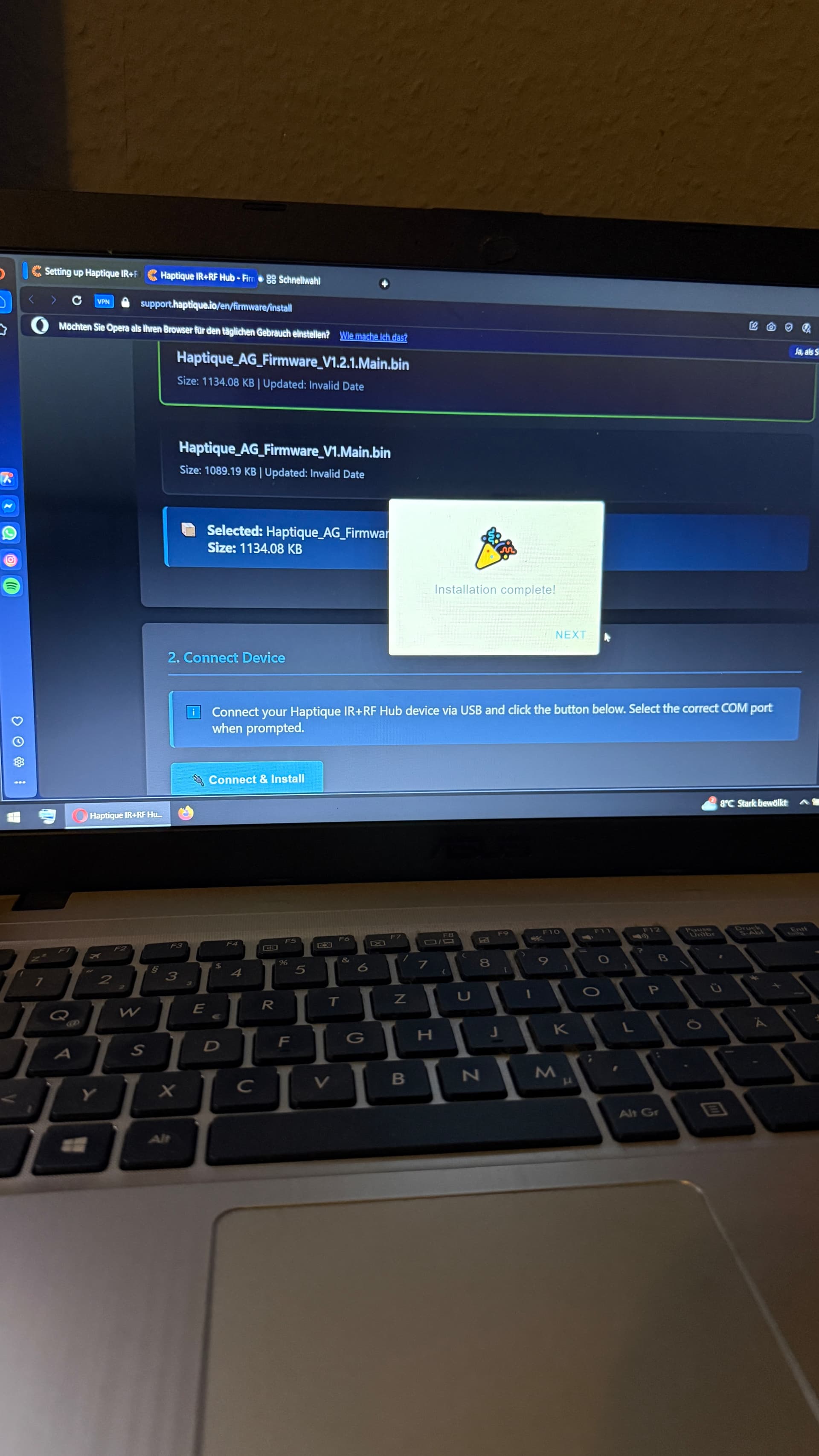
“Connect the other end of the USB cable to your Windows laptop or computer.”
However, not every RS90 owner has a Windows computer.
Will it be possible for the IR hub to be shipped with the appropriate firmware pre-installed when ordered directly from the Cantata website?
Are there alternatives for users who don’t own a Windows laptop or Windows computer, or has Cantata tested compatibility with other systems such as macOS? Is there also a way to update and use the IR hub with a MacBook?
We have shipped over 30 units in the initial batch featuring the first firmware revision, which significantly improved during the Haptique app development phase. Only these specific units require a manual update via USB cable. Going forward, all new orders will ship with the latest firmware pre-installed and will not need to be flashed.
Note for Mac users: Flashing may be difficult as modern Macs do not have native USB-A ports
After a short time, the remote control no longer responds at all. Then I have to remove the hub and restart the remote control.
The hub does not send an infrared signal.
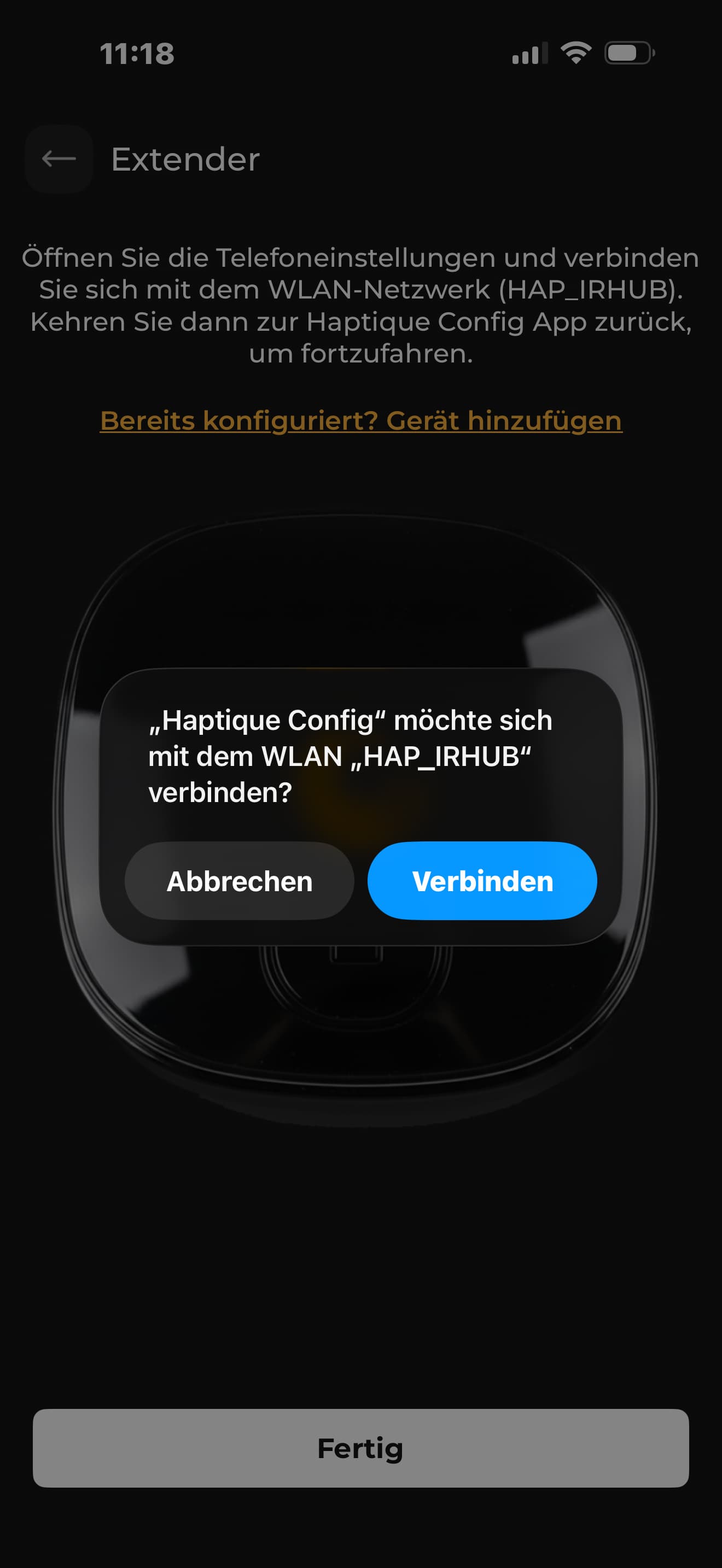
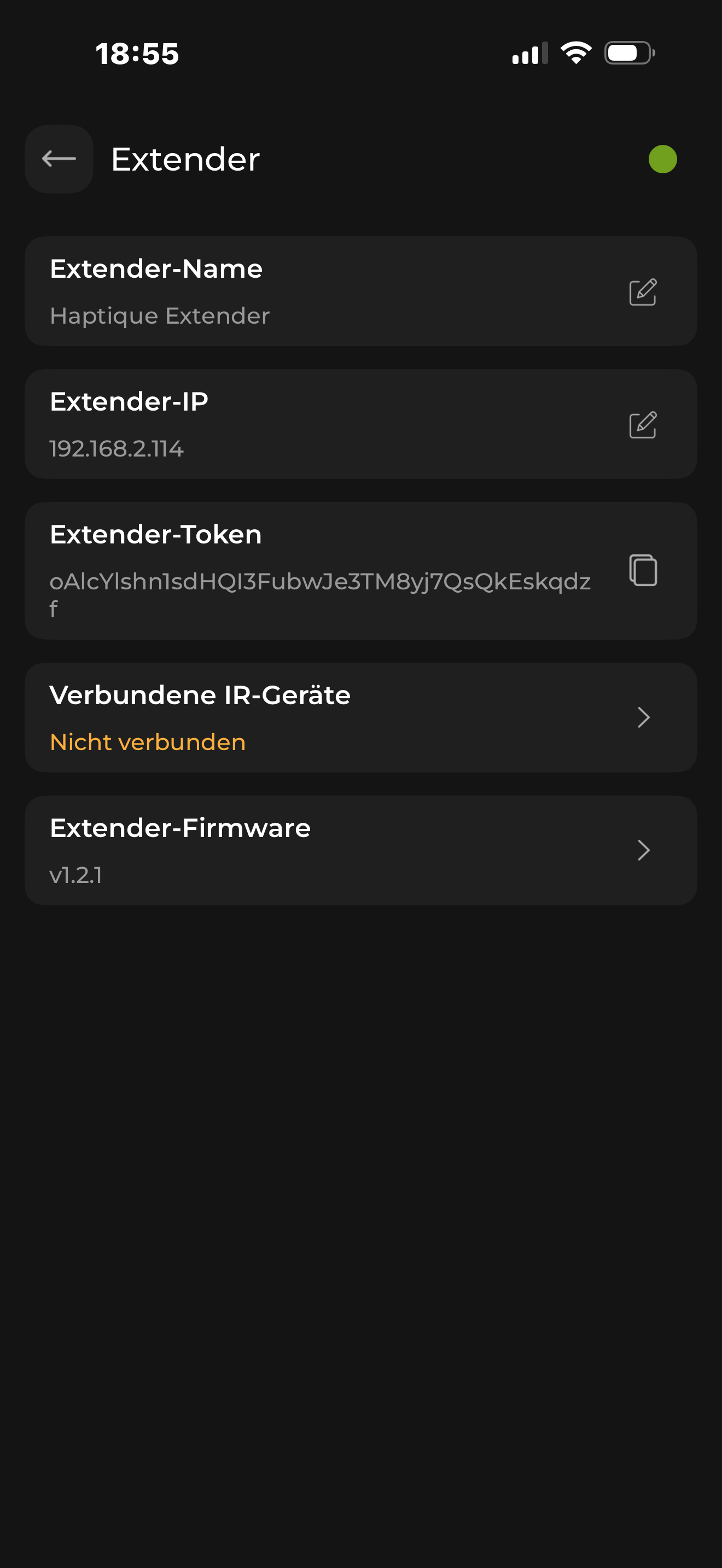
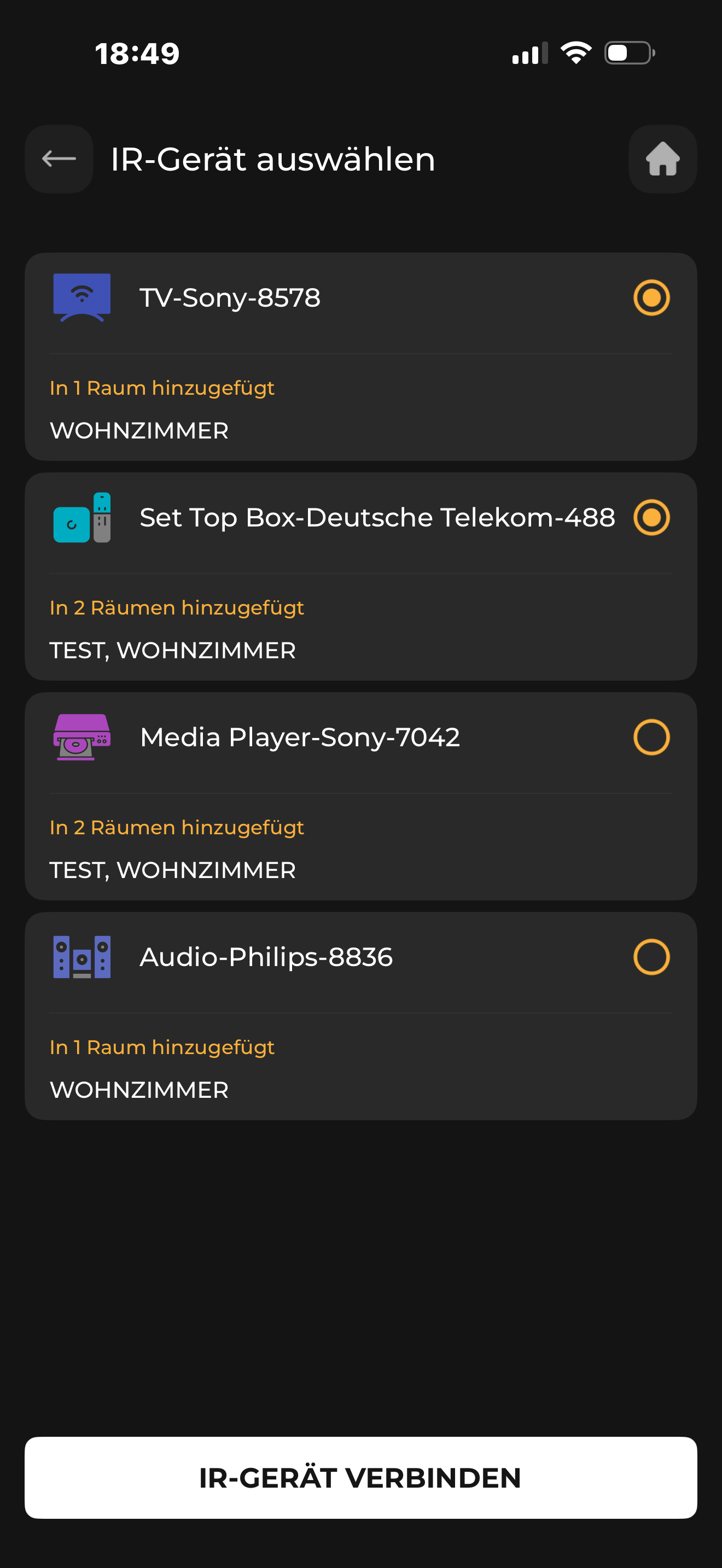
Roland, I received the extender too and it’s working great on my end. Is the extender properly visible in the haptique app and did you add the IR devices what should controlled via extender? If yes, then we can investigate together, contact me if you would like to. My mail is royal.arts1@gmail.com and send me a message then we can talk via WhatsApp or phone. In German language
Unfortunately, we have not found a solution. I have now found out the following: The hub works with my Sony tv. My philips soundbar and the set top box german telecom do not work with the hub. When I switch the soundbar to it, the volume buttons no longer respond.
I thank Royal Art for the help