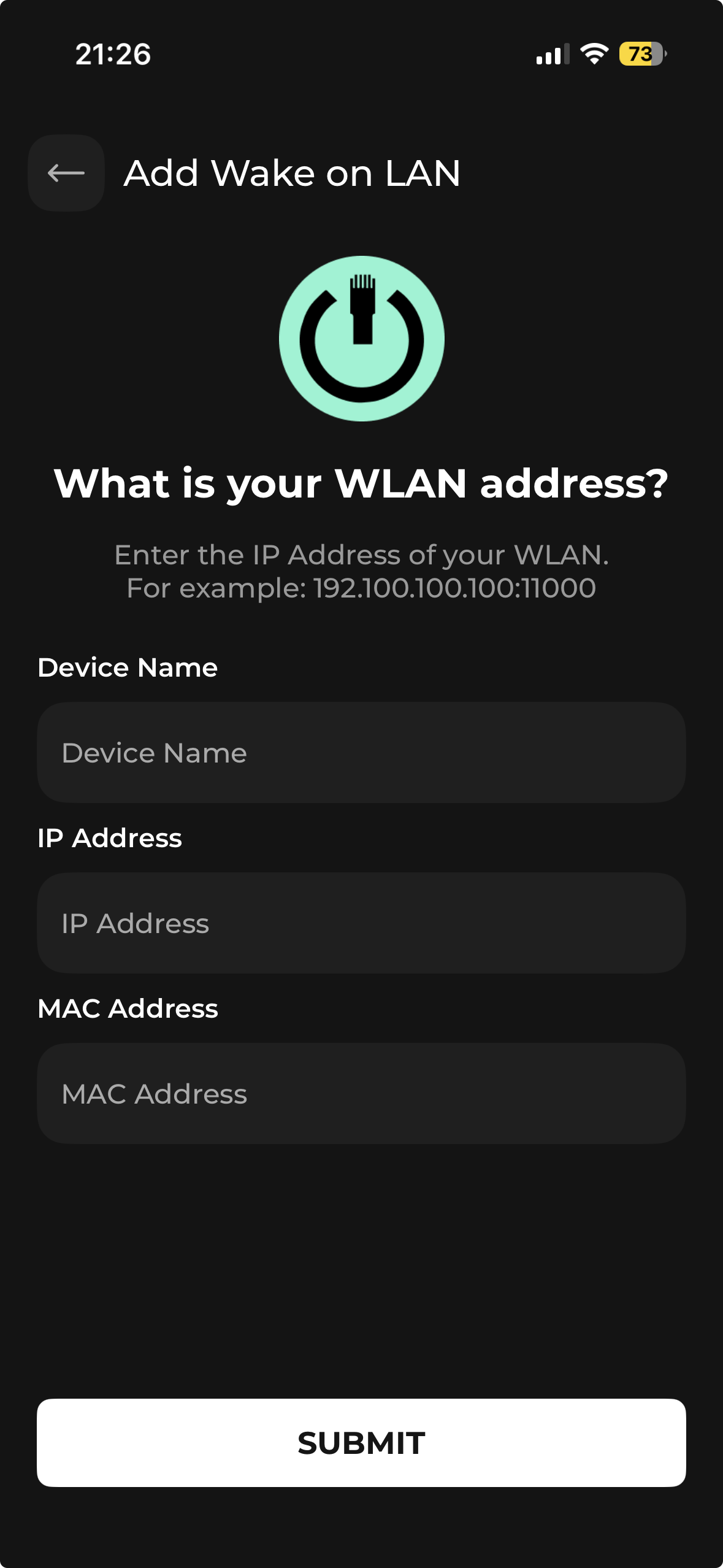
With the new app update posted from our side. The new integration will be, Wake-On-LAN.
Lot of Devices like WebOS(LG Smart TVs) , Trinnov supports WoL to power on them. You will have to test this integration first with your device before making it part of your Macros.
Tips:
Make sure the device you send magic packet is on static IP. This integration also works over Wi-Fi but also try the LAN connection for the reliability. It may not work with LAN in some LG TV cases so try both way.
Hi, Excited to try this, but need some help. When I activate the macro for Watch TV, everything comes on, but I can’t control the volume on the TV. In the app, I have three devices for the sequence, Apple TV, LG TV, Wake on LAN. In the button mapping, I selected the LG TV, chose volume up and volume down for the buttons on the remote, synced it, but still no luck. I have to go to the LG TV screen on the remote and press try again several times in order to get the required PIN to show up. I enter the PIN and it works if I’m on the LG TV page of the remote. When I switch it to the Apple TV screen, all buttons except the LG TV buttons (volume up, down, and mute) work. I’m not sure how to correct this. Any help is appreciated.
Add some delay to LG TV when you do Wake on LAN. Ideally the PIN to show up and pair on Haptique needs to be done once only on Haptique. Another way to improve this is by keeping the static IP for the TV so next time IP won’t change nor the Haptique will ask for the handshake.
My advice will be creating a custom UI instead of using the fixed device UI. I will keep the Apple TV UI for quick apps switching. You can also avoid having the WoL screen and use it just under the On sequence as command.