Sharing my UI layout using Aurora store with Nova launcher
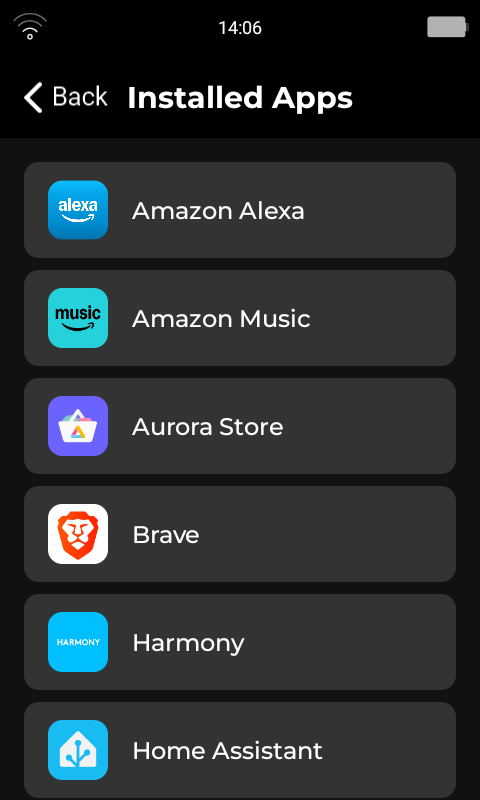
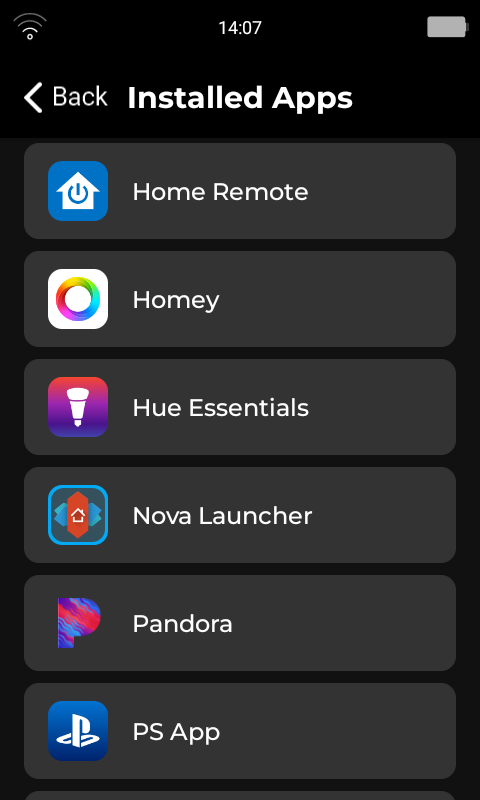
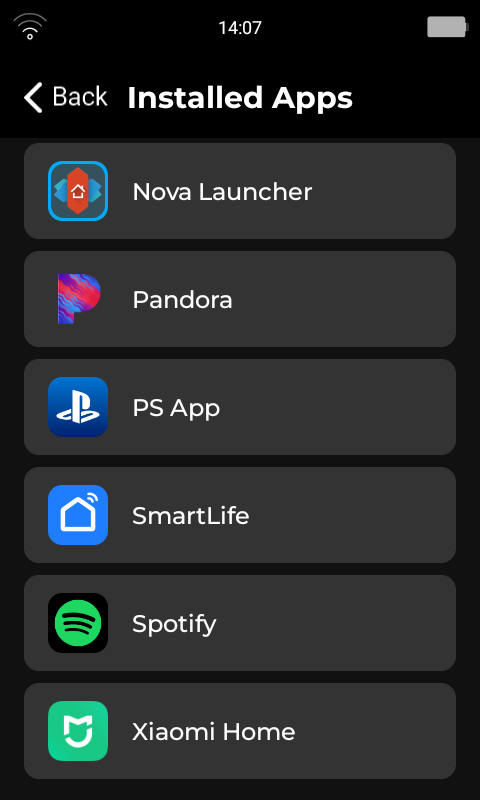
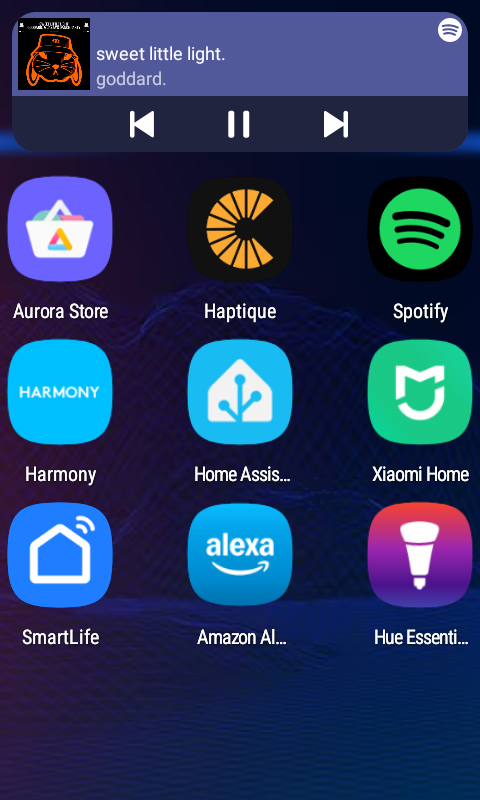
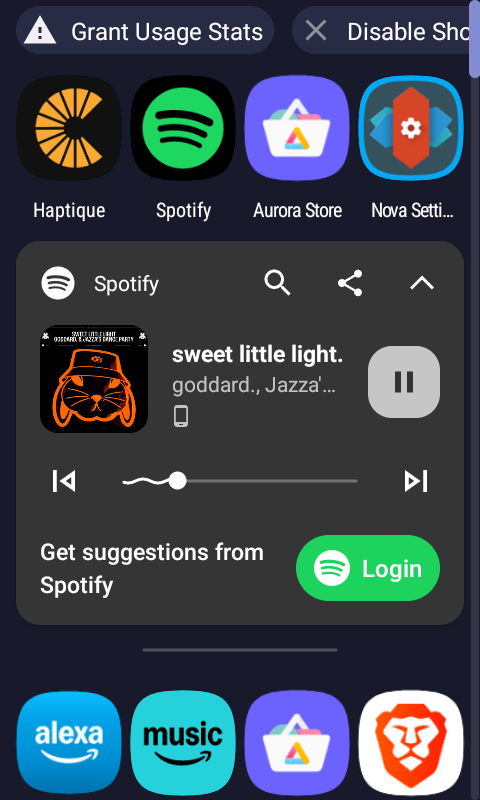
I have now set Nova Launcher as the default launcher and currently have the Haptique, Home Assistant and Kaleidescape apps on the Home Screen.
For both Home Assistant and Kaleidescape I can ‘back out’ of each app to get back to the launcher home page - but can’t do the same for Haptique so is there a setting I need to change to make this work? (I have to go to installed apps within the Haptique app and open Nova Launcher again, which somewhat defeats the object of having a different launder…)
Any ideas welcome.
We are adding “Recent apps” button on the physical key in the next update so you will have a choice of quick swapping apps.
OK, that should work.
Thanks.
Just to note, I have the same issue with the Roon app. I seem to have to restart the remote to get back to the launcher.
A post was split to a new topic: Apple TV IP Integration - Issues
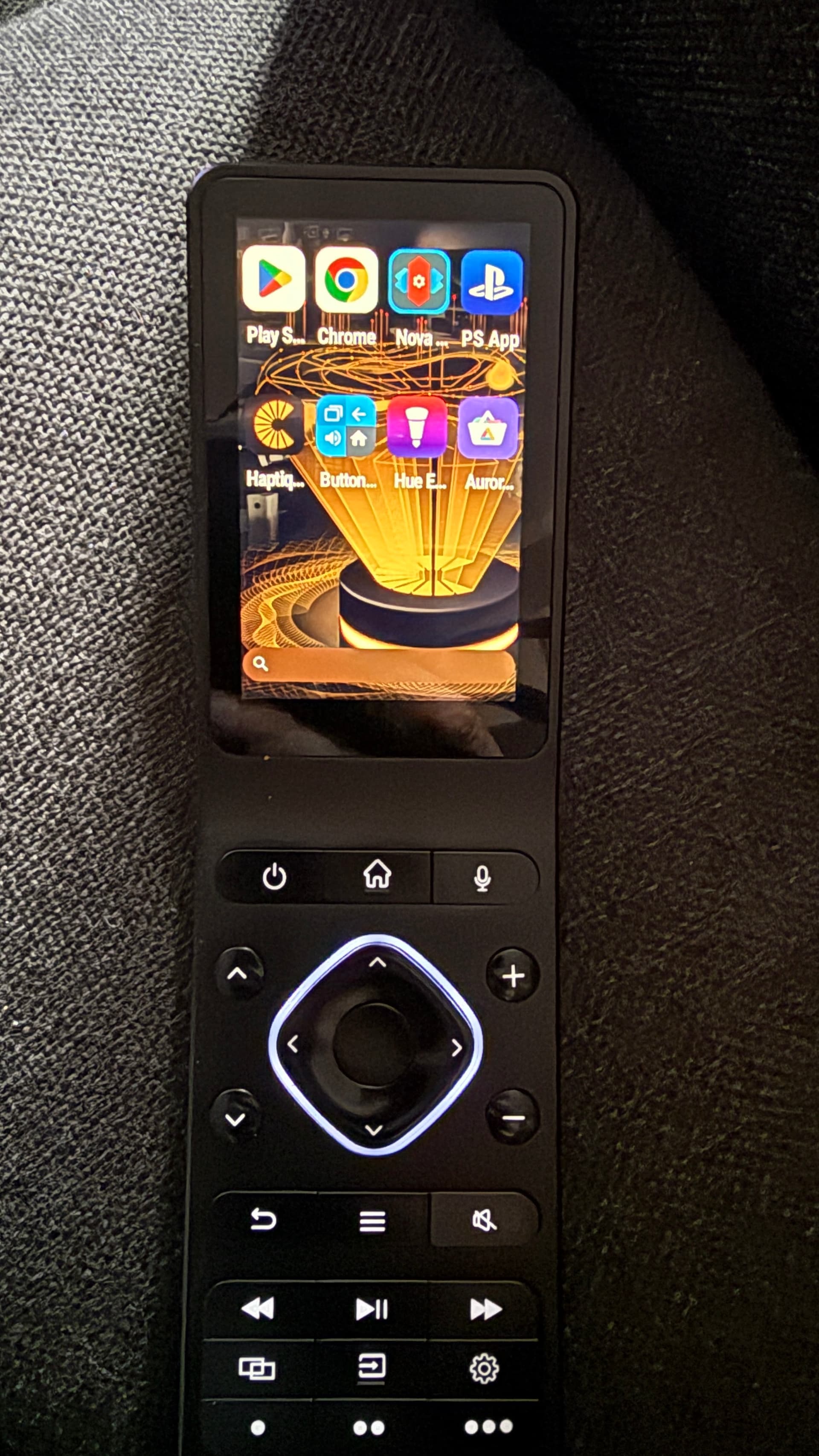
Change from launcher settings.
I can’t find a setting in the app in which the background can be changed. Only the color can be changed.
First, download the image in Haptique Remote. Then, press and hold on the main screen. You will see the wallpaper setting, where you can select the downloaded image. It’s a simple method, just like on any Android mobile.
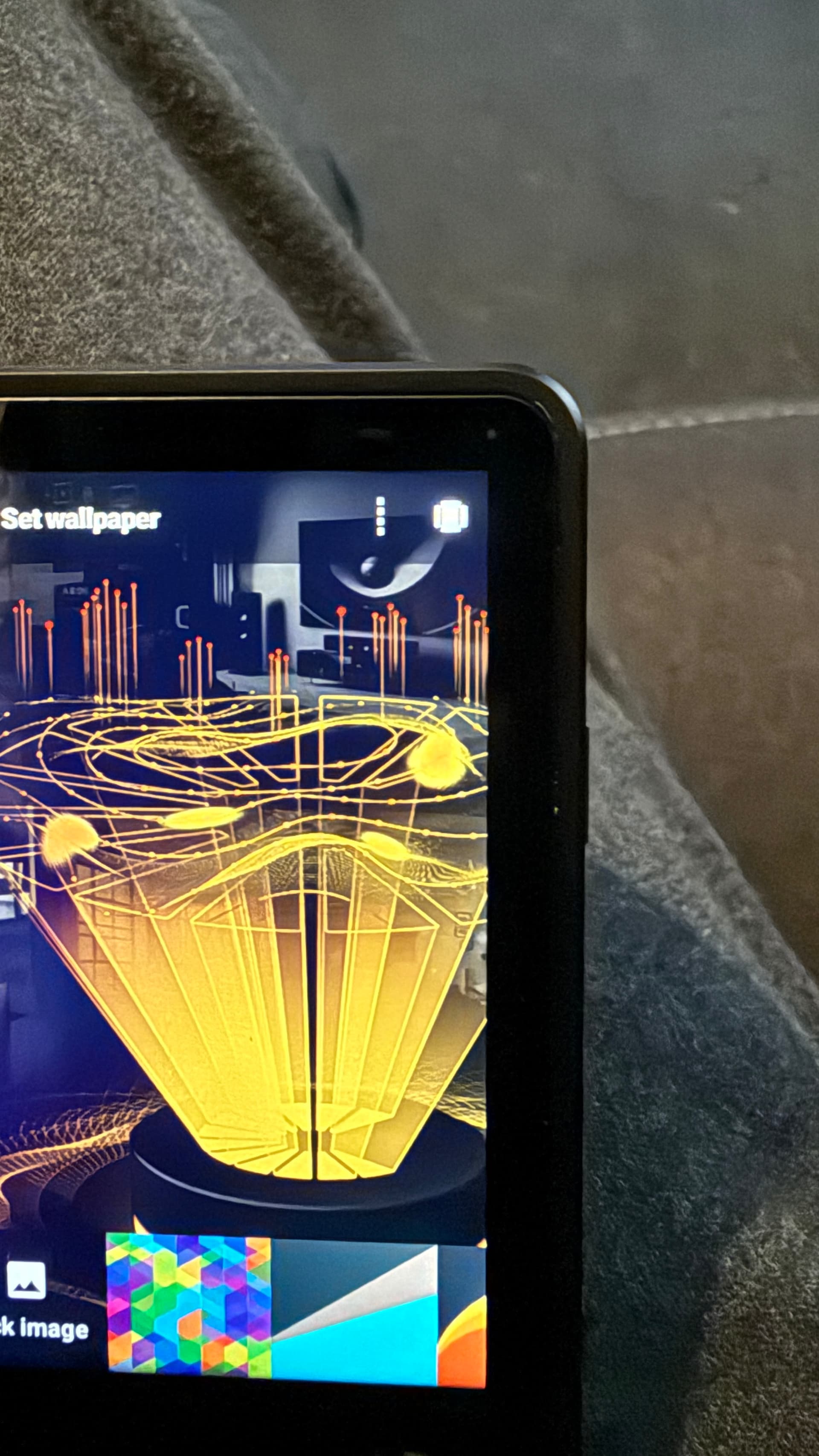
I found it  but unfortunately not your own wallpapers.
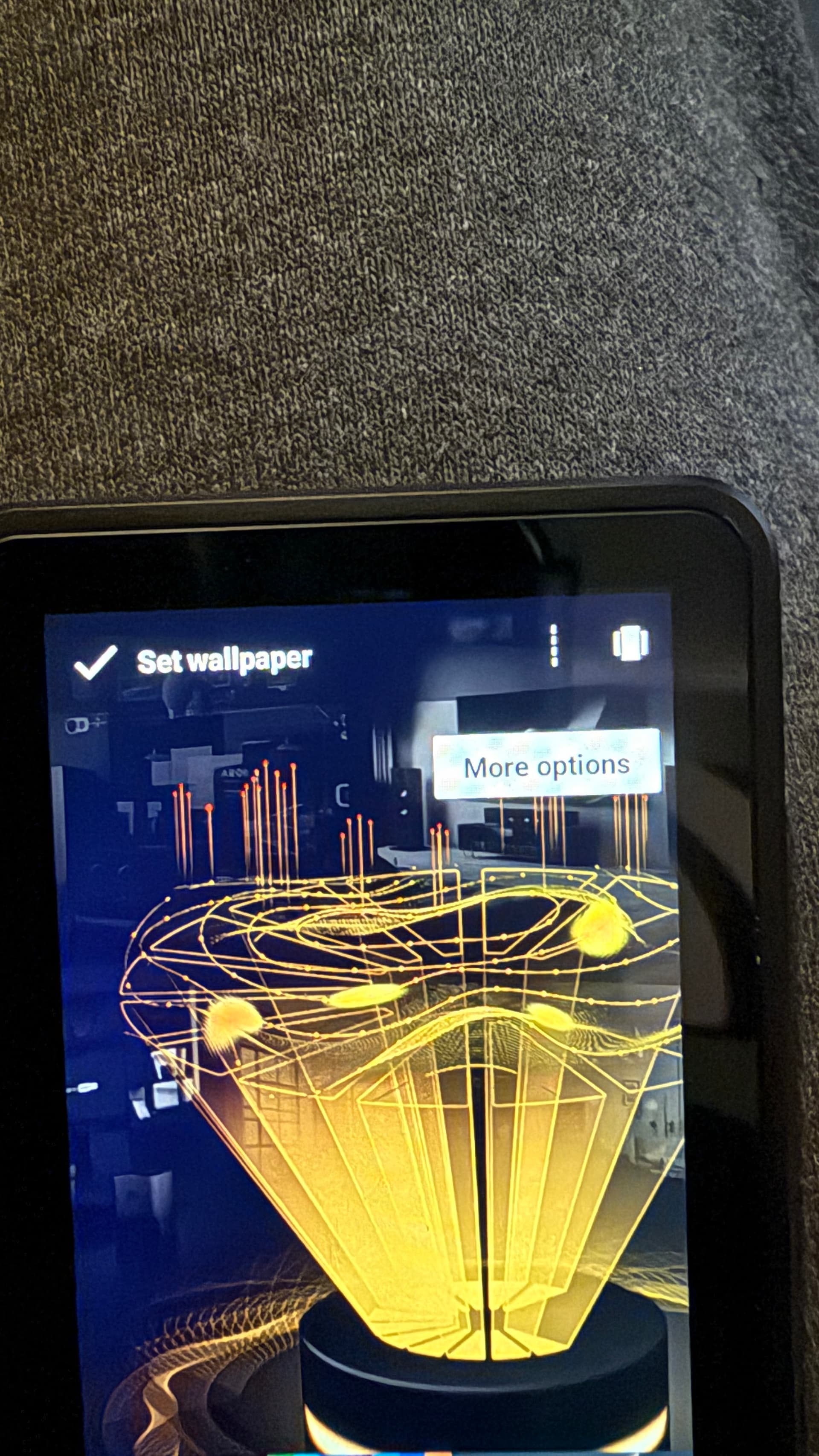
If you press burger button on RS90 when on the the Nova home page you should get some options.
The button with “more options” also appears but nothing happens when pressed.
Info:
Why can’t upload videos? Always get this message.I have a iphone 16 pro max.

use Youtube studio & paste the link here.