They do not include functions to turn the unit off or on or to navigate back. .
For Apple TV, use the Media Box category, and the ID is #11853. Use this one—it is working fine.
Please find this reply from the Infrared provider
LG ID1192
SKY ID12454
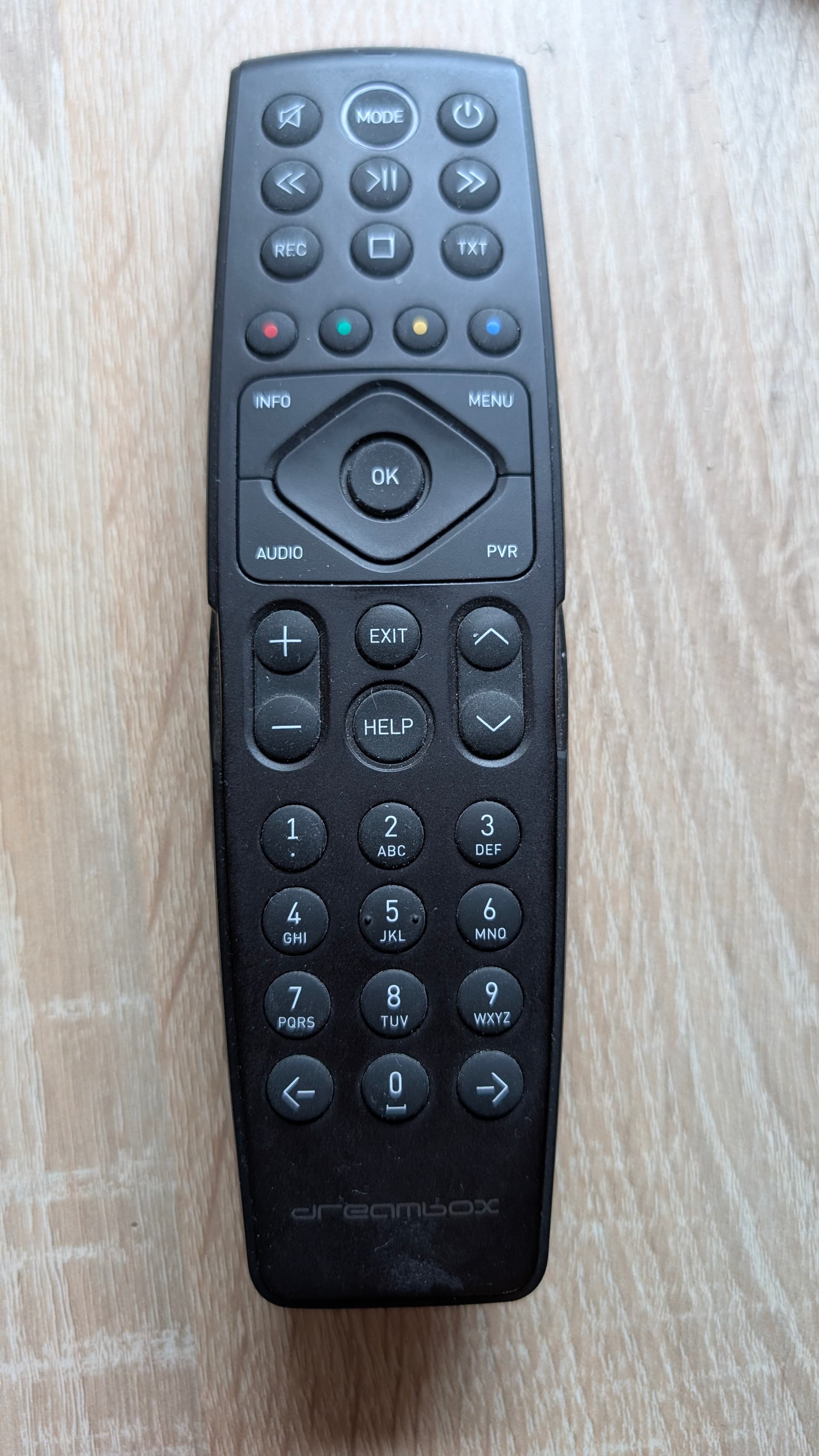
Device added - ID4448
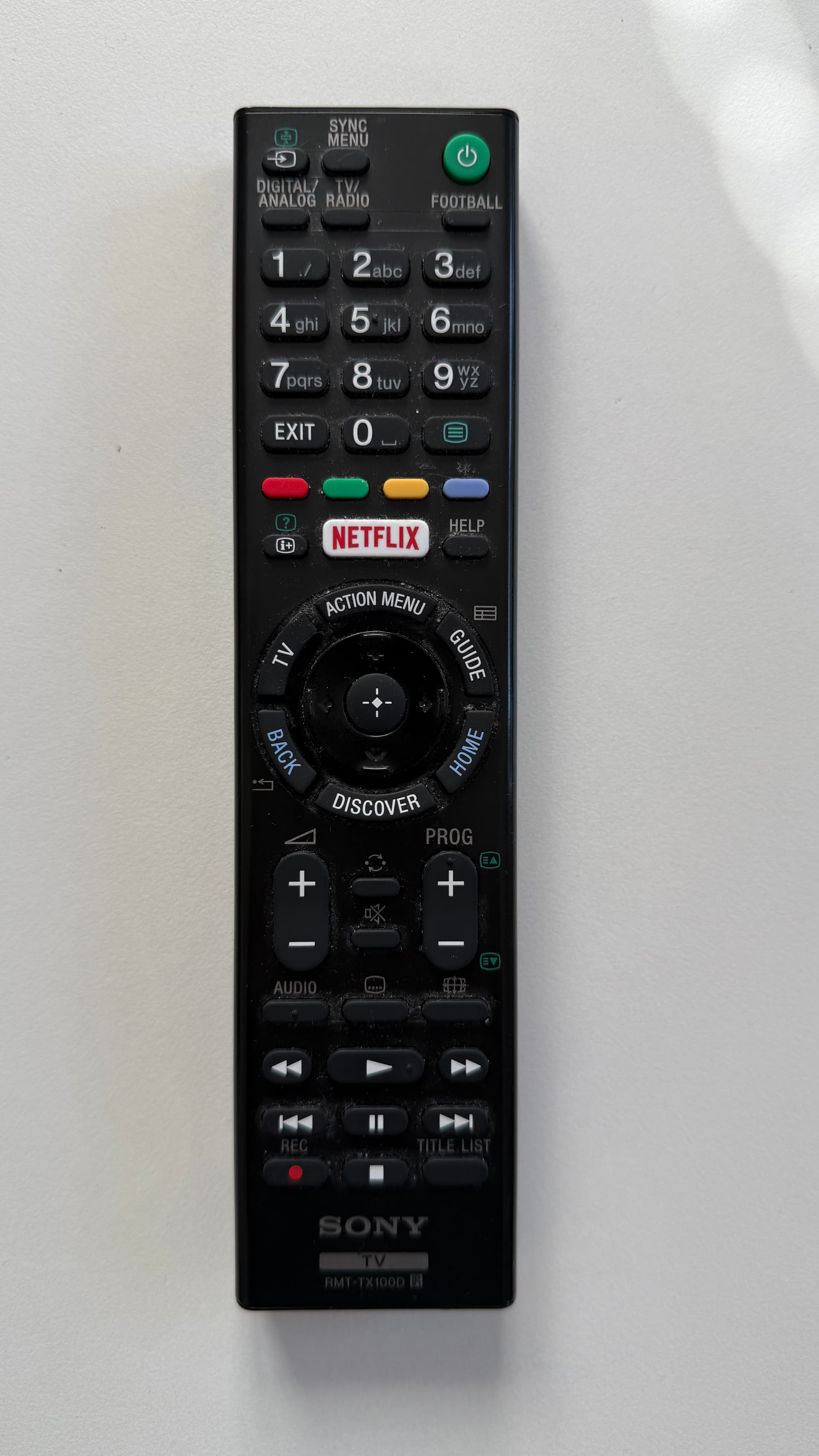
Why not to use Android TV integration with your TV. Looks to me like an Android TV.
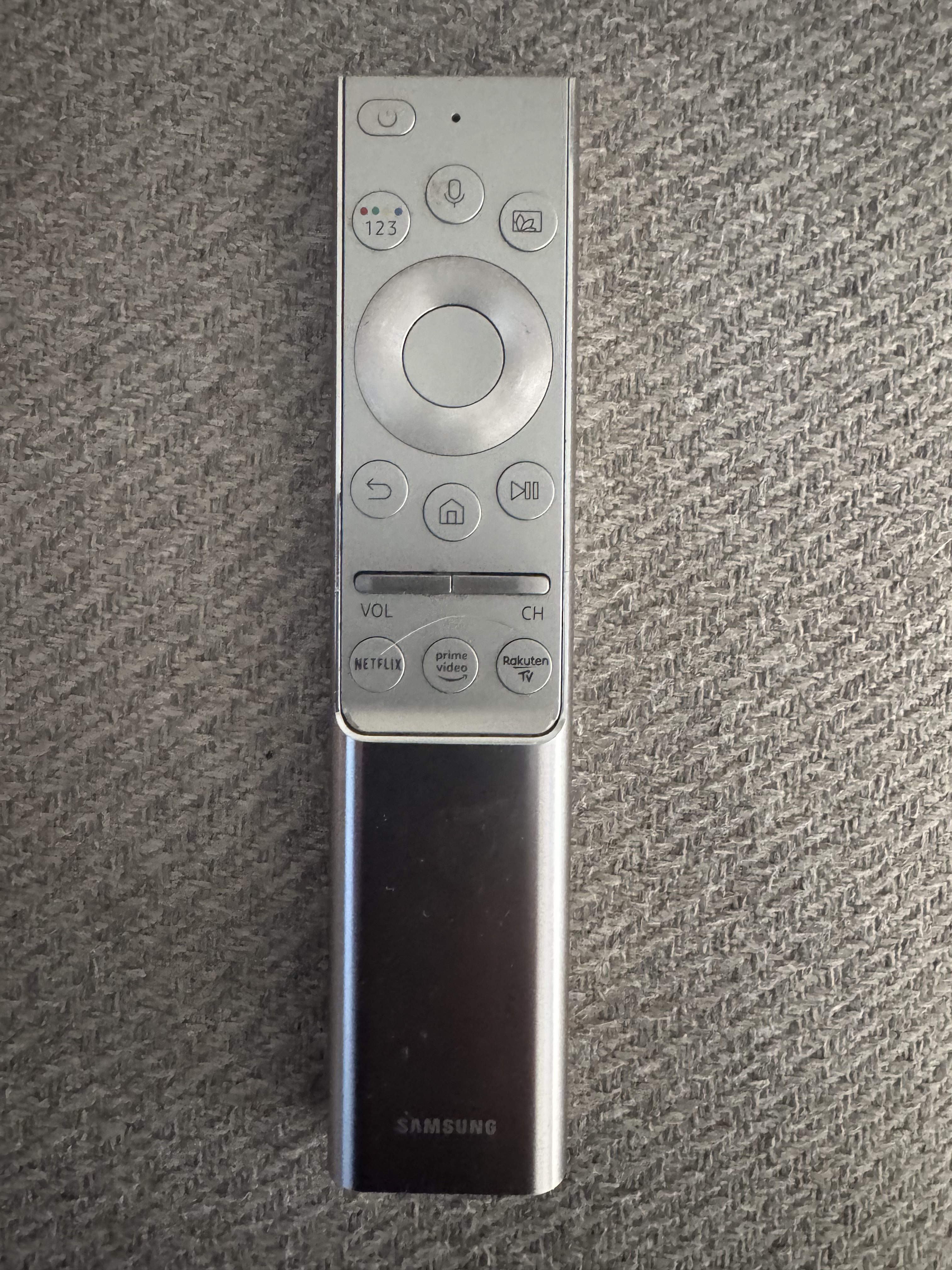
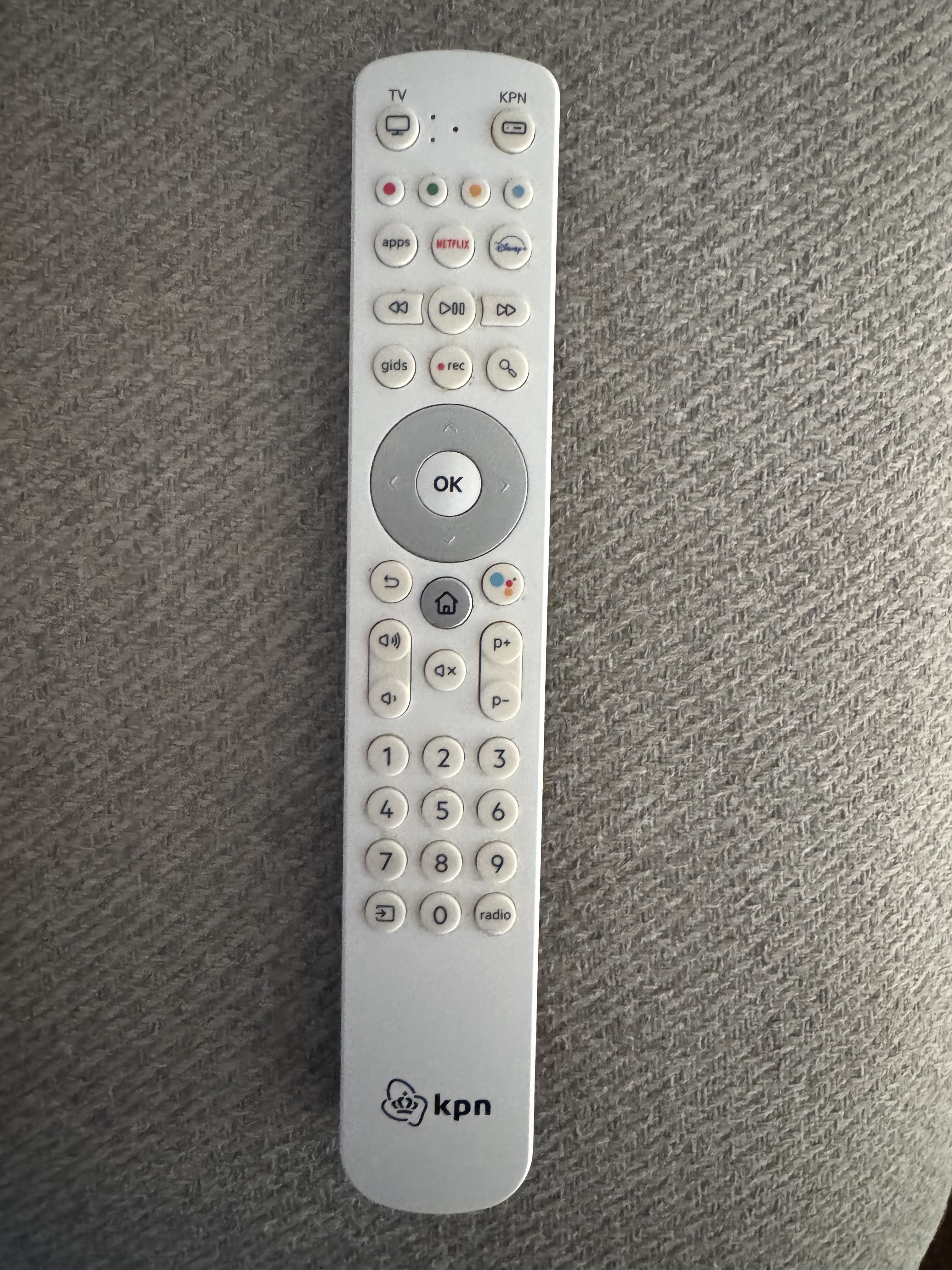
Check the ID8578 in TV category.
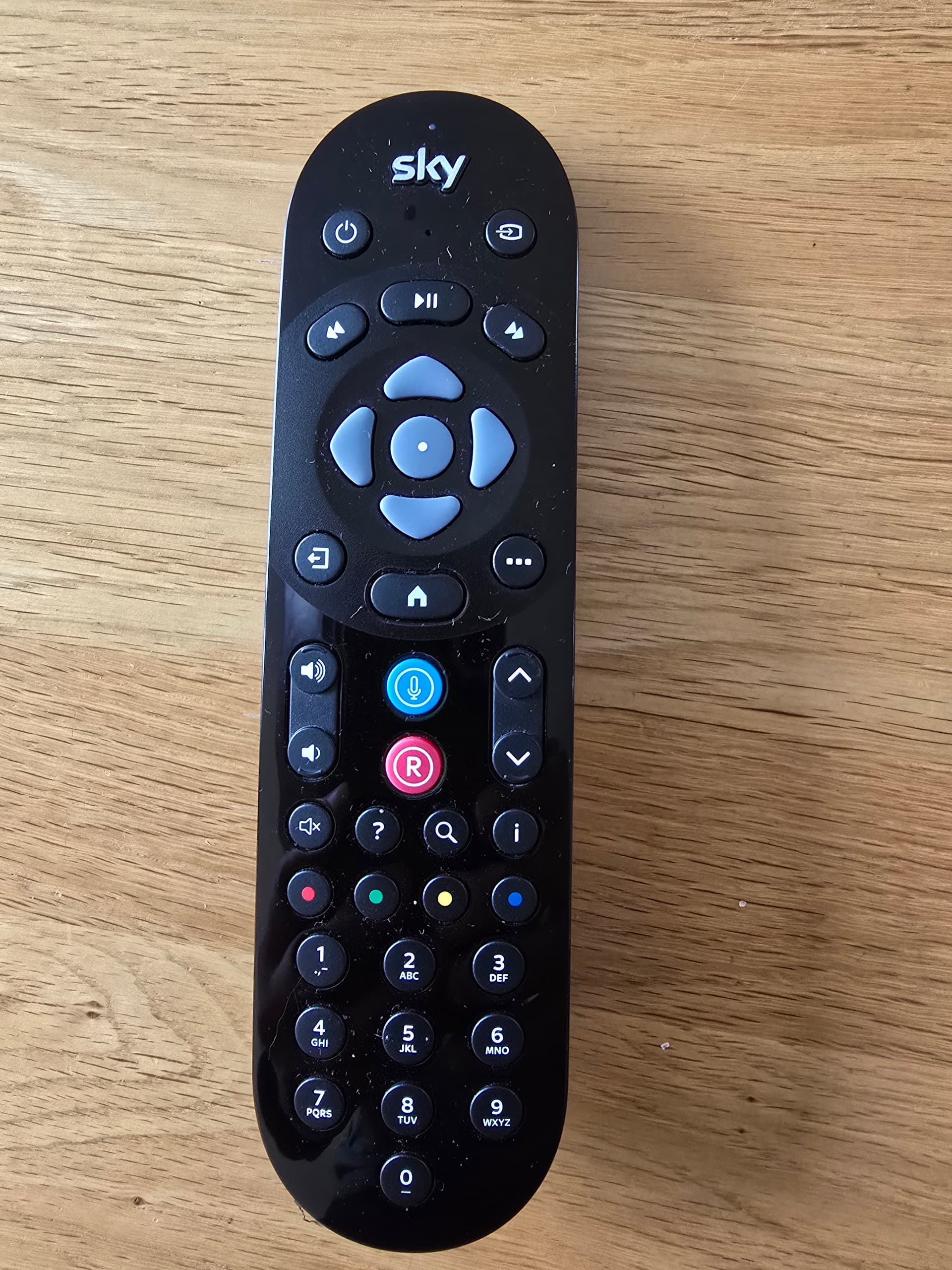
Check STB> SKY ID12454
thanks - it works over ID8578 in TV category. The Android TV integration over IP didn’t work. It’s in older Android system I guess….
1 Like
Have a SONY XR-65A84L
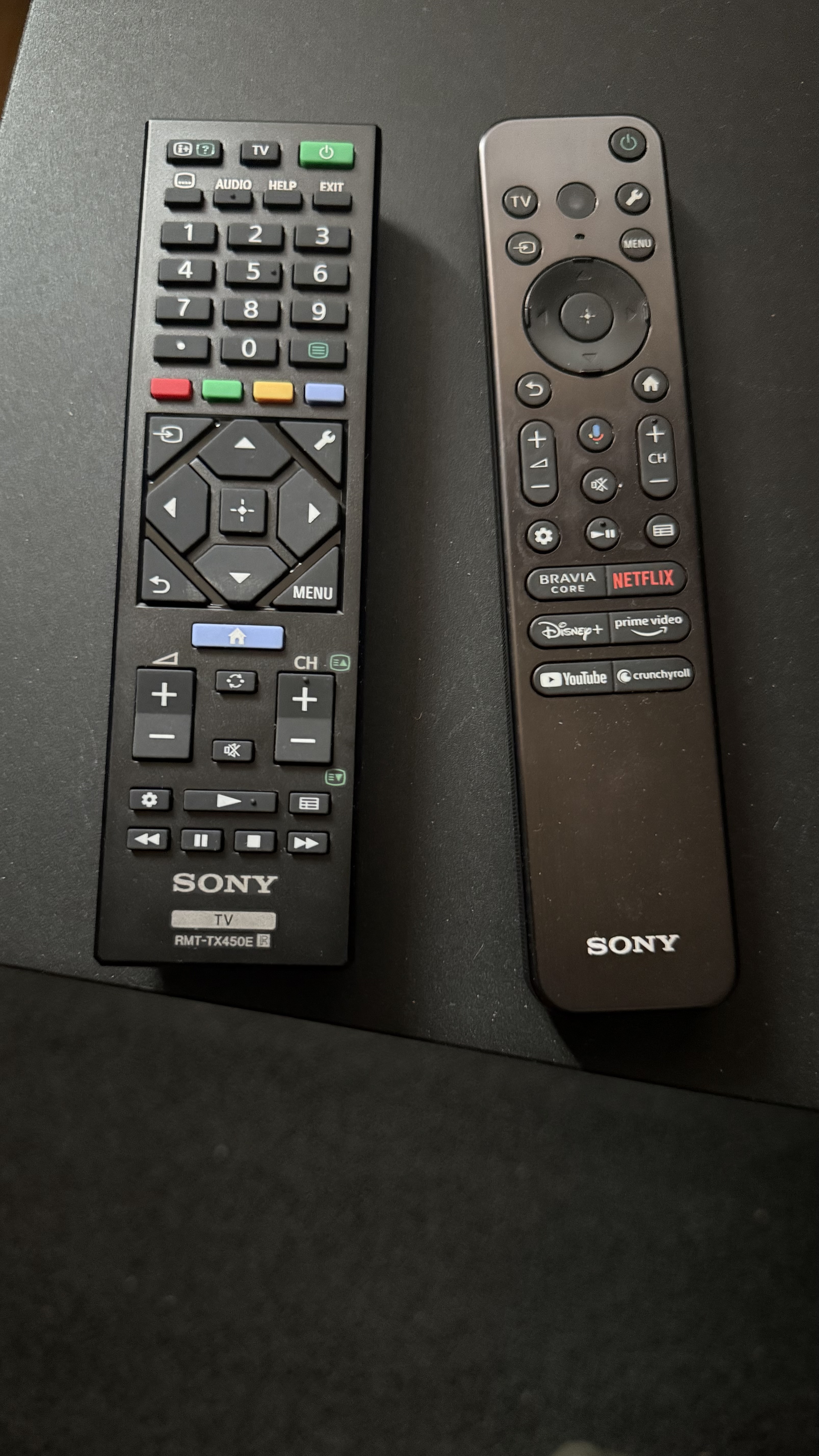
I have it in my Watch TV sequence together with a soundbar and the set top box. Everything runs via IR. Works too. The TV is also an Android TV. It is available in the device list but it cannot be used as an Android TV. I have two remote controls for the TV.
We are working on a bluetooth integration for Android TV and one more Android Tv Ip integration based on Chromecast.
You need to activate adb in order to work with the integration. You can reach out to whatsapp support for the live chat.
I use an iPhone Not android
ADB on your Sony Android TV.
I first set adb debuggin to on.
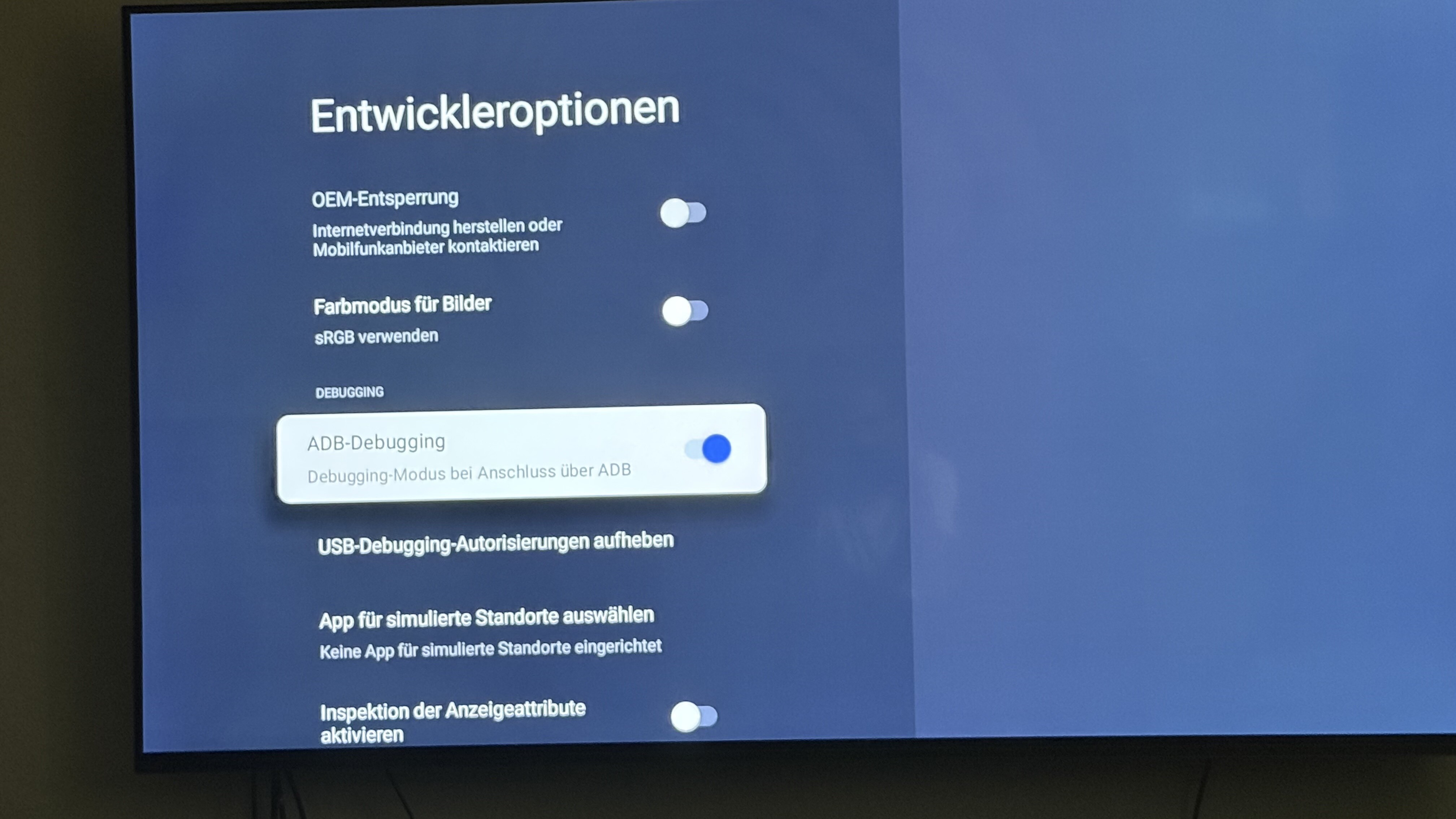
Now he’s showing it to me.
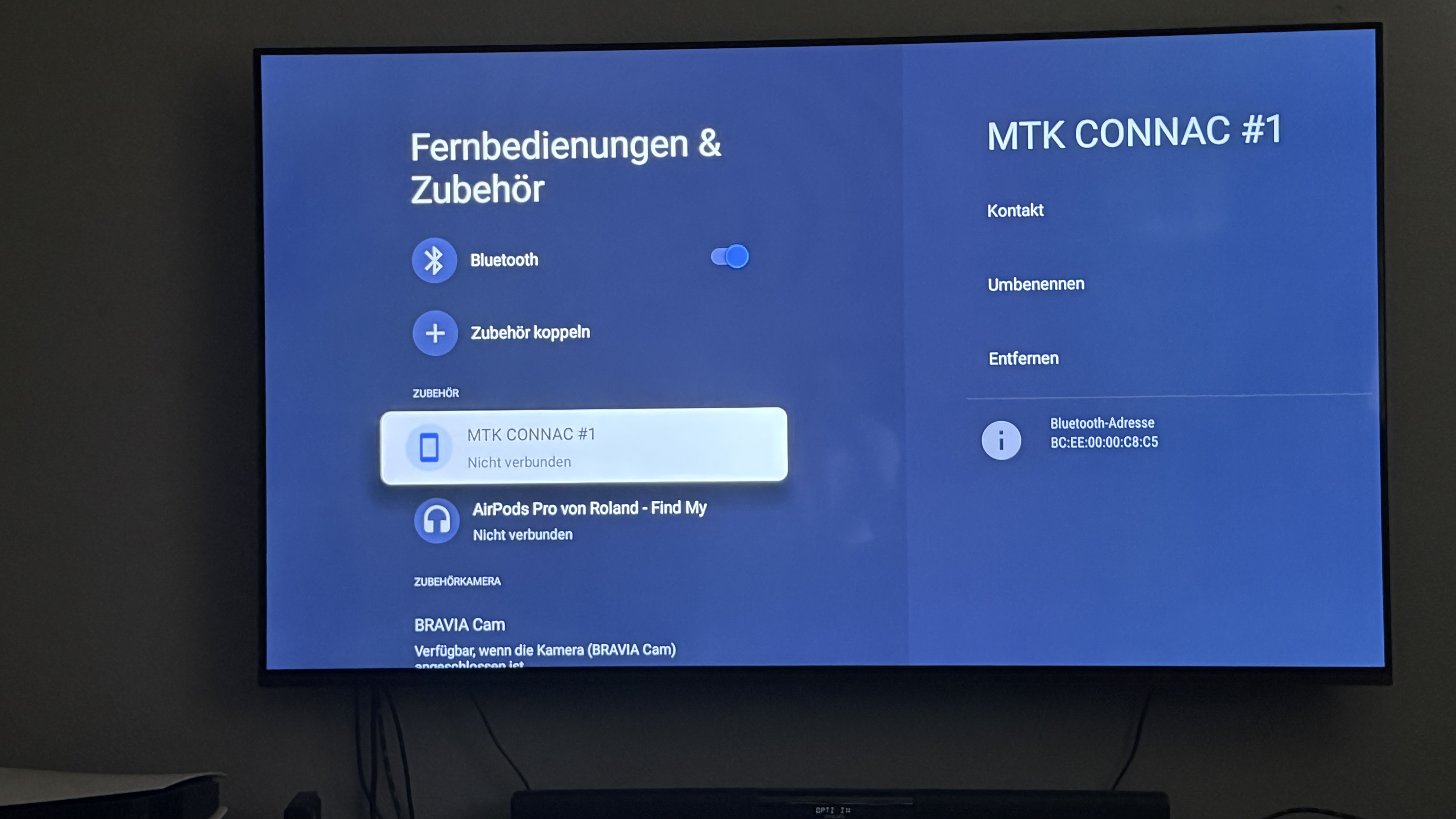
If I go to MTK CONNAC #1, it doesn’t connect. Where is the mistake I make?
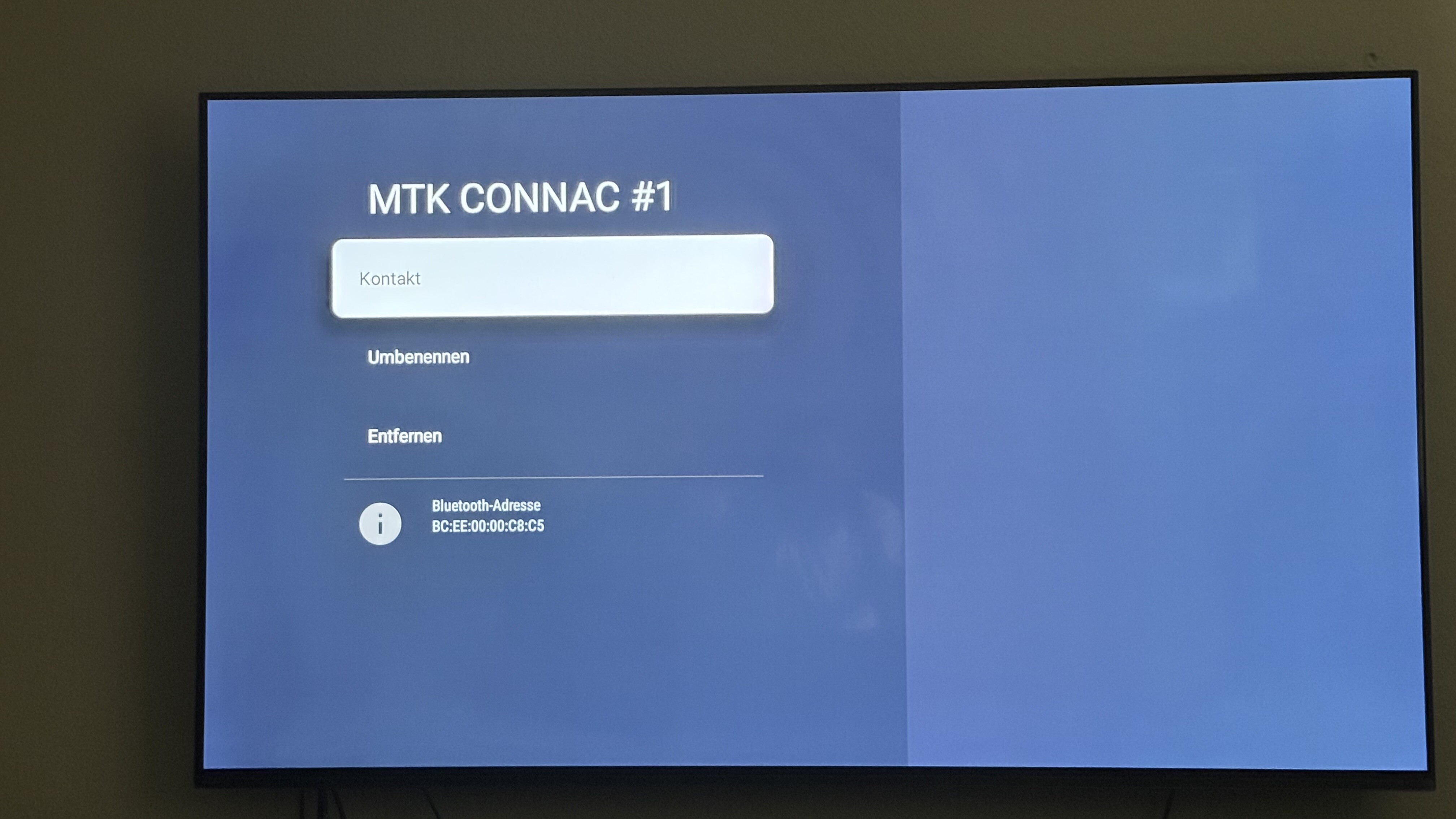
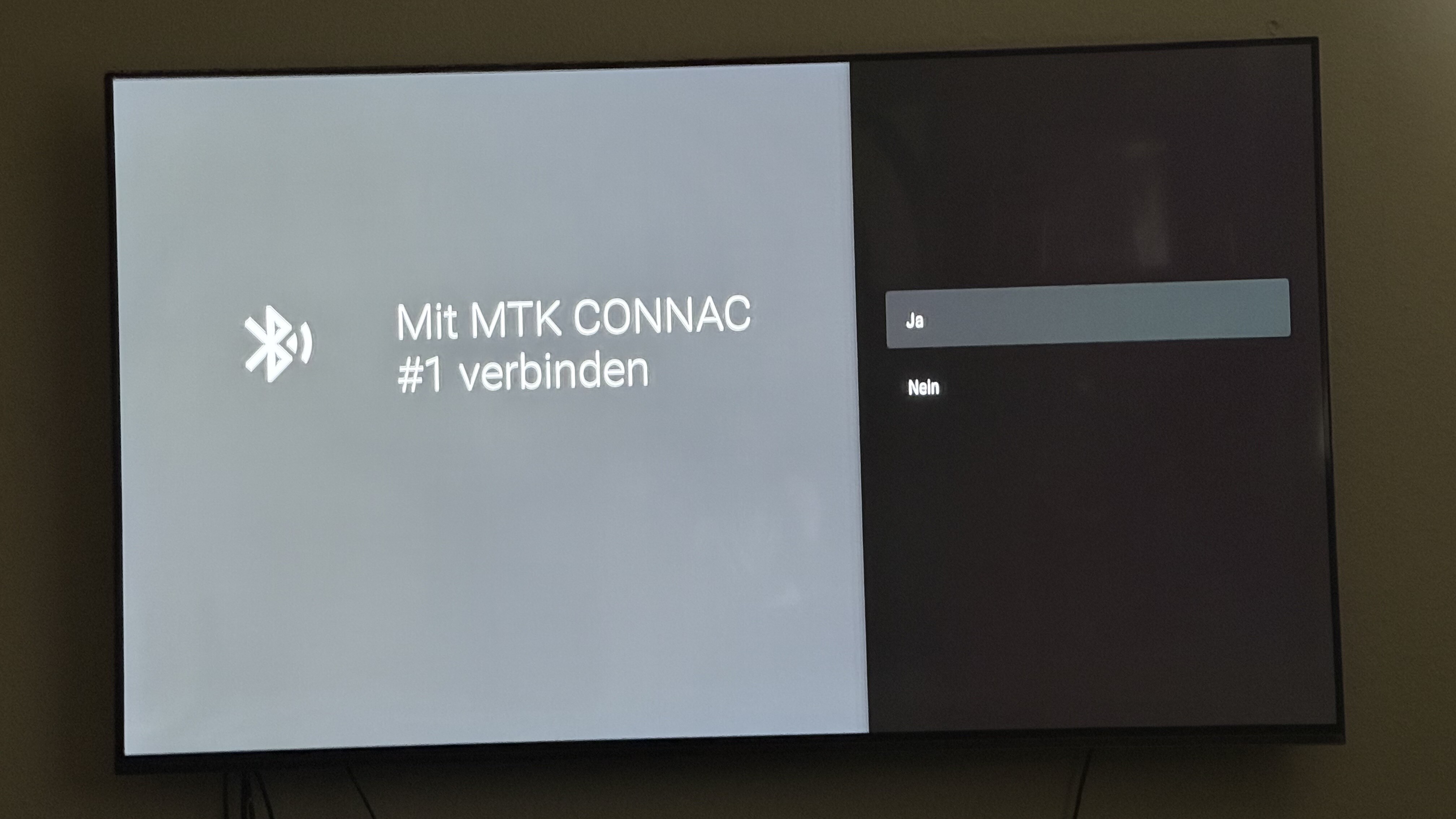
You are trying to connect using bluetooth which is not yet there.
Do you see any option saying Network debugging?