This is matching ID12144
Some buttons are missing like left, right, balance.
Ok so direction right is actually input+ and balance is menu but that still leaves me with direction left. Either that button is not used by any Topping devices that come with this remote or that button is missing from ID12144 or mismapped.
UPDATE: on my Harmony Hub based remote left is mapped to input previous but with ID12144 input- is mapped to something else.
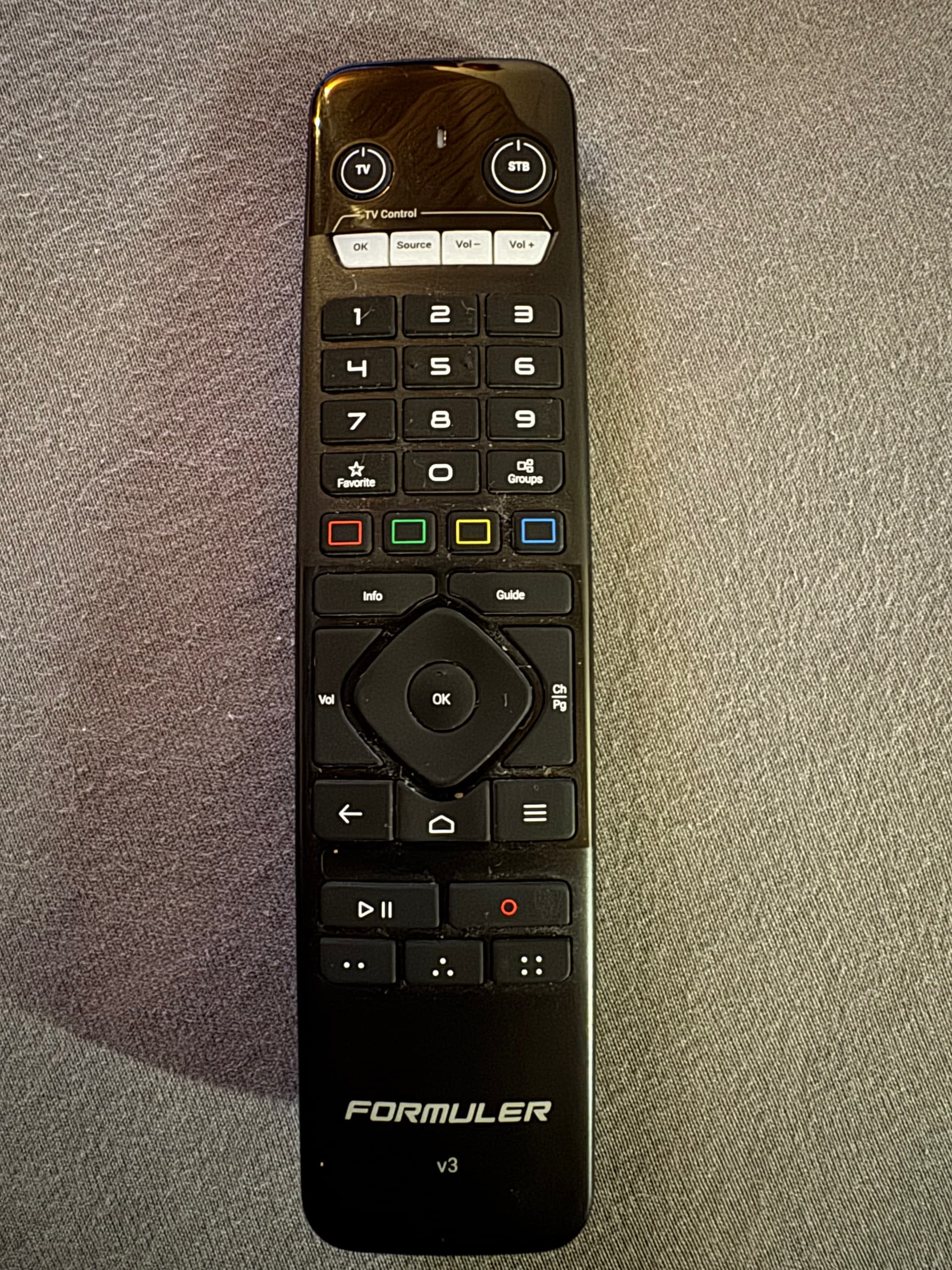

The layout for formuler tv Box does not work for me. Is there an alternative? It would also be advantageous to scan devices that are not in the list via IR itself.
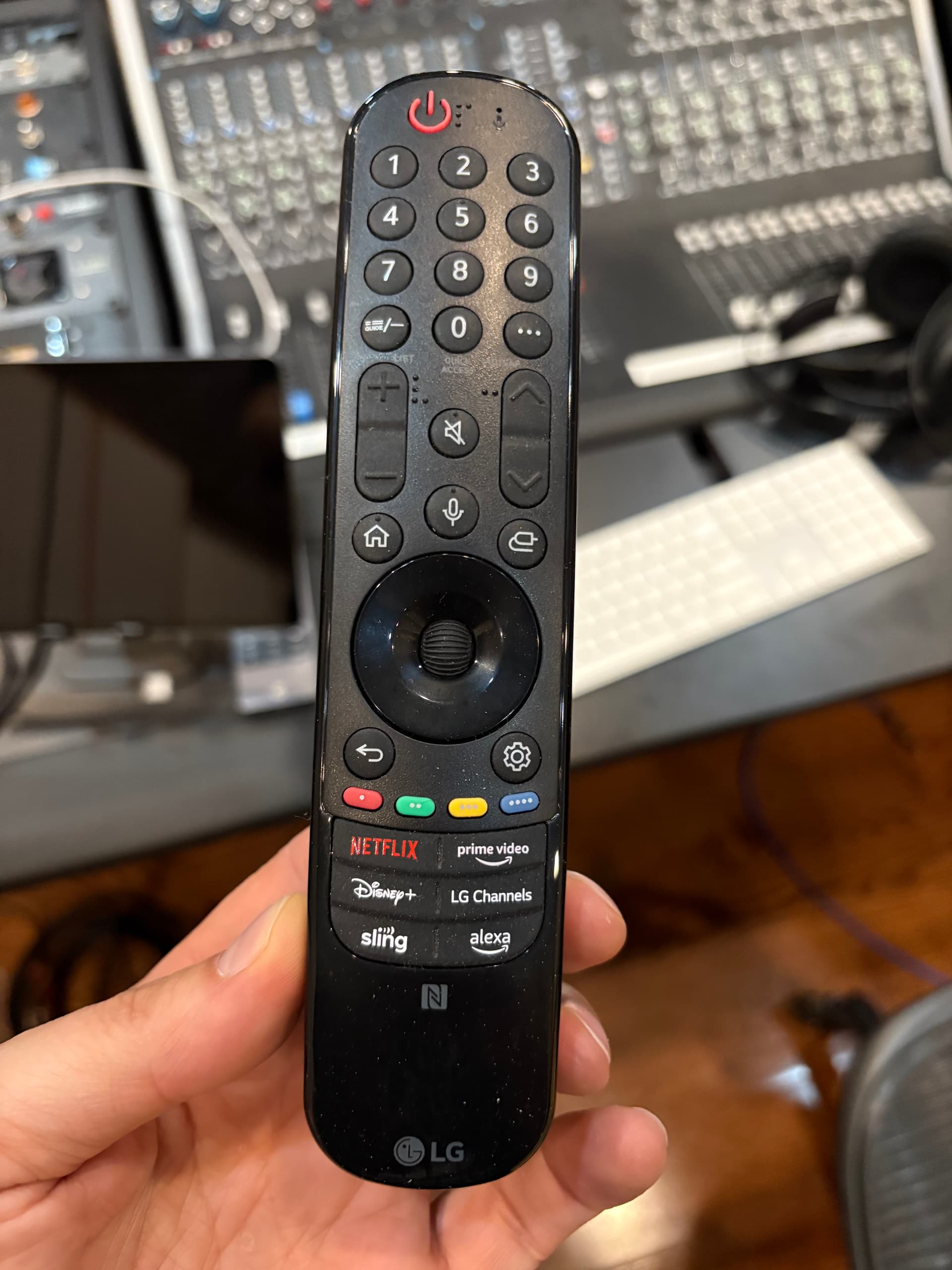
I would need the IR-codes for Samsung UE82MU7009. The picture show on the left side the original remote and on the right side a universal remote with more buttons, which works perfect.


I sold this TV, therefore I don’t need this codes anymore.
Hopefully the new one will work.
But the codes for the Pioneer AVR are still necessary.
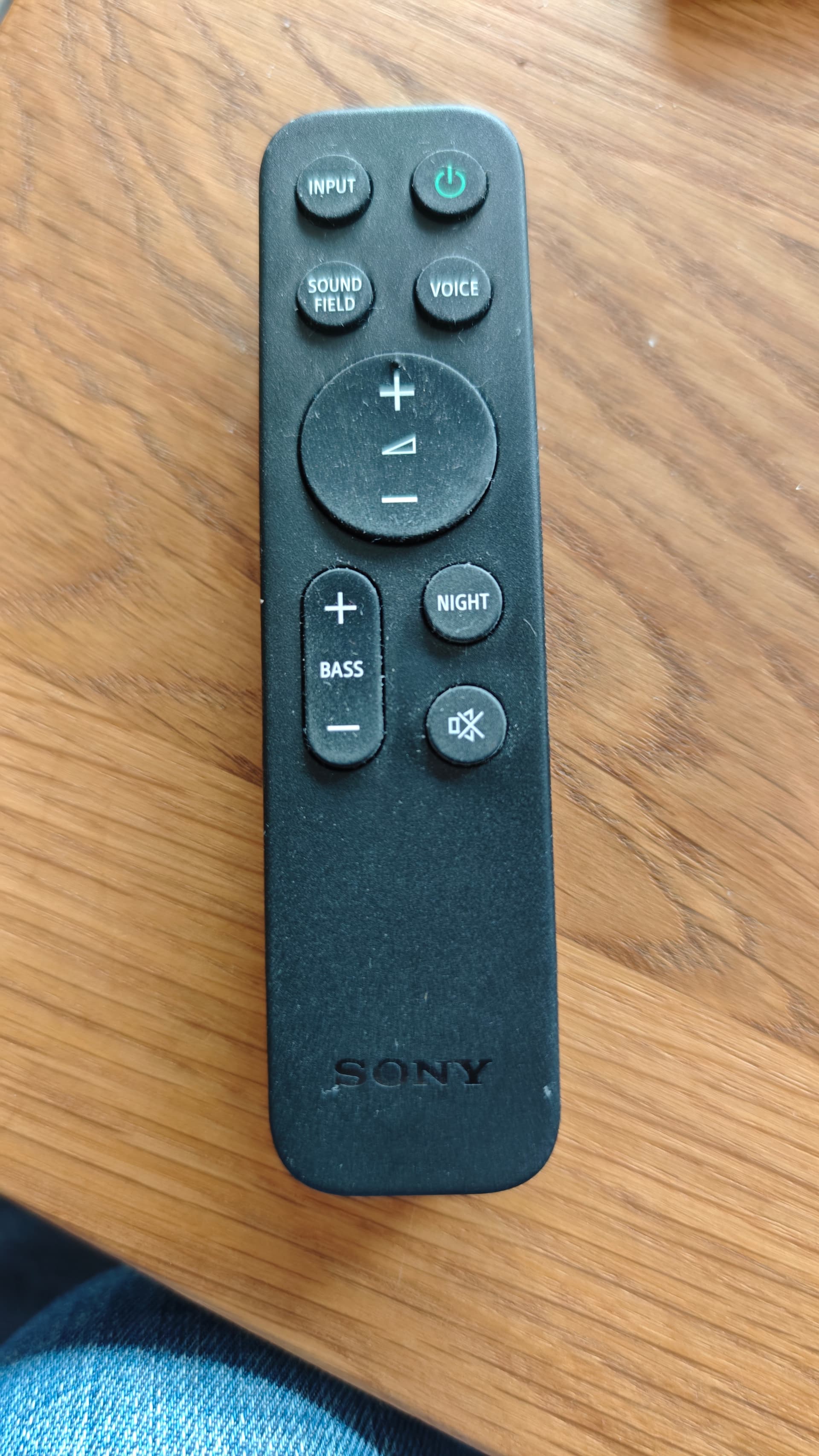
Check this: Audio > ID8681
Try this : TV>ID8116
Try this : TV>ID1192
Hi, sorry, ID 8681 is not working with Sony HT-A9M2… I just tried again all 19 configurations, 1,5 m away from the device, no luck.
Any other solution?
Thanks.
Media Box Toslink ID12626
Media box:
HDfury VERTEX2 ID12628;
HDfury VRROOM ID12631
Thanks.
I was hoping one of these would also work with my Integral 2 but neither does and the Global Cache database doesn’t have Integral 2.
You know what to do> Send a photo of remote.
I don’t have the remote. I always just used my Harmony Hub based remote with it. I did find the IR codes that Harmony uses though, if that is of any use.