Formuler STB ID12640
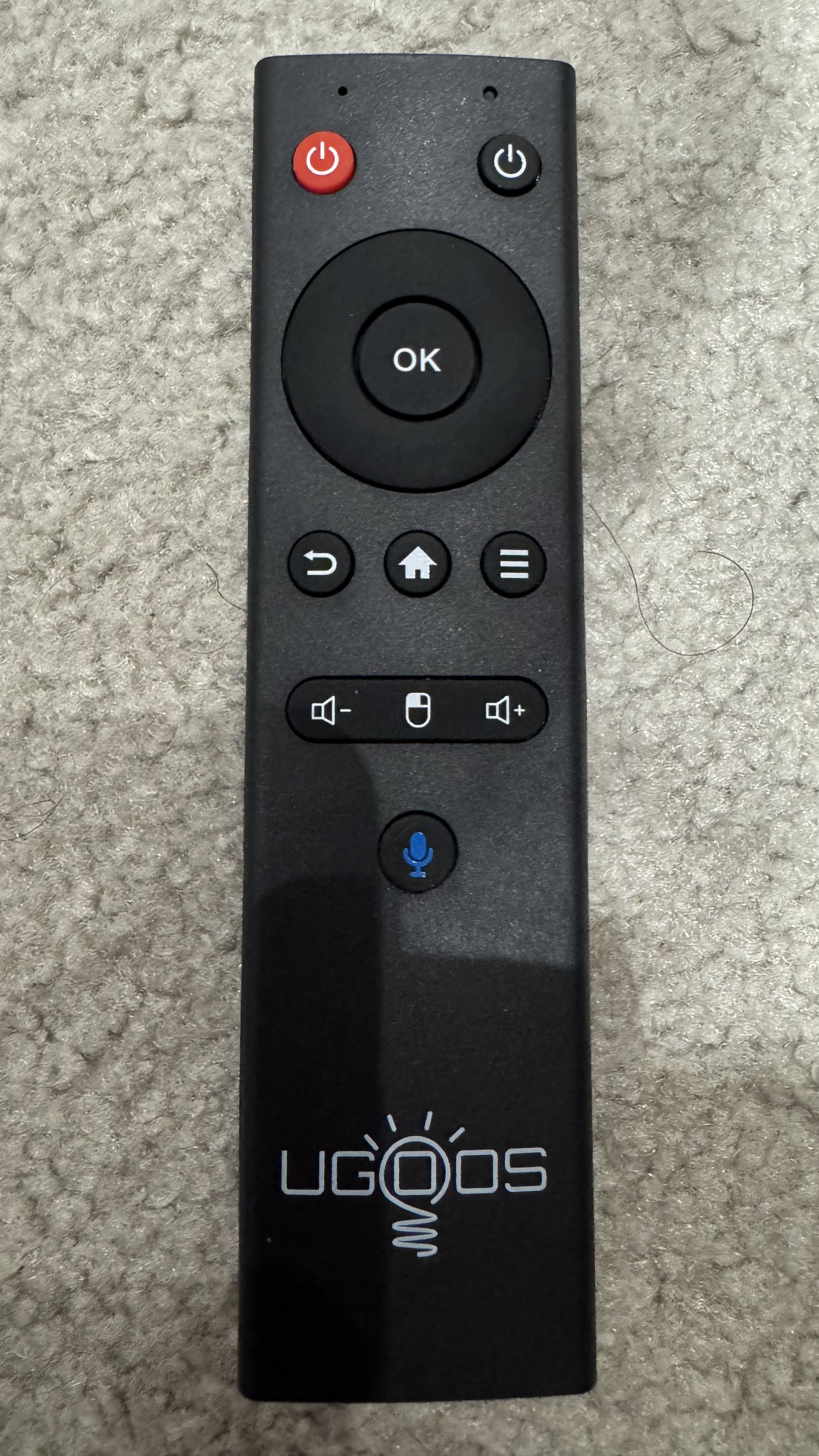
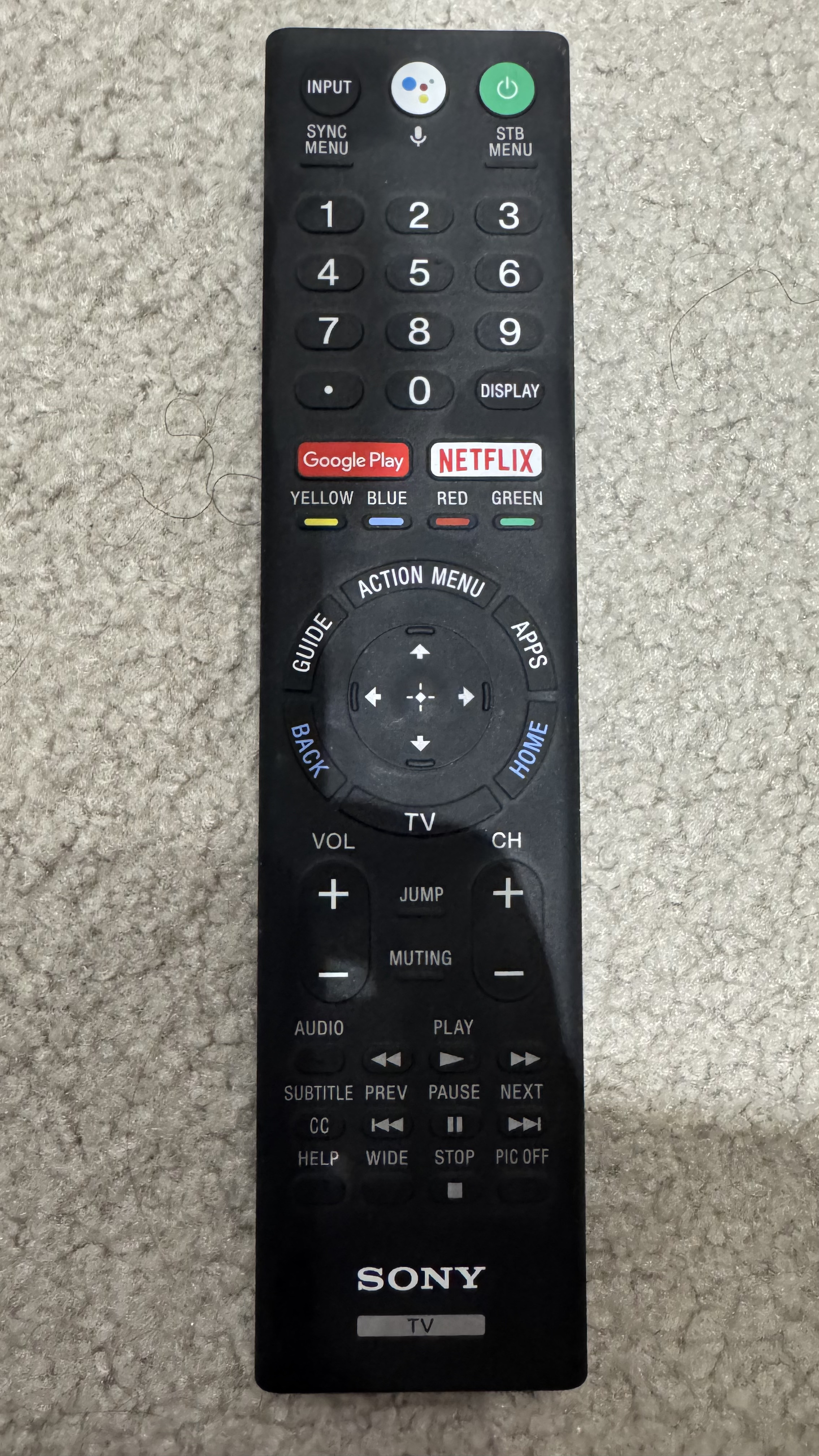
1 Like
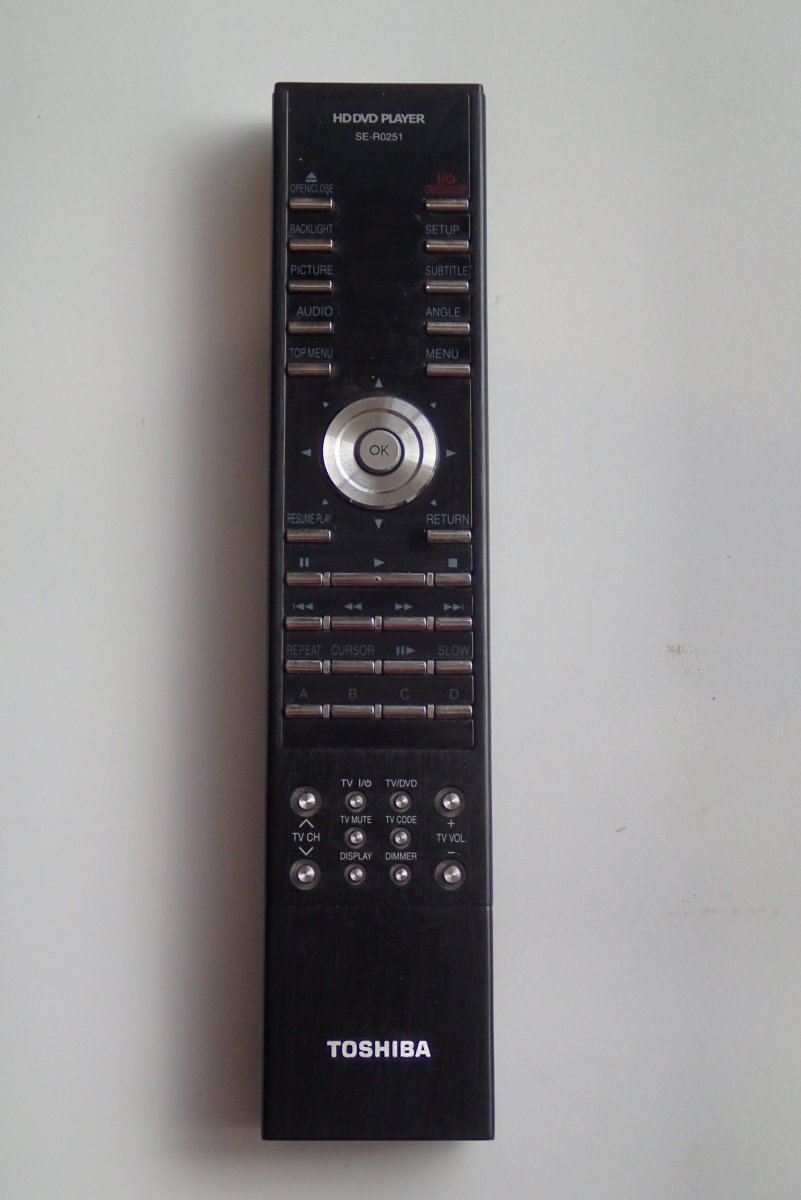
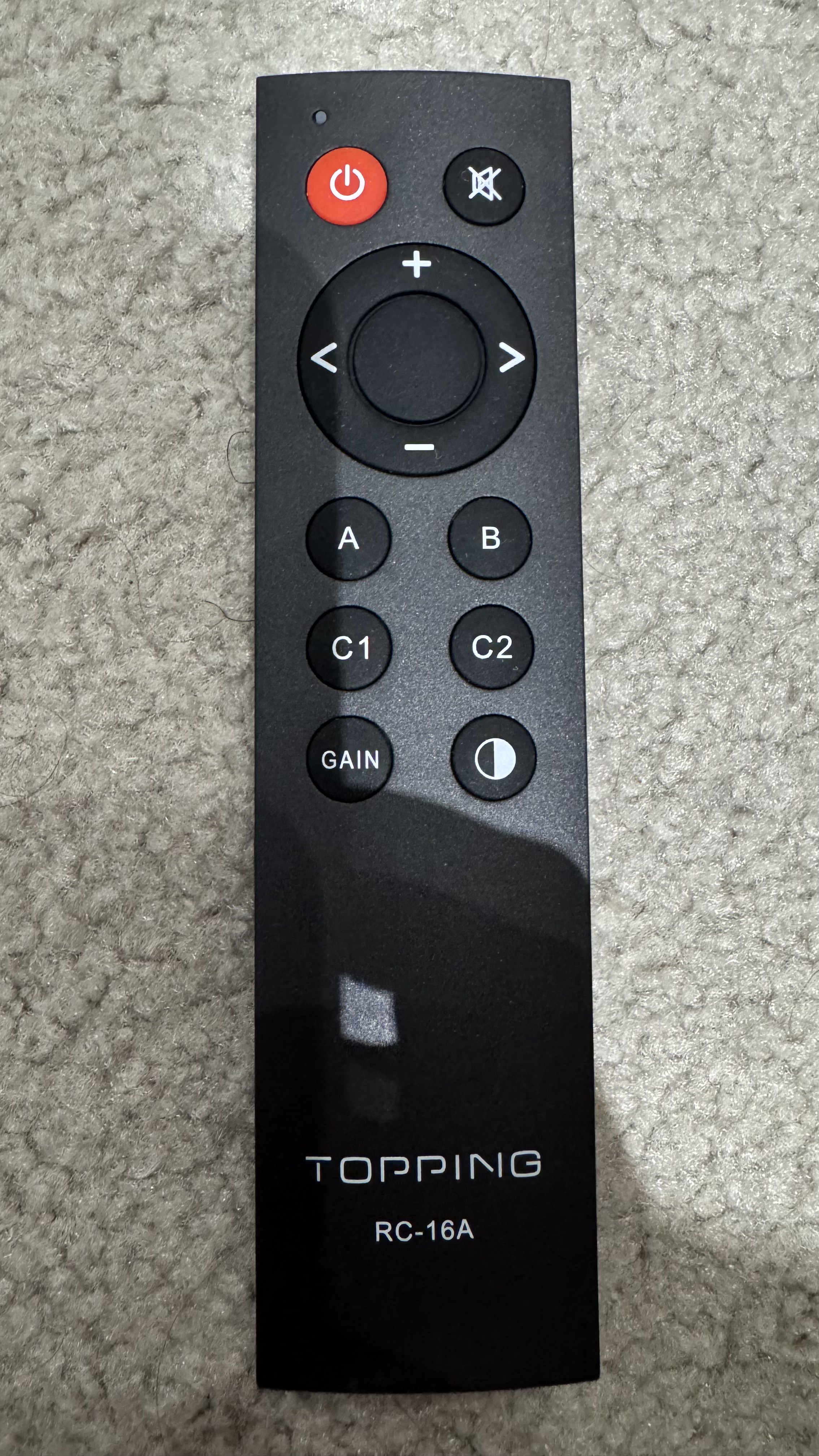
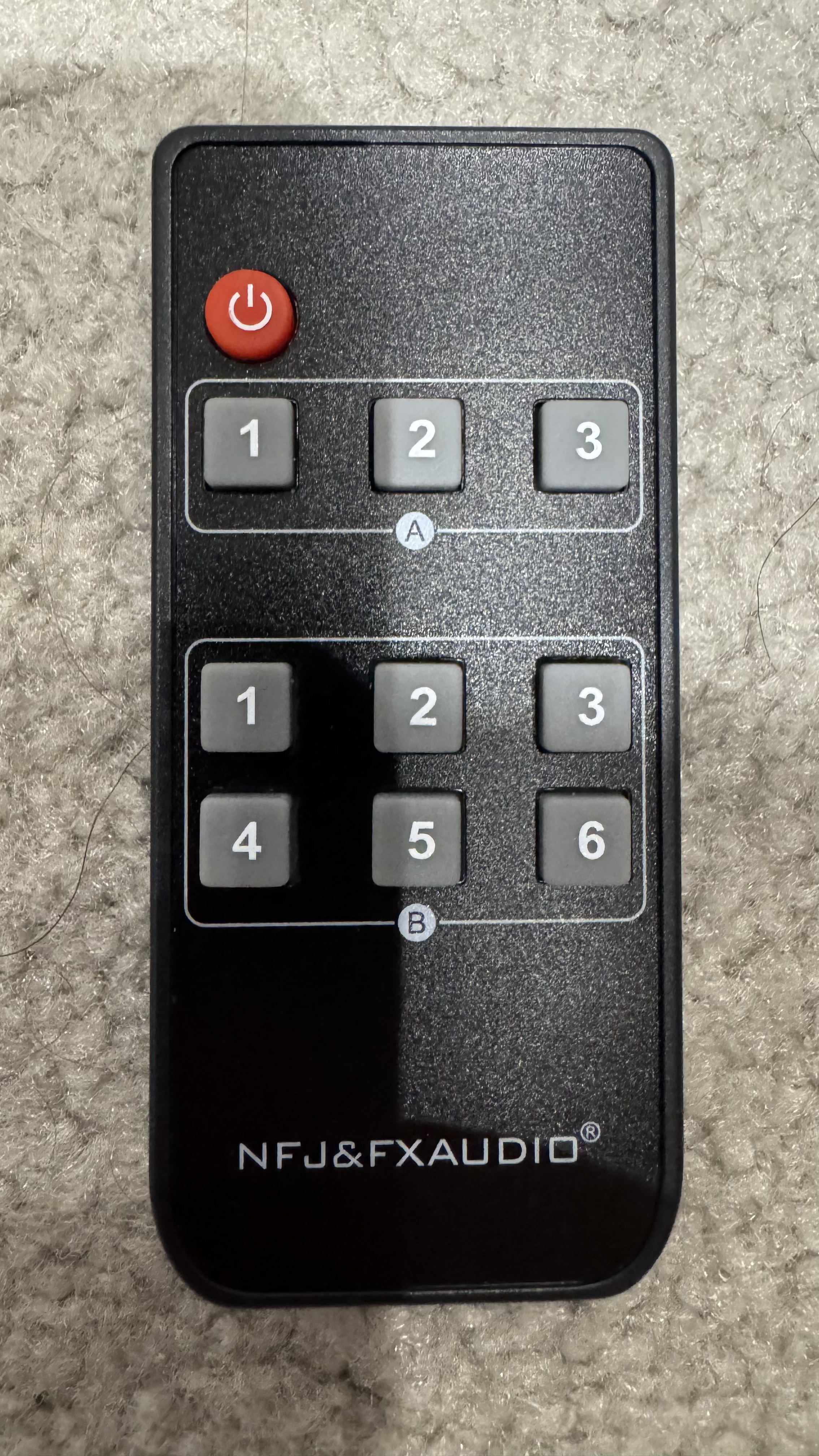
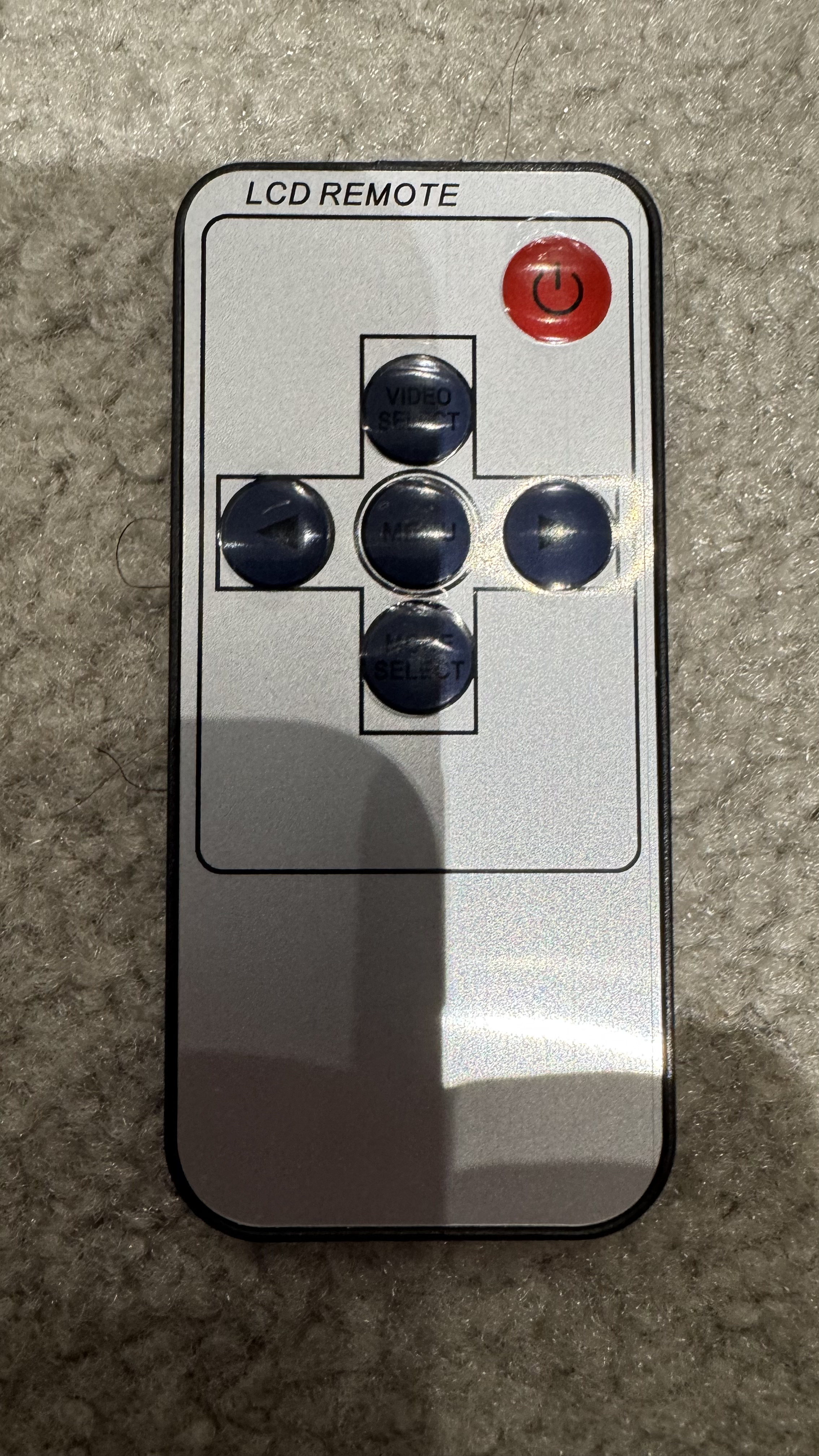
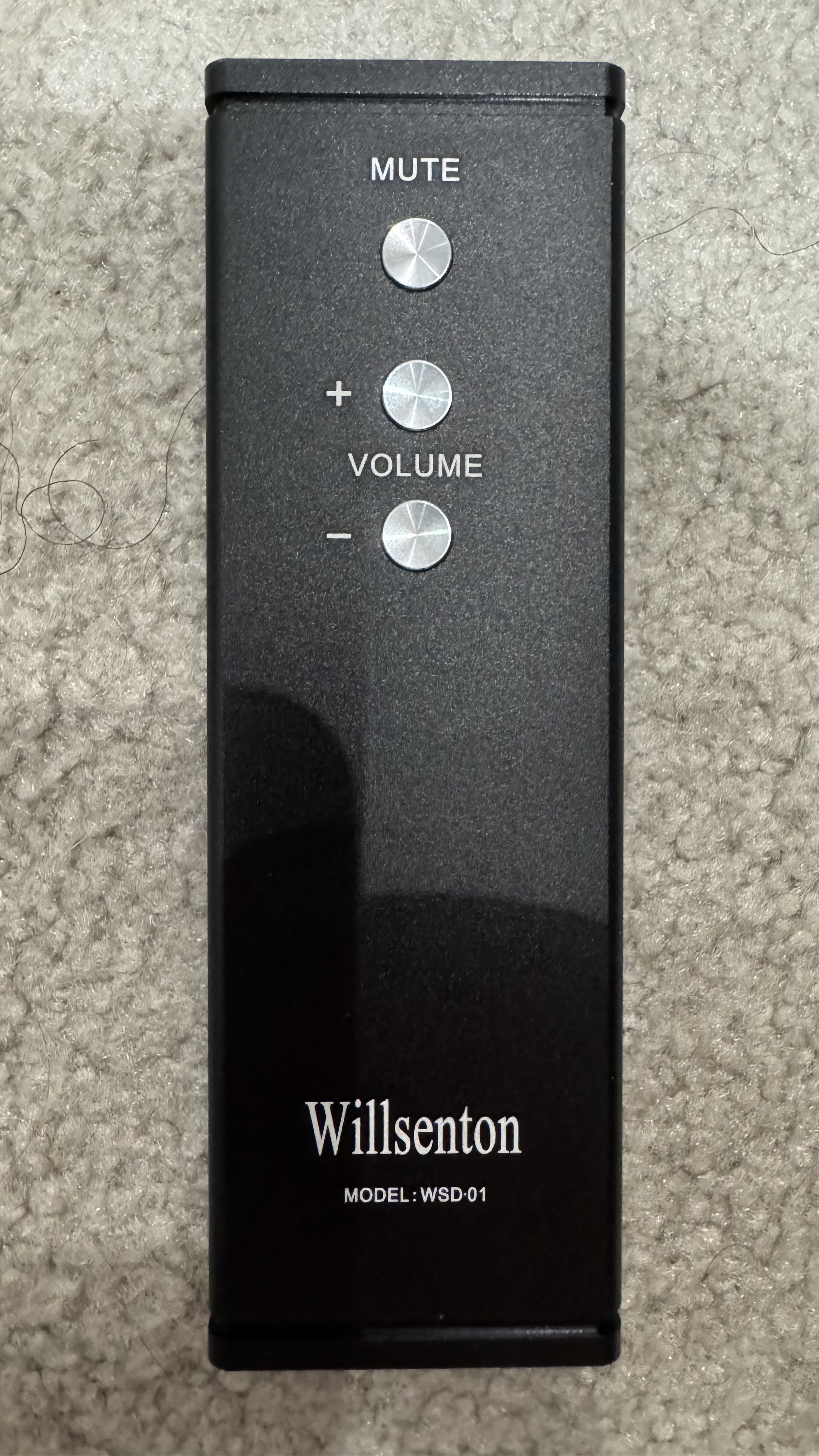
Added one file from Global Cache DB - Look for HD DVD under Toshiba in Media player
1 Like
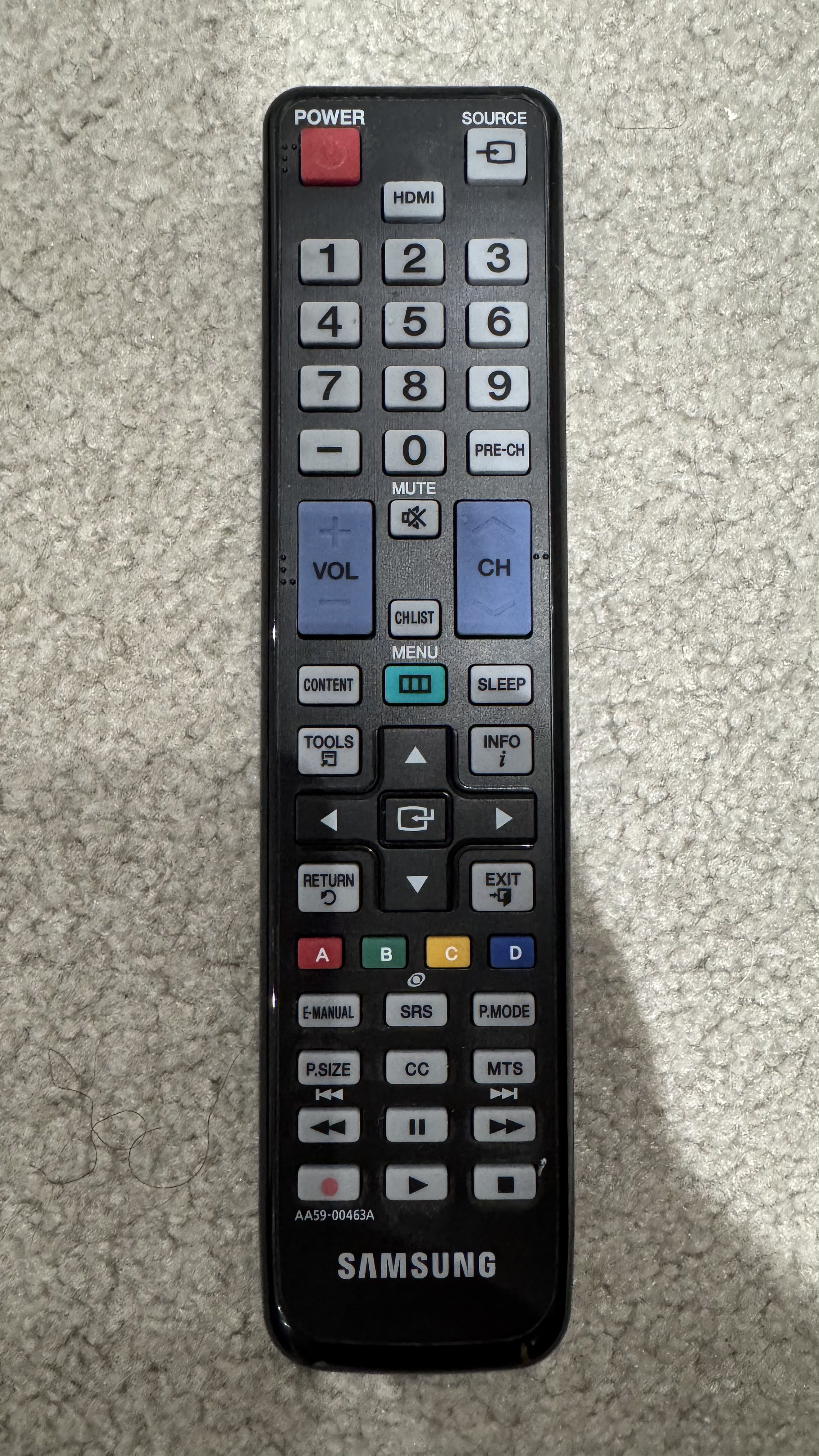
I’ve had the remote for a few weeks, but it’s complex in that I can’t seem to find the correct code for my Samsung TV. Here’s a couple of pics of the remote for reference. It just wouldn’t seem so hard to add a Samsung TV.
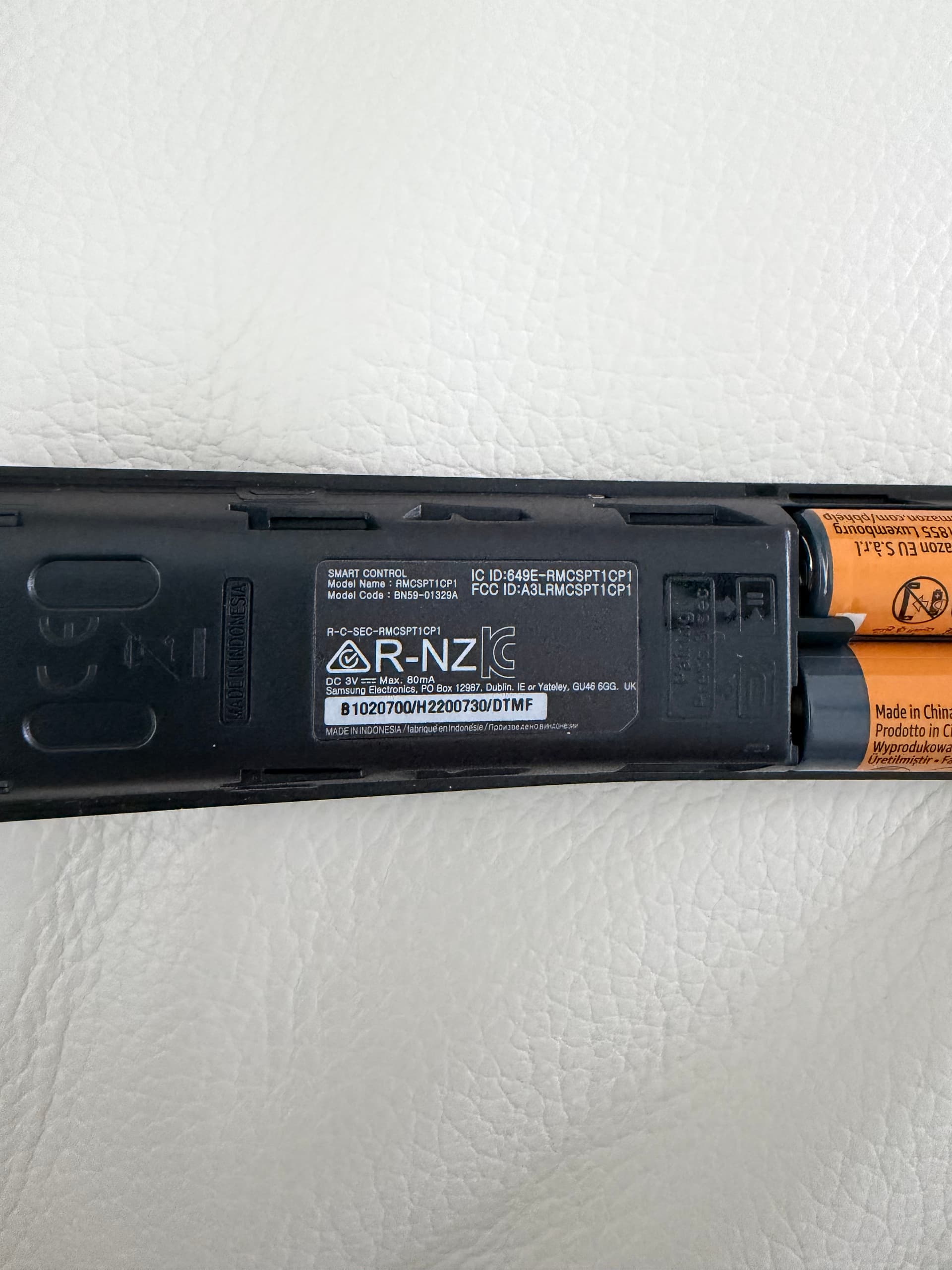
This one is Bluetooth remote, I would suggest use Smart TV integration to control Samsung Tizen OS.
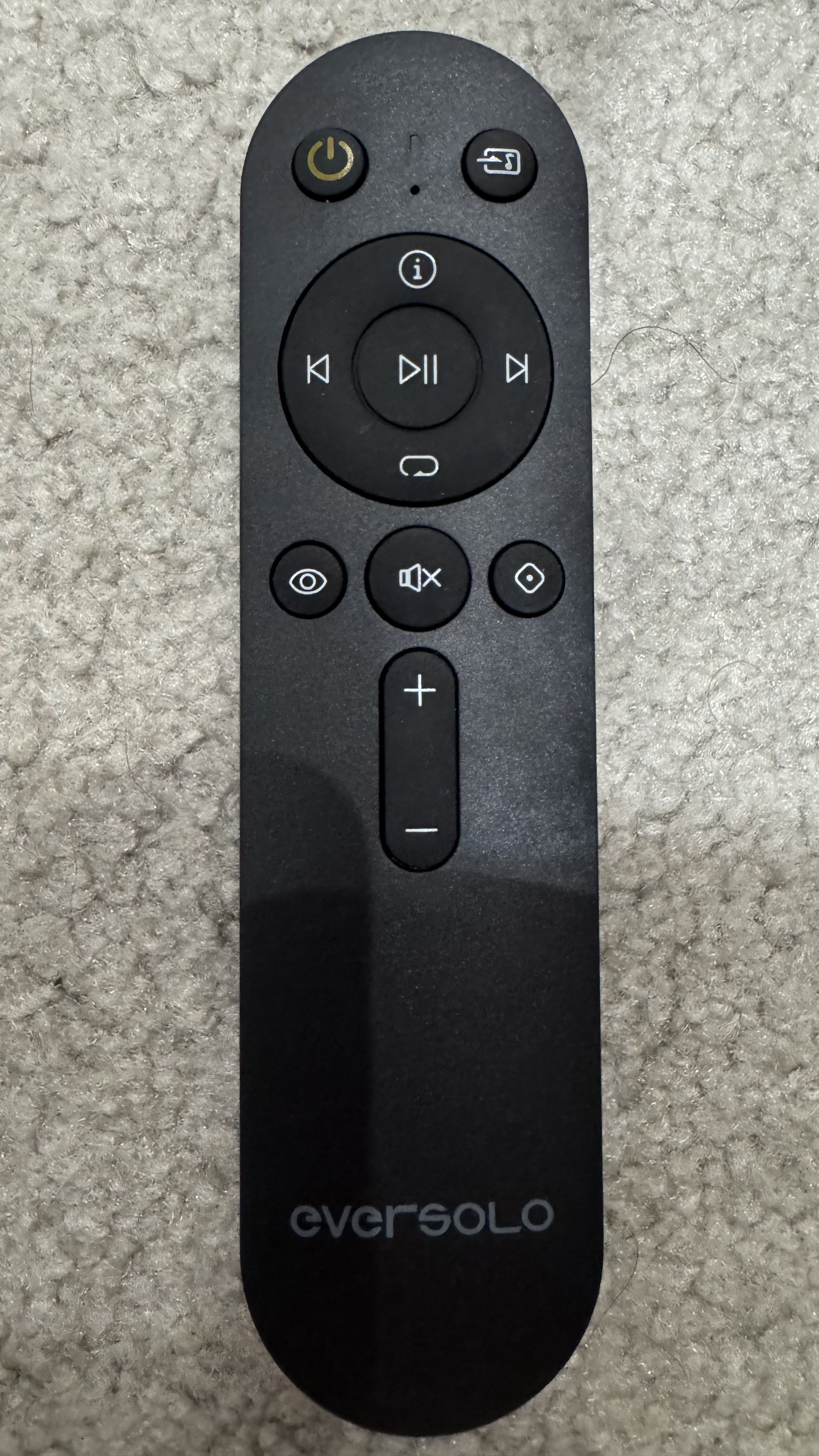
We just added Eversolo remote BTR-V16 file. Test and confirm if it works.
I went with your suggestion of going the route of the Smart TV. I was able to configure, however, that seems to only turn on the TV 50% of the time at best.
I even went so far as to purchased the RF/IR extender. That seems to work with the Samsung TV about 60% of the time…I’m able to turn on/off the TV.
Everything seems ½ baked. You mention one the post that the Samsung remote is a Bluetooth remote…is there a way to configure a Bluetooth remote in the remote?
I was expecting this configuration with Haptique to at least work as good as our Harmony Elite that we’ve used for years. I guess I just don’t have the patience anymore to spend hours upon hours trying to get the remote to work with my common setup.
In Digital system, If it works it works we do not have things which are half baked. If Harmony is sending IR to control Samsung TV so do Haptique is sending the same command.
There is currently a backend blocking which often blocks the Power command from working.
If you also try to use Device view to Handle power On/Off and also use Macros.
I can surely tell you only have this issue with Macros not turning on/off your devices. Initially we added this mechanism in Haptique as every Harmony users told us to have it. So that devices will not switch power state when switching Activities for us it is Macros.
But later it got confusing that if user do not know the Power state Haptique is having stored of your device. They will just randonly use Device view to toggle or actual IR remotes.
To address this we are bringing FIX option just like Harmony after every time you run the Macro. You can fix the power state info between Haptique and your actual devices.
If you want to test, just follow what Haptique does on Macro On. If it did not turn On the device you can fix it by turning the device Off from device view once as Haptique thinks the device is still on and using Power toggle it will unnecessarily disturb the sequence.
Best way is from the moment you have device in Macro, do not change the power state form the Device view or OEM remote.
I appreciate the response. Let me elaborate on “half-baked”. While I completely understand your position on “how” and possibly “why” the situation is occurring, in a household of multiple folks, it’s difficult to explain to them “well…if this happens and the TV doesn’t turn on, then follow these steps.” The idea behind universal remotes is to reduce complexity, NOT increase. I’m quite tech savvy and have been in technical roles, including networking and user support. What I can tell you, is while the idea of the Haptique remote is fabulous, the execution of configuration, while complicated, does not turn me off. I admire the aspirations of where you want the product to eventually become. However, I expect a remote that costs the amount of the Haptique, then fold in the IR/RF hub, the proposition is just under $500 for a remote that, yes…is only half-baked from a user (UX) experience. For this price, my expectation was that this remote would be at minimal equivalent in capabilities of Harmony Elite, which has been out for many, many, many years. The Haptique is supposed to be our entertainment system replacement remote for the Elite.
Given this information, and I think the fix option (like the Harmony line has) is a big step forward, it’s an aspiration at this point. Is that capability available yet? When will it be released? This will definitely help the situation, but for now…I’ll have to use the Haptique as a “project”. In the interim, we’re using the SofaBaton X1 and will soon have in my possession the X2.
I’ve had much better luck with the SofaBaton X1 and my expectations for the X2 are far above what I’m seeing from an execution perspective on the Haptique.
I hope you understand the Haptique is NOT ready for prime-time in a family use case. It takes patience, trial and error. The folks like us behind the scenes configuring the devices understand there will be issues, but when someone simply wants to sit down and watch TV (and have the TV turn on, receiver, and AppleTV turn on) - it’s not something that’s feasible. End-users of the products, like my family, expect to sit down and simply watch TV…without calling me into the room to yet again…figure out what’s wrong with the Haptique and why things aren’t turning on correctly.
Thank you for your time!